

Refund Reasons Report
Reasons only help if staff pick the right one.
Before you start
- A plan that includes this report.
- The Reports · View permission.
Steps
1
Open the report
Open the drawer → Reports, then under Operations, tap Refund Reasons.

2
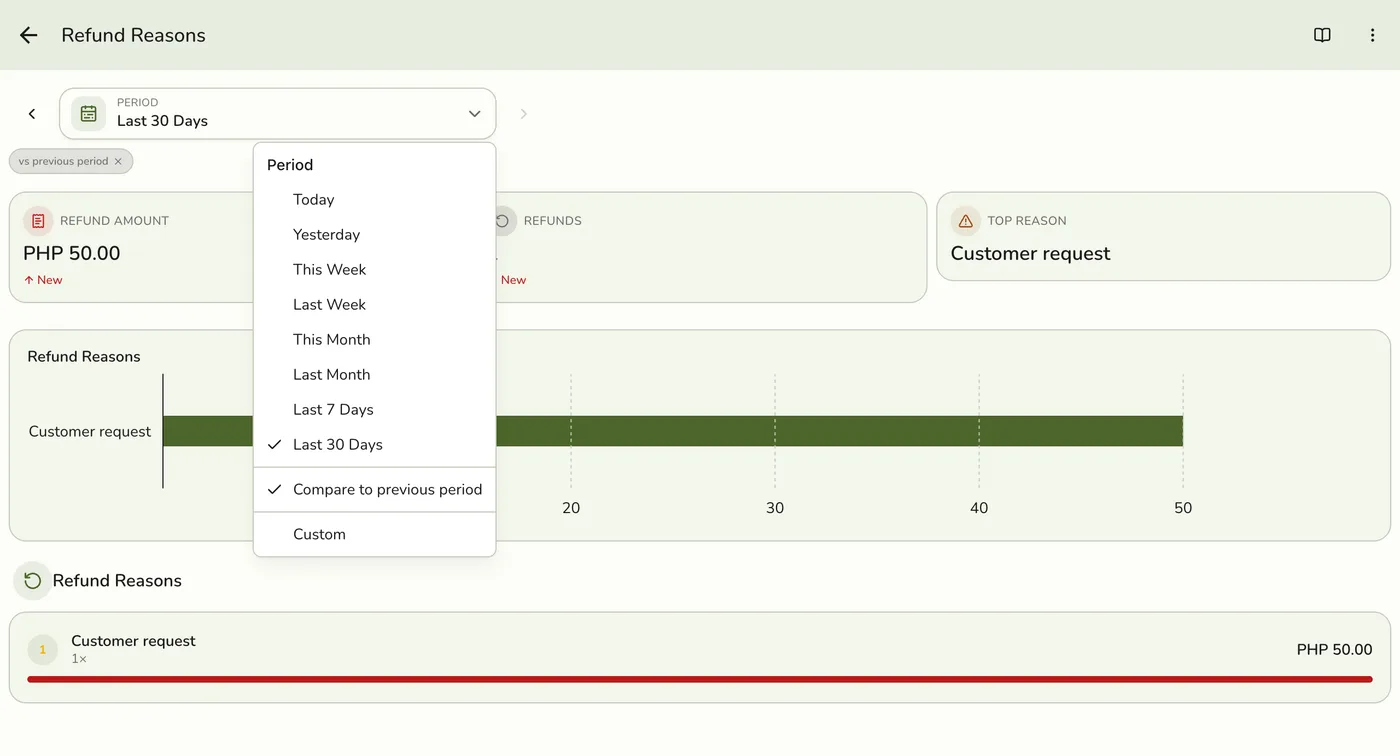
Pick a period
Tap Period and choose Today, Yesterday, This or Last Week, This or Last Month, Last 7 or 30 Days, or Custom dates. Weeks start on Monday and periods follow your store's time zone.
3
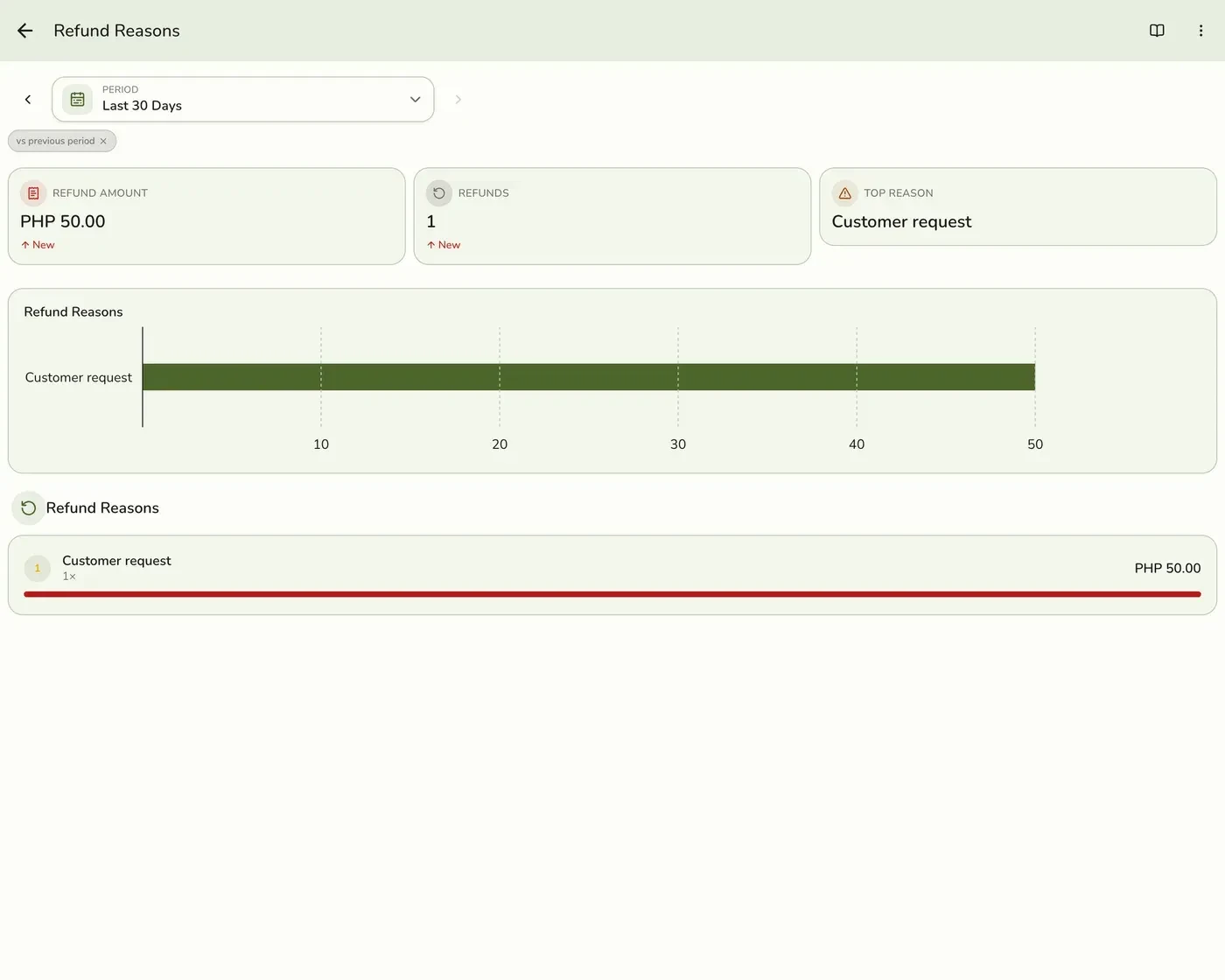
Read the figures
Refund Amount, Refunds (how many refund documents) and the Top Reason by value, with a bar for each reason.
4
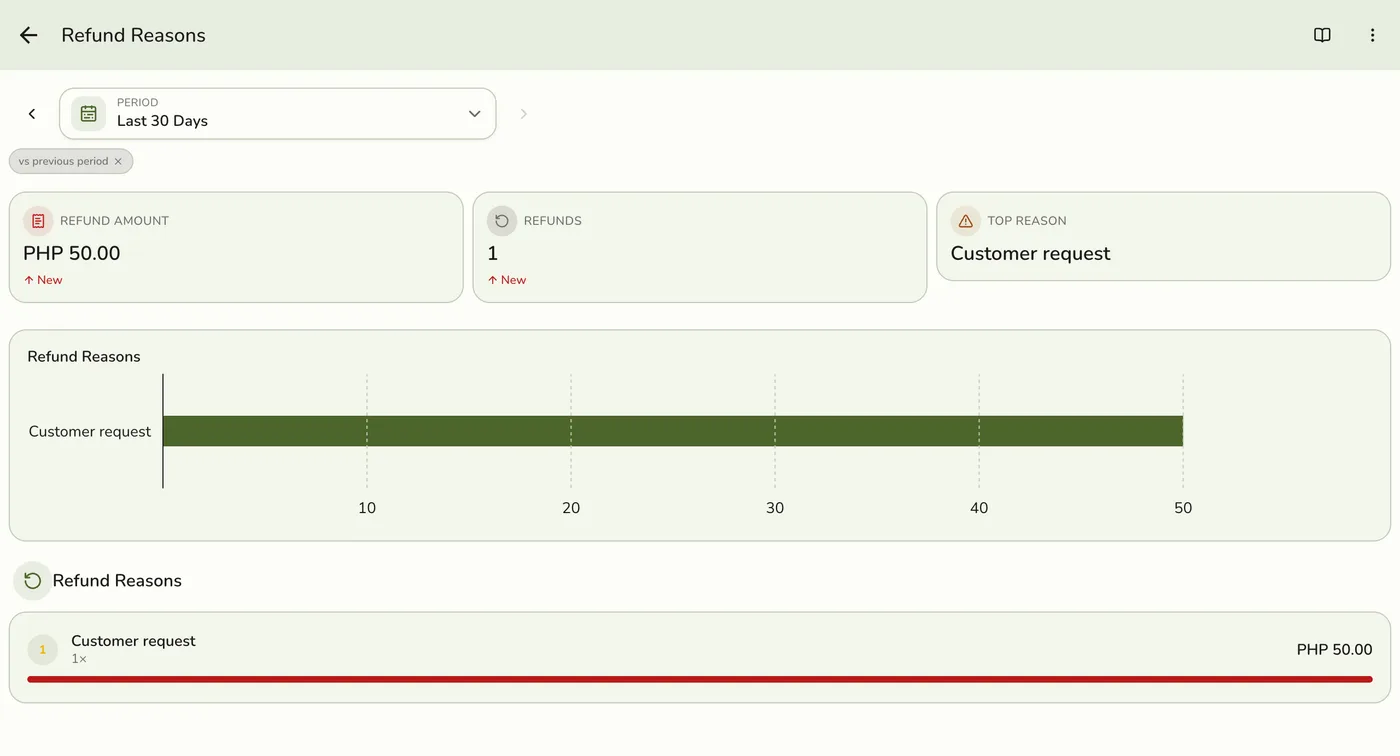
Read the rows
One row per reason with its count, amount and share of the total refunded.
What happens next
- Only completed and closed orders count, at the moment they were completed. Pending, held, voided and cancelled orders are left out.
Edge cases
- Grouping. By the reason code staff picked when the refund was raised. Refunds without a code fall back to the free-text note, and anything blank is Unspecified. Refunds are dated by when the refund was created.
- If most land under Other or Unspecified, trim the reason list in Preferences → Policies → Refund policy to the few your store sees.
- Voids are separate. See the Voids report.
- How every report works. The period, comparison and export controls are the same on every report. See How every report works.
Works with
| Add-on or plan | What changes on this page |
|---|---|
| Plan | Advanced reports need Lite and up. On Starter the card is hidden and the server refuses the report. |