

AOV Trends Report
AOV Trends is a Basics report, not behind advanced reports.
Before you start
- A plan that includes this report.
- The Reports · View permission.
Steps
1
Open the report
Open the drawer → Reports, then tap AOV Trends.

2
Pick a period
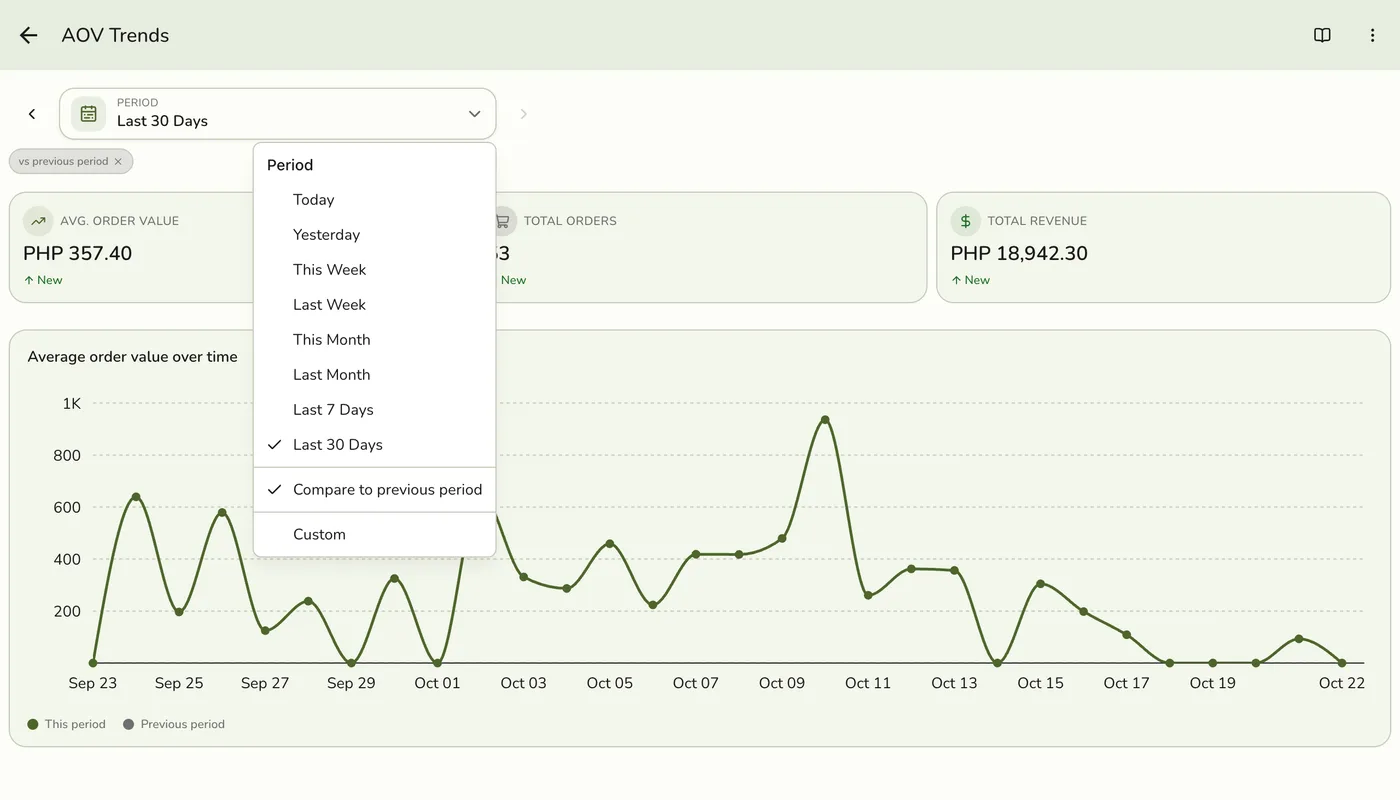
Tap Period and choose Today, Yesterday, This or Last Week, This or Last Month, Last 7 or 30 Days, or Custom dates. Weeks start on Monday and periods follow your store's time zone.
3
Read the figures and the trend
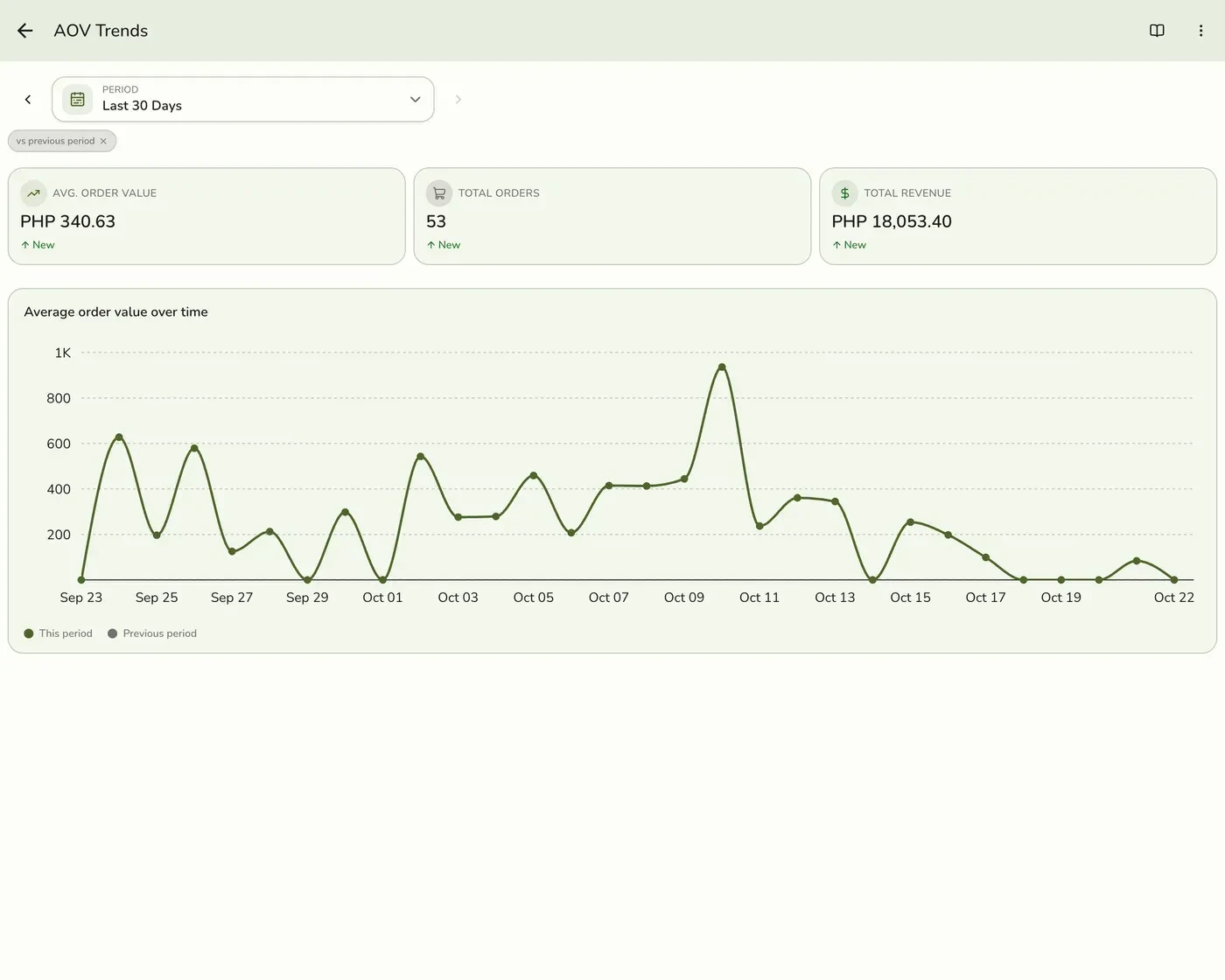
Average Order Value, Total Orders and Total Revenue, with a trend line and the earlier period drawn faded behind it.
What happens next
- Only completed and closed orders count, at the moment they were completed. Pending, held, voided and cancelled orders are left out.
Edge cases
- How it is worked out. Average order value is your sales of goods, before discounts and with tax included, divided by the number of orders. It is the same on the Sales report and the Dashboard. Service charges and delivery fees are left out.
- Compared the same way as the Sales report.
- How every report works. The period, comparison and export controls are the same on every report. See How every report works.
Works with
| Add-on or plan | What changes on this page |
|---|---|
| Plan | Reports Basics need Starter and up. The free Basic plan has no Reports, only the Dashboard. |