

Order Types Report
The types are the service modes your store uses, such as dine-in, takeout or delivery.
Before you start
- A plan that includes this report.
- The Reports · View permission.
Steps
1
Open the report
Open the drawer → Reports, then tap Order Types.

2
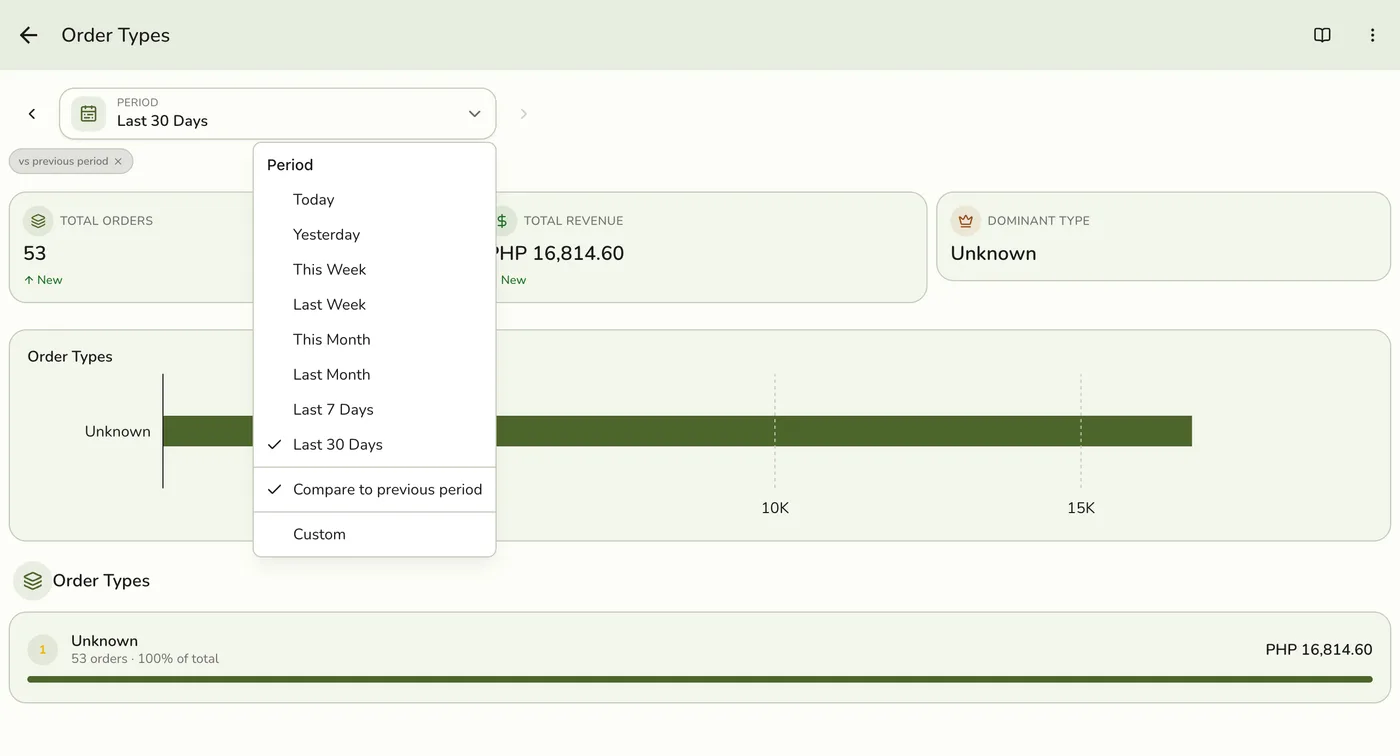
Pick a period
Tap Period and choose Today, Yesterday, This or Last Week, This or Last Month, Last 7 or 30 Days, or Custom dates. Weeks start on Monday and periods follow your store's time zone.
3
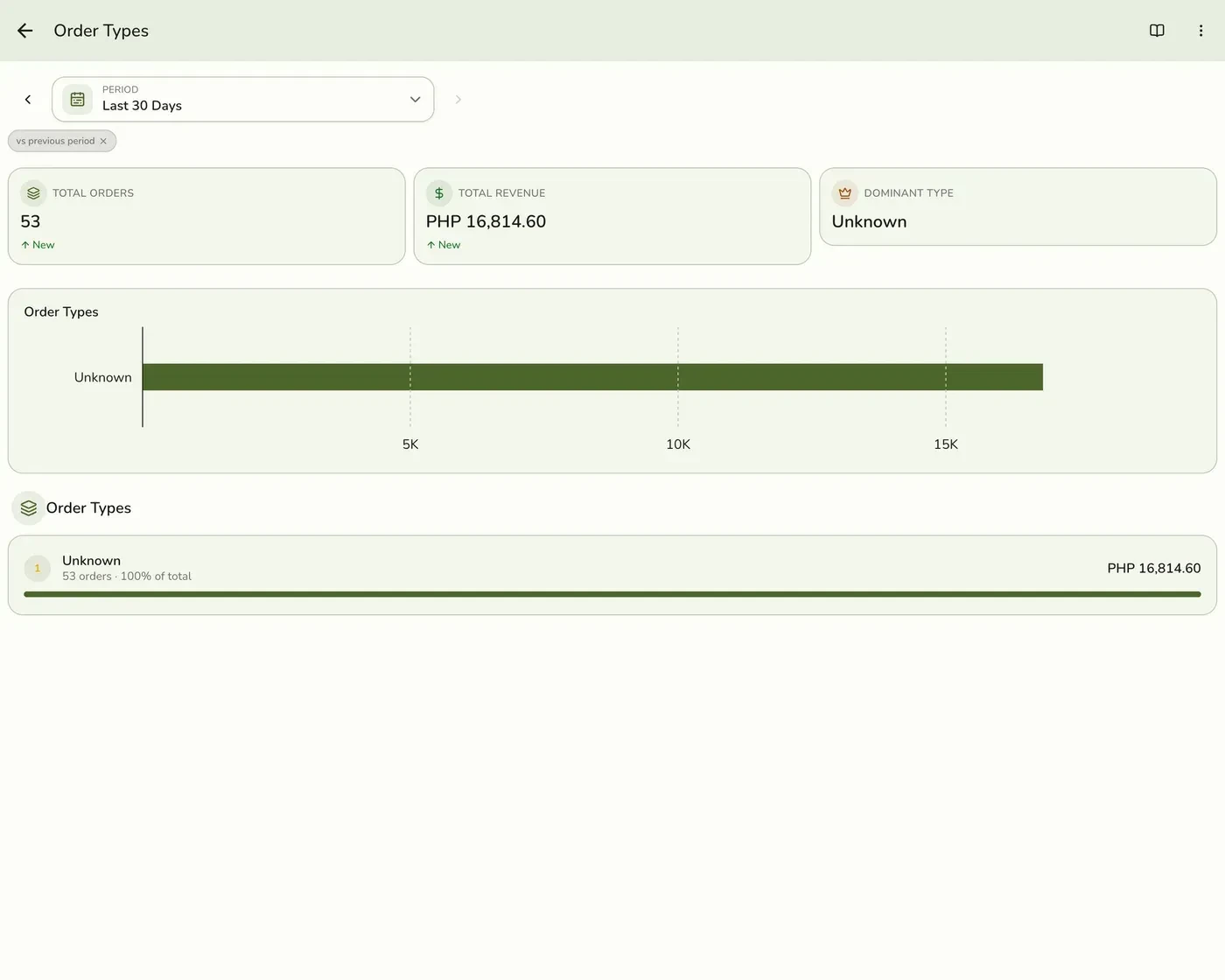
Read the figures and list
Total Orders, Total Revenue and the type that sold most, a bar for each order type, and a list with each type's orders, sales and share of the total.
What happens next
- Only completed and closed orders count, at the moment they were completed. Pending, held, voided and cancelled orders are left out.
Edge cases
- Orders with no type make the breakdown incomplete. The Dashboard's check banner flags it. Set a default order type in Preferences.
- How every report works. The period, comparison and export controls are the same on every report. See How every report works.
Works with
| Add-on or plan | What changes on this page |
|---|---|
| Plan | Advanced reports need Lite and up. On Starter the card is hidden and the server refuses the report. |