

Inventory Health Report
Use it to decide what to discount, what to stop reordering, and where working capital sits still.
Before you start
- A plan that includes this report.
- The Reports · View permission.
Steps
1
Open the report
Open the drawer → Reports, then under Financial & Inventory, tap Inventory Health.

2
Pick a period
Tap Period and choose Today, Yesterday, This or Last Week, This or Last Month, Last 7 or 30 Days, or Custom dates. Weeks start on Monday and periods follow your store's time zone.
3
Choose how far back to look
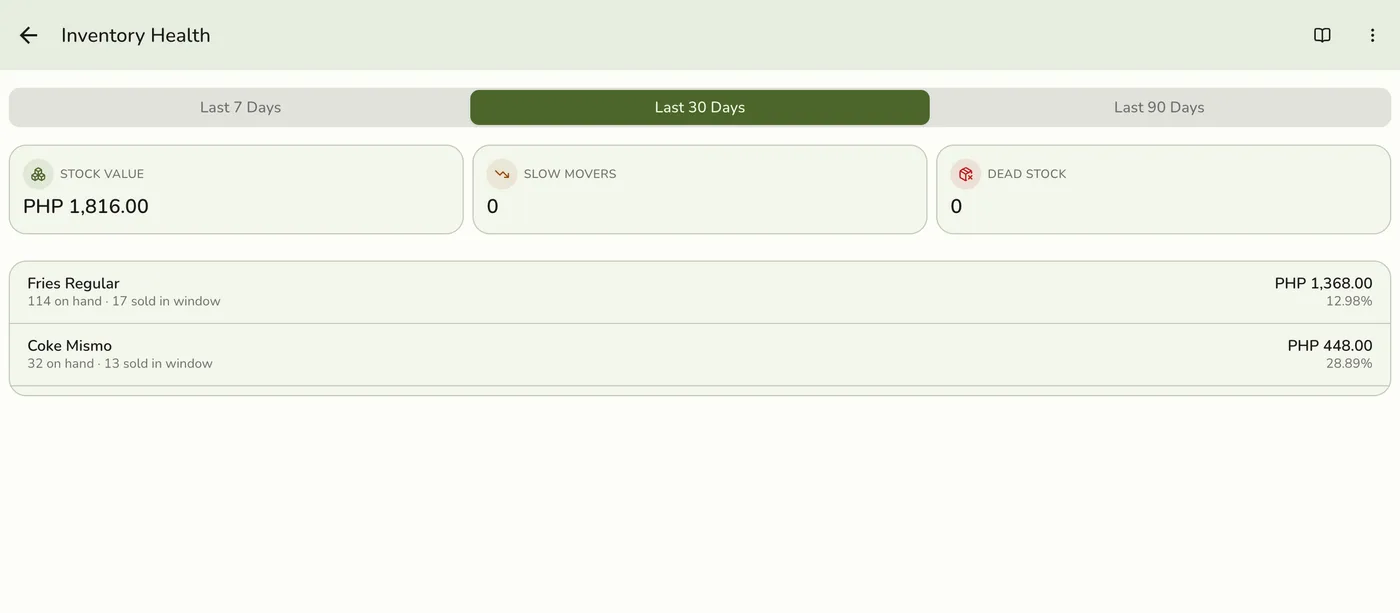
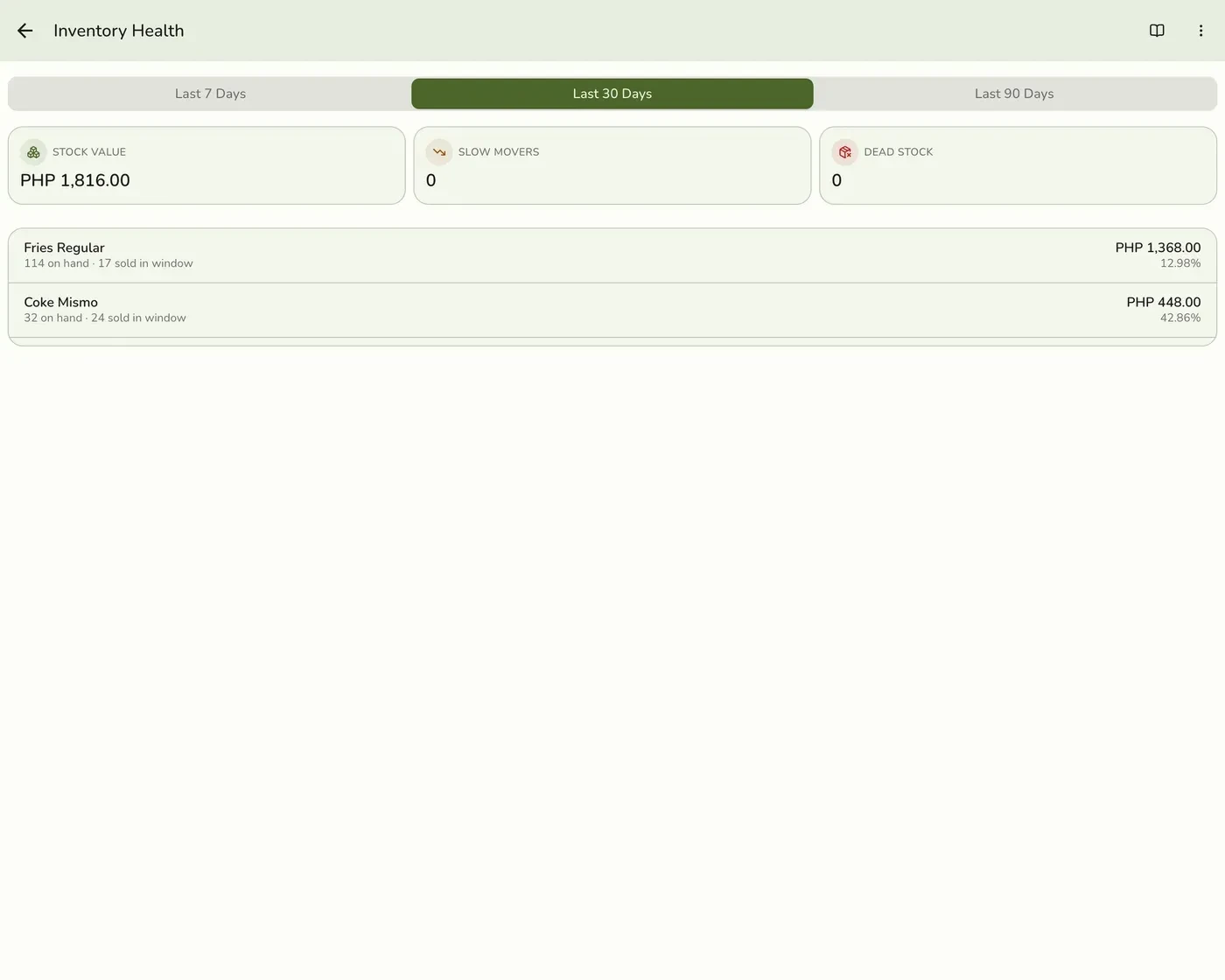
Pick Last 7 Days, Last 30 Days or Last 90 Days. It starts on 30.
4
Read the figures and rows
Stock Value, Slow Movers and Dead Stock, then item rows sorted by stock value with quantity on hand, units sold, value tied up and sell-through. The 100 most valuable levels are shown.
Inventory Health Report: read the figures and rows — screenshot coming soon
What happens next
- Only completed and closed orders count, at the moment they were completed. Pending, held, voided and cancelled orders are left out.
Edge cases
- It looks back from today. It measures the last 7, 30 or 90 days of sales against today's stock. It has no period picker, no comparison, and ignores the period you picked on another report.
- A slow mover has stock on hand and sold nothing in the window. Dead stock is a slow mover with money tied up in it.
- Days of supply and sell-through are worked out at that pace. Units sold are across every location, set against one location's stock.
- Needs the Advanced Inventory add-on to produce data. Without it there are no levels and the report stays empty.
- How every report works. The period, comparison and export controls are the same on every report. See How every report works.
Works with
| Add-on or plan | What changes on this page |
|---|---|
| Plan | The profit and retention reports need Standard and up. On Lite the card is hidden and the server refuses the report. |
| Advanced Inventory add-on | Required for data. |