

Refund Policy
Managers with the override refund permission can set rules that gate when a refund can be authorized. Cashiers still create drafts and record Add payment, and the policy runs when the refund is authorized. It lives in the Fuze Store app, not on the account website.
Before you start
- The Refunds · Override permission.
Steps
Open Preferences → Policies
In the store app open Configurations → Preferences → Policies.

Find the Refund policy card
The card shows only to staff with the override-refund permission.
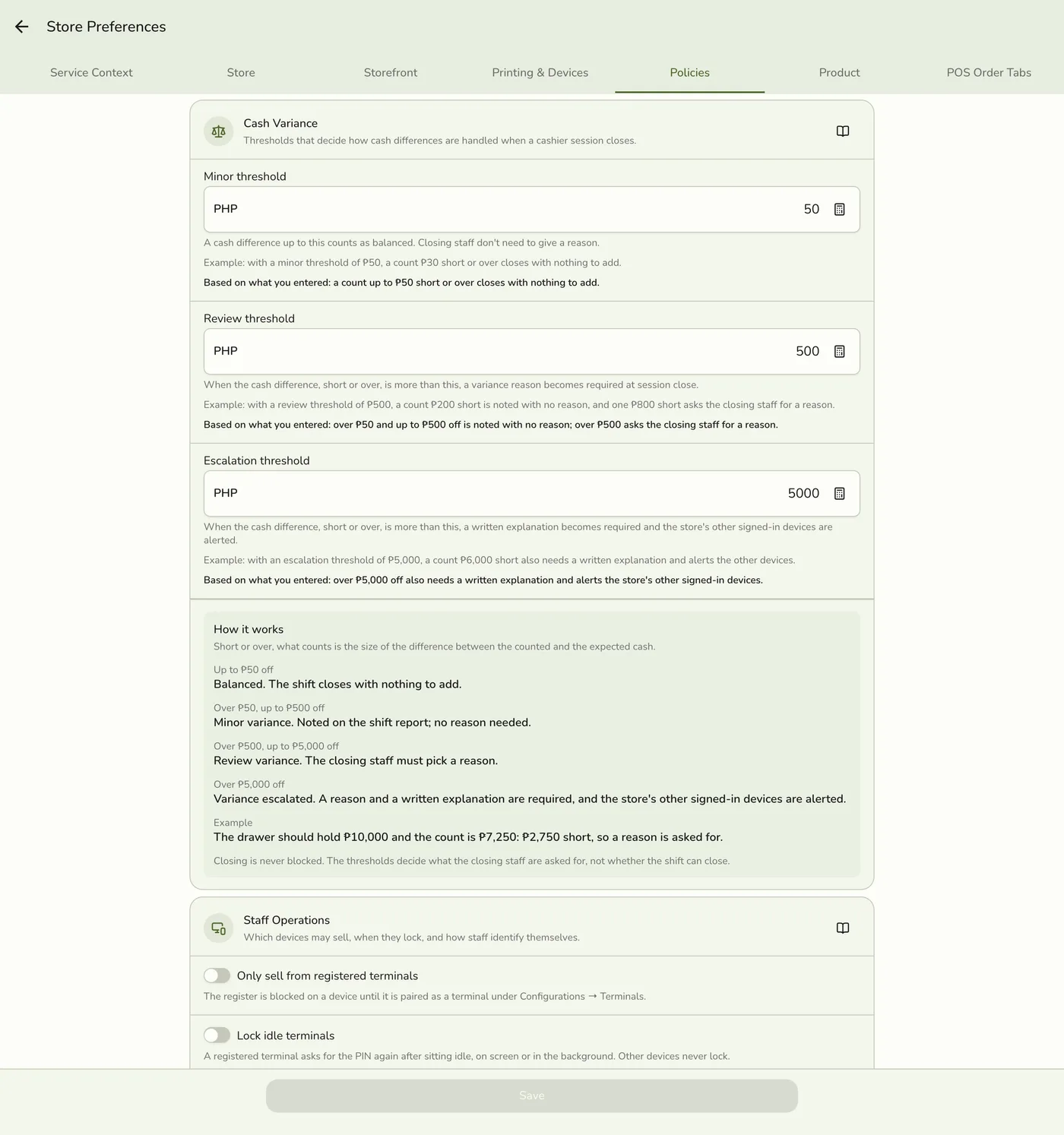
Set the limits
Leave a number empty to turn that limit off. Fill in the window, the override-after days, the amount cap, the daily counts and the allowed reasons. A line under each field says what the rule does, and a How it works card lists the checks with your values.
The refund policy fields — screenshot coming soon
Save
Save preferences. New rules apply on the next authorize or Add payment.
The Save button — screenshot coming soon
What happens next
- The next Add payment on a Draft refund is checked against the rules.
Edge cases
- Refund window (days) after the order is Closed. Require override after (days) is a softer age limit, and when both are set the lower is the limit. Max amount without override: more than this needs an override, equal passes. Require a different authorizer: the person who started the refund cannot approve its override. Max refunds per customer and per staff member per day: voided refunds do not count. Allowed refund reasons: empty allows all, Overpayment is always allowed for an overpayment on a completed order.
- When a rule blocks Add payment. A manager with the override permission sees Override refund policy, types a reason, and taps Authorize with override. A refund breaking two rules asks for each override. A cashier is told to ask a manager and sees no dialog. With different authorizer on and the same person trying again, a separate manager must approve and there is no dialog, so switch staff.
- The tender must match. A tender that exceeds what was paid on that payment method, less refunds on it, is refused unless a manager overrides.
- Overrides are recorded on the refund and shown on its page, with the rule and reason.
- The window is soft. It limits when a refund can be opened, but a manager can override it.
- Forged override flags from a cashier without the permission are rejected by the server.
- On Basic Refunds and this card are locked.
- Start modest. A window and max amount keep routine returns fast. Use a separate authorizer when you want maker and checker on every override.
Works with
| Add-on or plan | What changes on this page |
|---|---|
| Plan | Refunds need Starter and up. |
| Roles & Permissions add-on | Give cashiers refund create and complete, and managers override refund. |
| Staff Operations add-on | Manager approval by PIN or badge. |