

Get Found on Google
Your store page is public the moment your store is shown online, but a page with only a name and a logo gives search engines almost nothing to work with. Search shows the stores it can describe: where they are, when they are open, and how to reach them. Fuze already publishes all of that automatically. What is usually missing is the information itself. The app tracks six details and tells you which ones are still blank.
Before you start
- You own the store, work at it, or administer its organization.
Steps
Open My Store
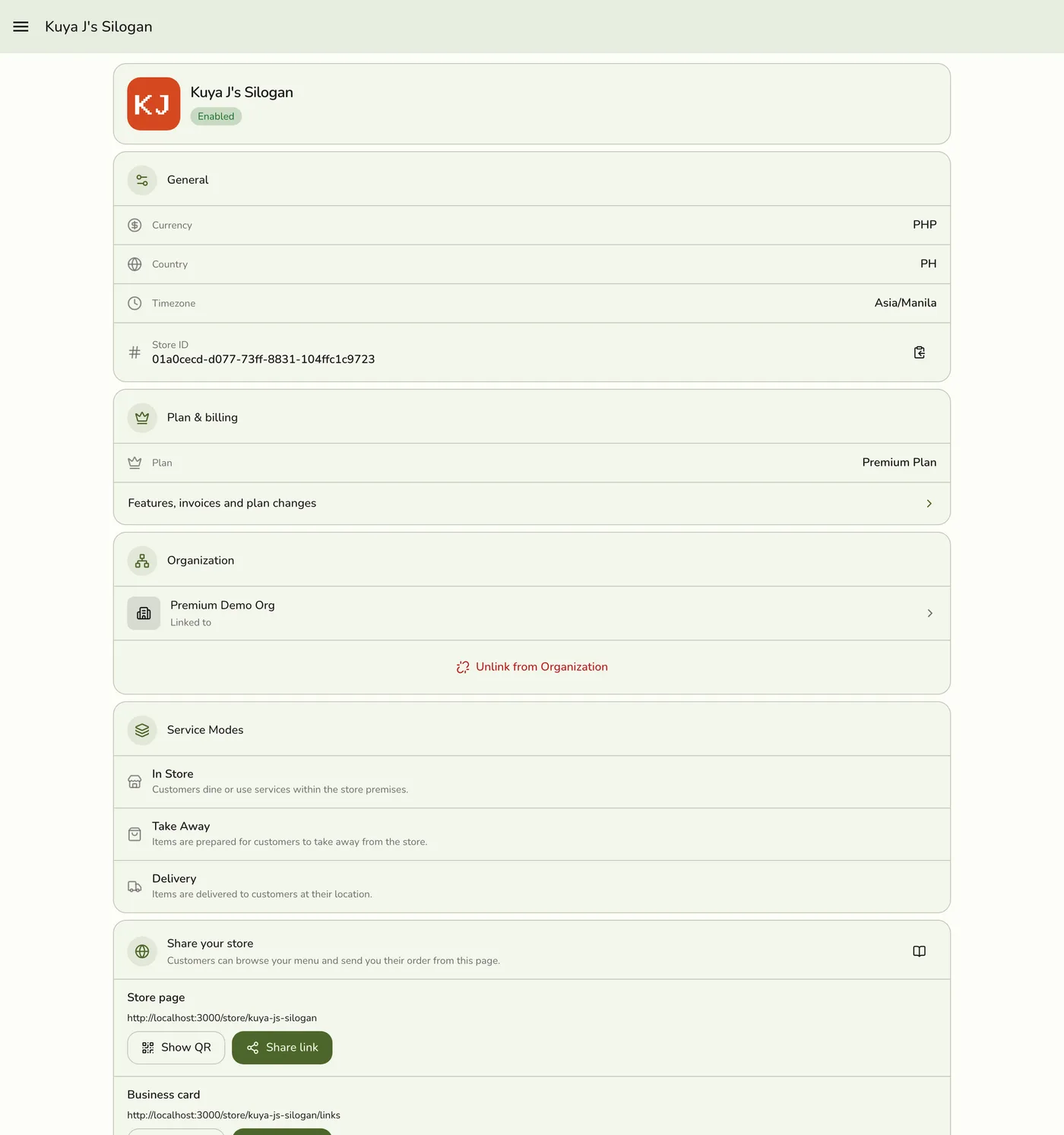
Open Stores → your store, or My Store in the menu, and find the Get found on Google section. It shows a progress bar and one row per detail, with a check beside every one you have filled in. You also see a Get found on Google item in the Get set up checklist. It is optional and disappears once all six rows are done.
Tap a row to fix it
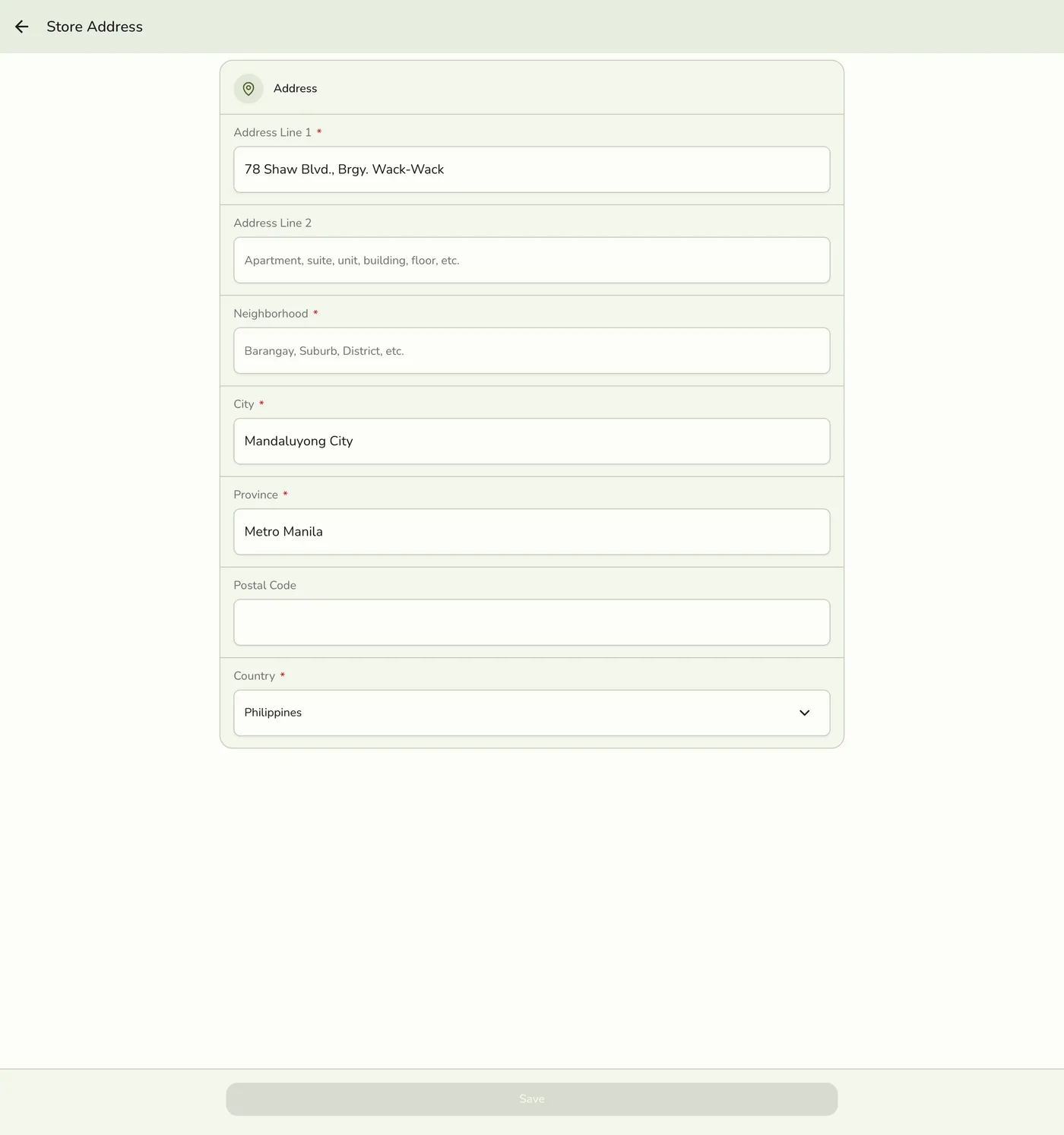
Every row is tappable, filled in or not. Description and logo open General, the phone opens Contact & Links, a missing address opens Address, and the rest open the Storefront tab of Preferences.
A tapped row opening the matching Configurations screen — screenshot coming soon
Fill in the missing details
Work through the six details in the table below. Save on each screen.
The six details
| Detail | What it does | Where to set it |
|---|---|---|
| Listed publicly | Your page has to be shown online before search can see it at all. | Preferences → Storefront |
| Store description | The sentence search results show under your name. | Configurations → General |
| Store logo | The picture that appears when your link is shared. | Configurations → General |
| Address | The strongest local-search signal. It must be saved and set to show publicly. | Configurations → Address, then Preferences → Storefront |
| Opening hours | Lets search show whether you are open right now. | Preferences → Storefront |
| Phone number | Gives customers a one-tap way to reach you. | Contact & Links |
Search engines put local businesses on the map using the address. Without one, your page can still be found by name, but it will rarely appear for someone searching "coffee near me" or "laundry in Makati".
What happens next
- Your public page and the information search engines read are rebuilt automatically within a few minutes of any change.
- Search itself takes longer. Google re-visits pages on its own schedule, so a new address or set of hours can take days to a couple of weeks to show up.
- Share your store link where customers already are, such as a Facebook page, a Viber group, or your bio. Links pointing at your page are one of the signals search engines use.
Edge cases
- The address row counts only when both halves are true: the address is saved on your store and Show my street address on my store page is on. Showing the exact street is off by default, because for a home-based seller that address is their home.
- If you work from home and would rather not publish the street, leave the switch off. Your city and province are always shown, so people still see roughly where you are.
- The checks are worked out on the device, with no server call, and shown only for the store you currently have selected. Another store opened from the Stores list shows the page without edit links.
- A store that is suspended or no longer exists cannot load My Store.
Works with
| Add-on or plan | What changes on this page |
|---|---|
| Any plan | The checks and every page they link to are free on every plan. |