

Downloading a Deleted Store's Sales Records
When you delete a store, Fuze saves its sales records to one spreadsheet before the rest of the store is erased. You can download that file for five years, on any plan. Philippine rules ask a business to keep its books for five years, and this file helps you meet them after the store is gone. It is not legal advice: ask your accountant what your business needs to keep.
Before you start
- You deleted a store from this account.
Steps
Open Store records
Sign in on the web and open Account → Store records (/account/store-records). In the app, open Account and tap Store records, which opens the same page on the web.
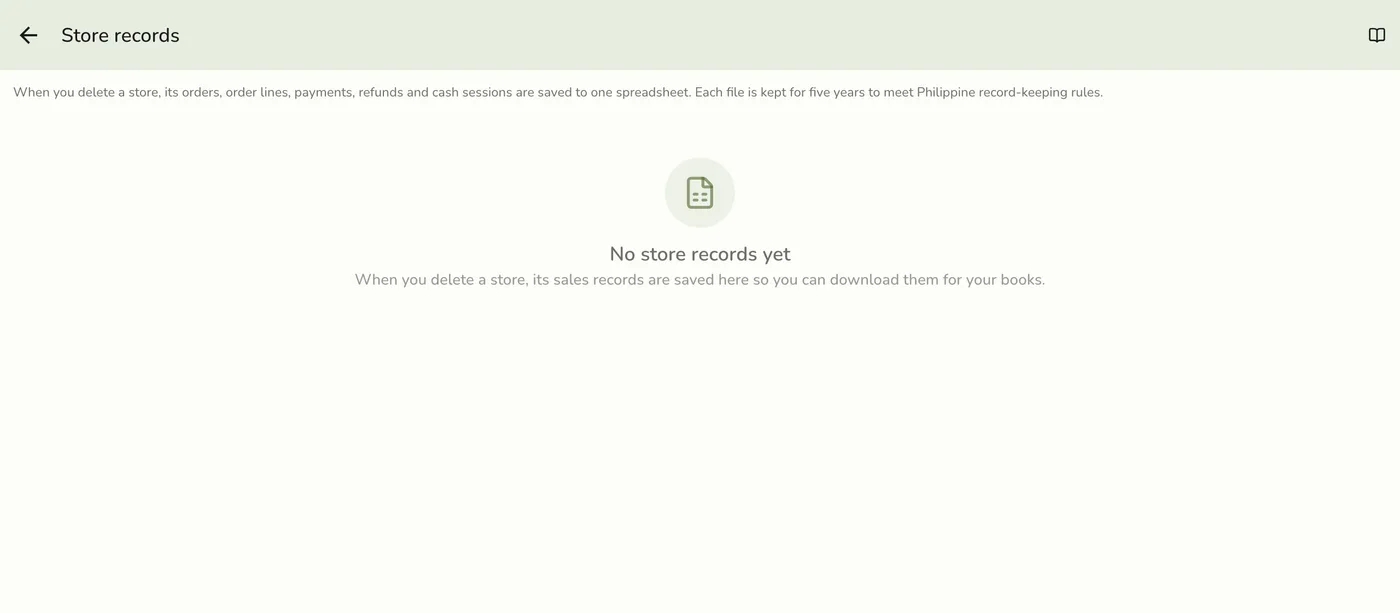
Find the store
Each row shows the store name and branch, the dates its sales cover, how many orders it holds, when it was saved, and how long it is kept. The newest file is first.
A row showing the store, dates covered, order count and keep-until date — screenshot coming soon
Select Download
Select Download. The file opens as an Excel spreadsheet (.xlsx). The download link works for five minutes only, and opens in the browser without signing in again, so select Download again if it expires.
The Download button on a stored file — screenshot coming soon
What happens next
- A copy comes by email. When the file is made we email it, attached, to the store owner, so you have your own copy even if you later delete your account. It goes to your account email if you have confirmed it. A file larger than 7 MB is too big to attach, and the email tells you to download it from Account → Store records.
- What the file holds: a Summary (store, branch, address, owner when deleted, dates covered, counts, keep-until date), Orders, Order lines, Payments, Refunds, and Cash sessions. A customer appears only by the name on the order. There is no customer email, phone, or address.
- How long it is kept: until 31 December of the sixth year after the store's last record. A last sale in 2026 means 31 December 2032. A store with no sales counts from the day it was deleted. After that the file is deleted for good, so download a copy for your own books before then.
Edge cases
- The file appears a few minutes after you delete the store. A store deleted before this feature existed gets its file within a day, from the nightly clean-up.
- Only the account that owned the store sees the file. Anyone else is told it was not found. You can ask for at most ten download links a minute.
- Deleting your account removes your access to the file, but the file itself is kept until its date. Download it first, or keep the emailed copy.
- A store restored by support and deleted again gets a new file that includes the sales made in between. The earlier file stays.
- No file yet? The list is empty until your account deletes a store.
- Deleted orders are included in the file.
Works with
| Add-on or plan | What changes on this page |
|---|---|
| Any plan | You can download the file on any plan, including Basic. |