

Expense Tracking Overview
Understanding your costs is essential to running a profitable business. Expense tracking lets you record, categorize, and review what your business spends, right inside your POS, next to your sales.
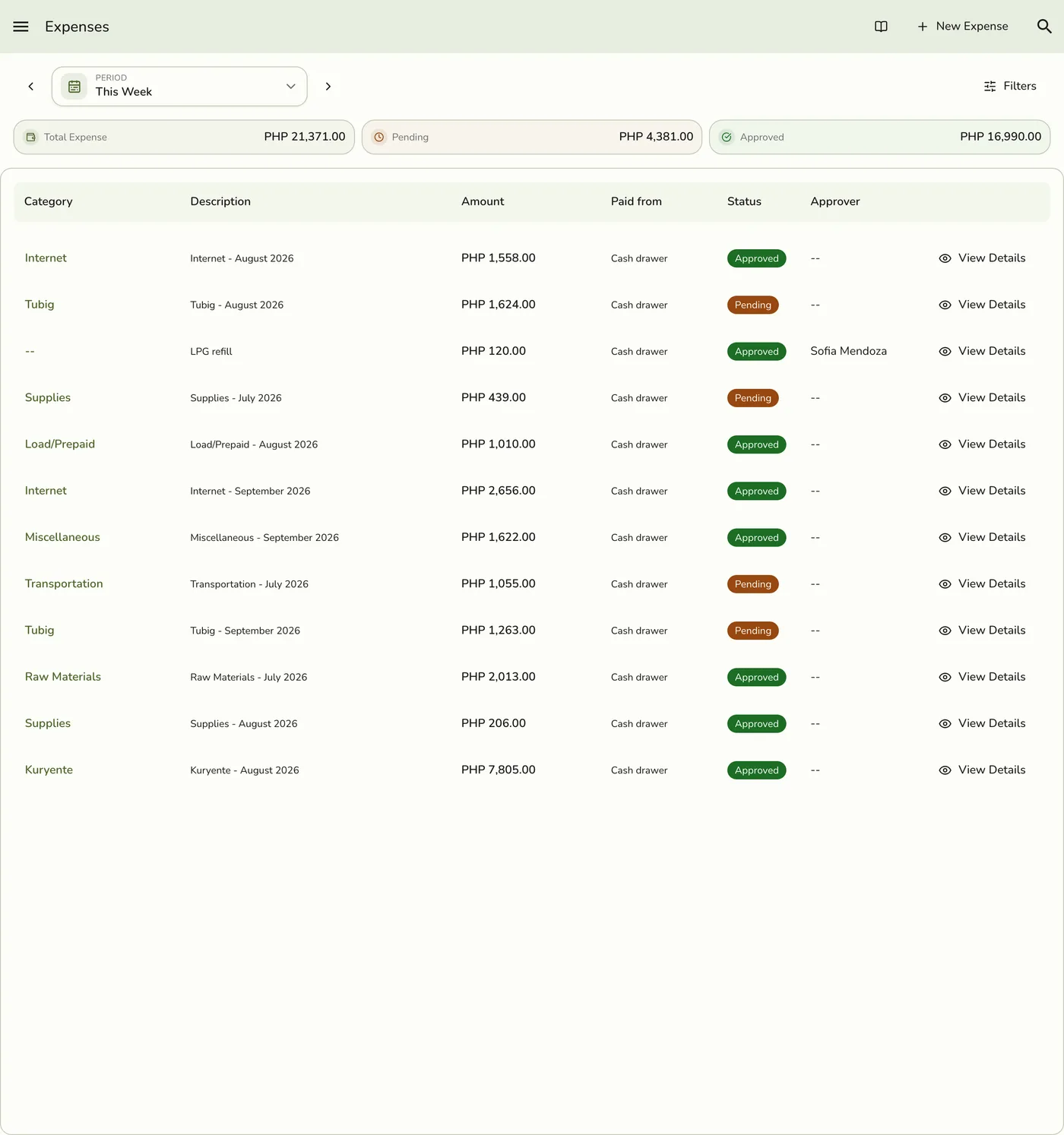
What this covers
You record each expense with an amount, a date, an optional category, where it was paid from, and optional receipts. It then waits for a manager to approve it.
- Know your true profit. Revenue alone does not tell the full story.
- Spot spending patterns. See which categories cost the most over time.
- Prepare for tax season. Keep organized records of deductible costs.
- Keep the drawer honest. With Store Sessions, an approved expense paid from the cash drawer counts as cash out, so the closing count adds up.
Common categories: Supplies, Rent, Utilities, Inventory, Marketing, Maintenance, Transportation, and Other. You create your own.
You can also record expenses by sharing receipts or a statement with a connected AI assistant. It prepares a preview, you approve it in the chat, and every imported expense lands as Pending. See Recording Expenses with AI.
Expense totals and category breakdowns appear in expense reports and, when your plan includes them, financial summaries. Use them next to your sales reports. There is no single automatic net-profit line on every report.
Works with
| Add-on or plan | What changes |
|---|---|
| Expense Management add-on | Required for everything here. |
| Store Sessions add-on | Adds Paid from to each expense. An approved cash-drawer expense lowers expected cash at close. See Cash Drawer Movements. |
| AI Connections add-on | An assistant can import expenses as Pending. |
| Any plan | Expense tracking has no plan limit. |