

Frequently Asked Questions
FAQs are the questions customers ask you most, such as how to pay, when an order is ready, or where you deliver. You answer each once, and it shows on your public store page and after checkout.
Before you start
- Open the drawer menu, then Configurations, then FAQs. FAQs used to be a section on Preferences → Storefront. They now have their own screen, and every question saves on its own.
- Editing needs Store Settings · Modify. Without it you can read the list but not change it.
Steps
Open FAQs
Drawer menu, then Configurations, then FAQs.
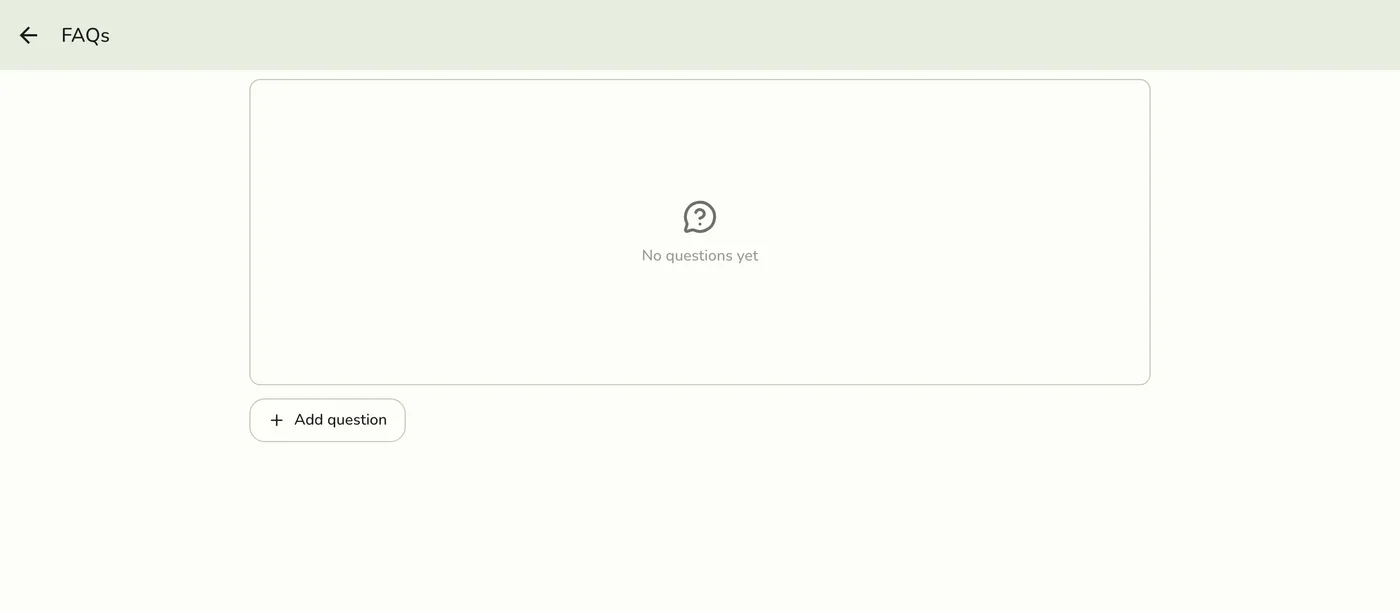
Tap Add question
A form opens with two fields: Question and Answer.

Write the question and answer
Keep the question short. It is the line customers tap to expand. The answer is plain text: line breaks are kept, but links and formatting are not.
The FAQ form with a question and answer filled in — screenshot coming soon
Save
Tap Save. This question is saved on its own and the rest of your list is untouched.
The FAQ list showing the new question — screenshot coming soon
What happens next
Your public page is refreshed. Visible questions show where customers look:
| Surface | What shows |
|---|---|
Your public store page (/store/your-store) | A Questions & answers block with the first three visible questions, and a link to the rest. |
| A dedicated questions page | All visible questions, indexable by search engines. |
| Right after checkout | A Common questions link under the order code. |
A store with no questions, or no visible ones, shows none of these.
Edit, delete, reorder, or hide
- Edit or delete: tap the ⋮ menu on a question. Edit reopens the form pre-filled, and only that question changes. The question's link on your store page stays the same even if you reword it. Delete asks you to confirm, then removes it right away.
- Reorder: drag the handle on the left. Customers see them in the order you set.
- Hide without deleting: each question has a switch for whether customers see it. Turn it off to keep the question on file. Deleting is permanent.
Edge cases
- Up to 20 questions. At the limit, adding another is refused until you remove one.
- The store is not shown online. Questions do not appear anywhere while Show my store online is off. See Customer Visibility and Operating Hours.
- Plain text only. Links and formatting in an answer show as typed.
- No permission. Staff without Store Settings · Modify see the list read-only.
Works with
| Add-on or plan | What changes |
|---|---|
| Any plan | FAQs are free on every plan, including Basic. |
| Online ordering | The Common questions link sits under the order code after checkout, so customers only see it when online ordering is on. |