

Staff Commissions Page
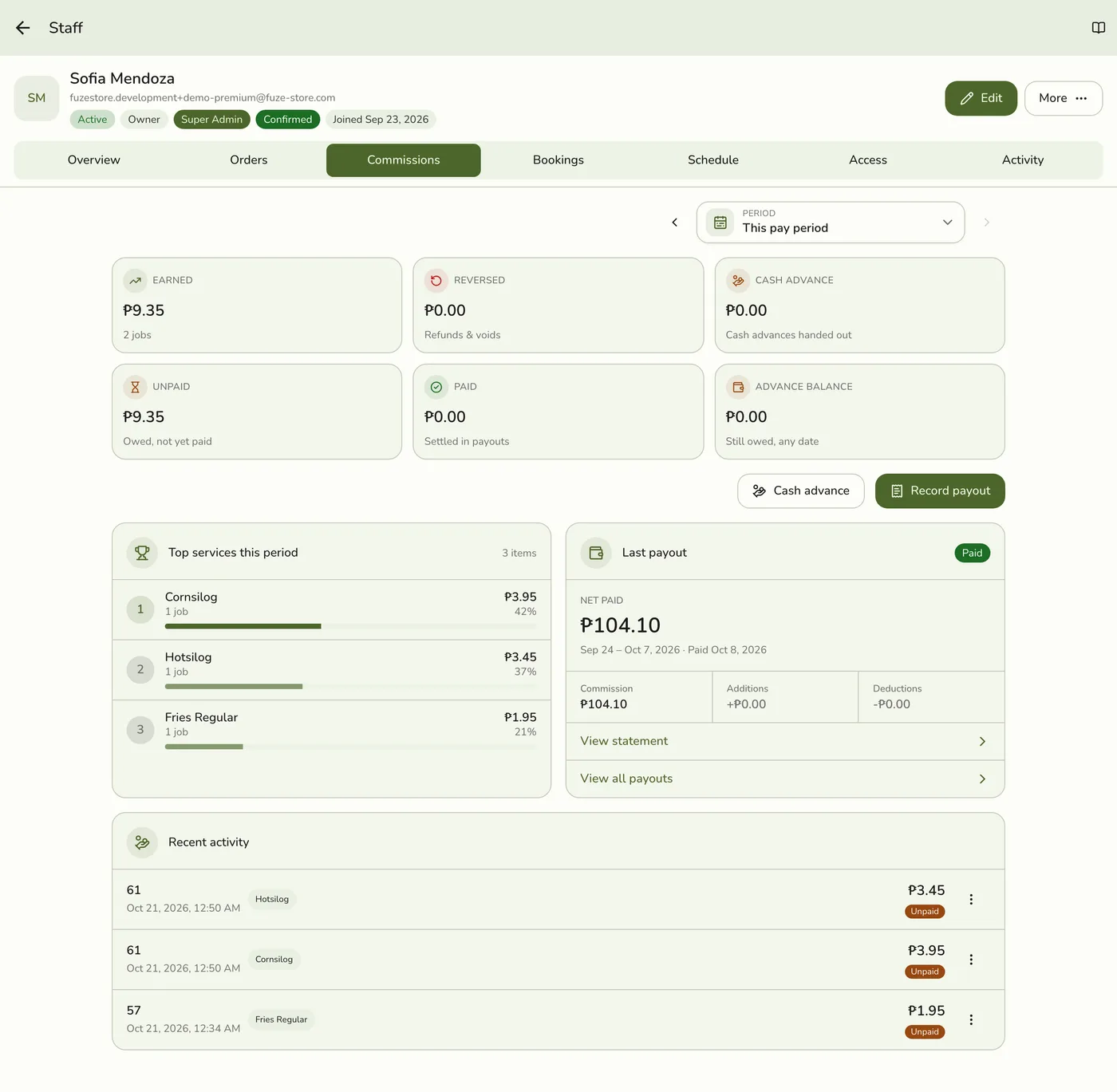
Every staff member's page has a Commissions tab with the figures for a period and the latest entries. Recorded payouts have their own page.
Before you start
- Staff commissions is on.
- Commissions · View, or open your own page.
Steps
Open the tab
As a manager, open a staff member's page and tap Commissions (also in More and on the Overview row). As yourself, open My Profile → Commissions, which needs no permission.
Pick the period
The picker applies to the whole tab. This pay period and Last pay period follow your store's pay schedule.

Read the tiles
Earned, Reversed, Cash advance, Unpaid, Paid and Advance balance, plus top services and the latest payout. Managers who may record payouts also see Cash advance and Record payout.
The six commission tiles — screenshot coming soon
Open the full activity
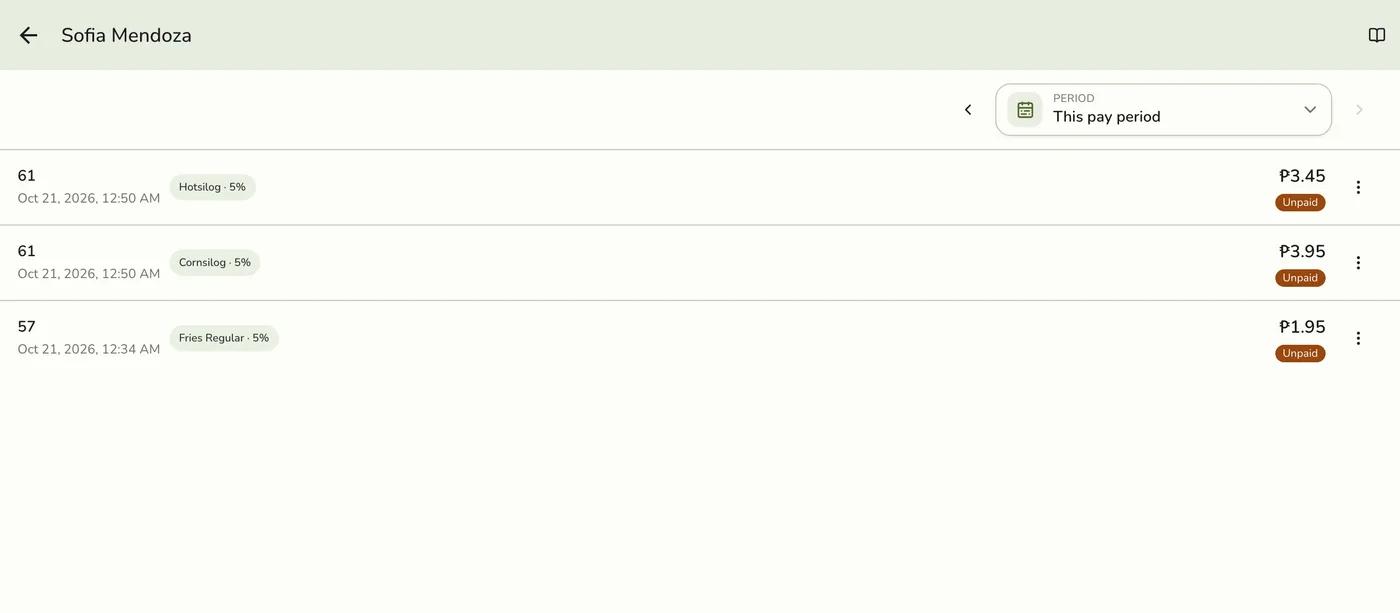
Recent activity shows the five newest entries. View all opens the full list for the period.
Open Payouts
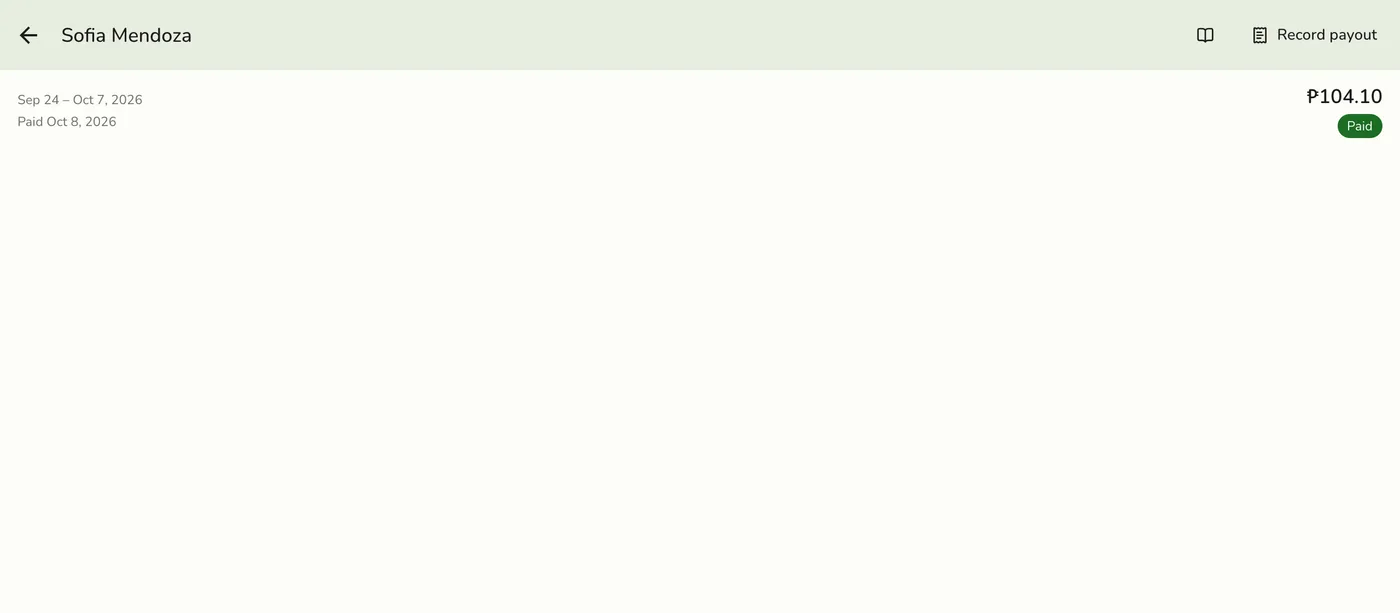
Tap Payouts on their page, or View all payouts on the last-payout card. Each payout is listed newest first.
What happens next
- Nothing changes here. Actions follow your permissions.
Edge cases
- The Activity list is the raw ledger. Every sale, refund, void and cash advance, with whether it is unpaid, paid, reversed or an advance and the rate it used. An entry an organization pay run settled reads Organization pay run.
- Managers see more. Recording a payout, a cash advance and deleting a payout follow the Payouts permissions. Your own page through My Profile never shows rates or these actions.
- Without Roles & Permissions everyone can see pay. Everyone counts as a manager, so a notice on this tab says so, with a link to the add-on.
- Old links to a Commissions page open this tab.
- Commissions report. A link on this tab opens the full report, also on Basic, where the Reports page is not available. It is not shown on your own profile.
- Organization people show Paid by the organization instead of Record payout.
Works with
| Add-on or plan | What changes on this page |
|---|---|
| Staff Pay add-on | Required. Free during the free trial. Without it the commission, payout and cash advance screens are hidden and no commission is recorded. |
| Staff Operations add-on | Optional. A PIN sign-in proves who tagged each line. |
| Staff Commissions preference | The switch inside Staff Pay that turns commissions on. See Turning On Commissions. |
| Organization add-on | The organization's people earn commission here but are paid by the organization's pay runs. See Organization Pay Runs. |