

Assigning Staff Per Line
With per-line staff on, each cart line can carry its own staff, separate from whoever is on the order as a whole. This is how commission knows who did the work.
Before you start
- Staff commissions is on.
- The Point of Sale · Modify permission.
Steps
Open the line
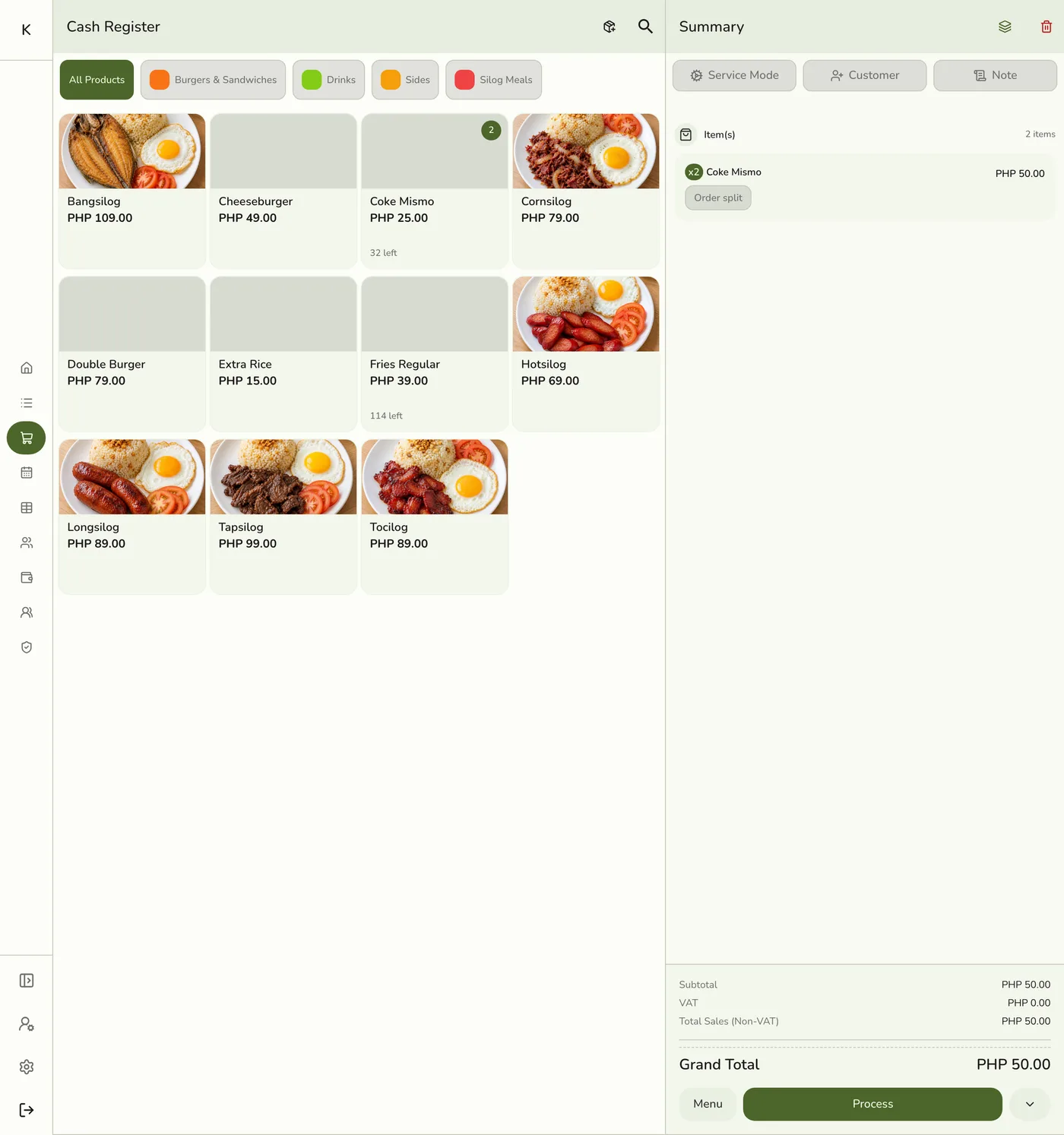
In the register, tap a line in the cart. For a custom item this opens the custom item sheet, which has the same Staff field.
Add staff
Under Staff, tap Add staff and pick one or more people.
The staff picker — screenshot coming soon
Leave the rate on auto, or set one
A person just added shows Auto · ~20%, an estimate marked with ~. It uses the item's rate, else the person's own, else the store default, divided across the crew. Type a rate and it is used exactly as typed, as a percent, Amount per unit or Amount per line.
The rate picker on a line staff row — screenshot coming soon
Watch the meter, then save
The meter shows how much of the line is committed. Complete the sale as usual. The cart shows a short label such as "J 28% · MR 13.50%".
The line meter — screenshot coming soon
What happens next
- The commission is written when the order completes, on each person's own rate.
Edge cases
- Rates are independent, not shares of a pool. A typed rate is that person's own cut. If left empty, their usual rate is split evenly across everyone on the line.
- The meter. Green is at or under the store's rate. Amber is over it, which is allowed. Red with Pays more than the line is allowed after you confirm. Red with a dimmed button means typed percentages add up to more than 100%, which blocks the sale until you lower one.
- Flat amounts. Amount per unit pays for each unit. Amount per line pays one sum whatever the quantity, and only on a line. Neither counts toward the percentage total, and neither is capped by the line's price. A partial refund reverses the matching share.
- No staff on a line falls back to the order's staff. With staff required on every line, the register will not place the order until each line, custom items included, has someone.
- Removing a person does not change anyone else's hand-set rate, and the remaining auto rows re-estimate.
- Custom items have no item rate, so a person with no rate on the line earns their own rate, else the store's product rate, which may be 0.
- Change it while the order is open. For New, Pending, On hold, Processing, Ready and Shipped orders, open the order's actions, tap Line staff, and adjust. The commission is worked out again. Rates are refused over 100%, and for someone not active in the store.
- Locked once completed. Completed, Closed, Canceled and Voided orders cannot change line staff. Fix a mistake with an adjustment on the next payout.
Works with
| Add-on or plan | What changes on this page |
|---|---|
| Staff Pay add-on | Required. Free during the free trial. Without it the commission, payout and cash advance screens are hidden and no commission is recorded. |
| Staff Operations add-on | Optional. A PIN sign-in proves who tagged each line. |
| Staff Commissions preference | The switch inside Staff Pay that turns commissions on. See Turning On Commissions. |