

Staff Pay Structure
Applies toEvery plan, including free BasicdocsChrome.gates.addons.STAFF_PAYNeeds Staff Members · Modify; Commissions · ManageUsually owner, manager
Pay structure is set on the staff member's profile, or when you add them, and feeds their pay statement.
Before you start
- Staff commissions is on.
- The Commissions · Manage permission.
Steps
1
Open the staff form
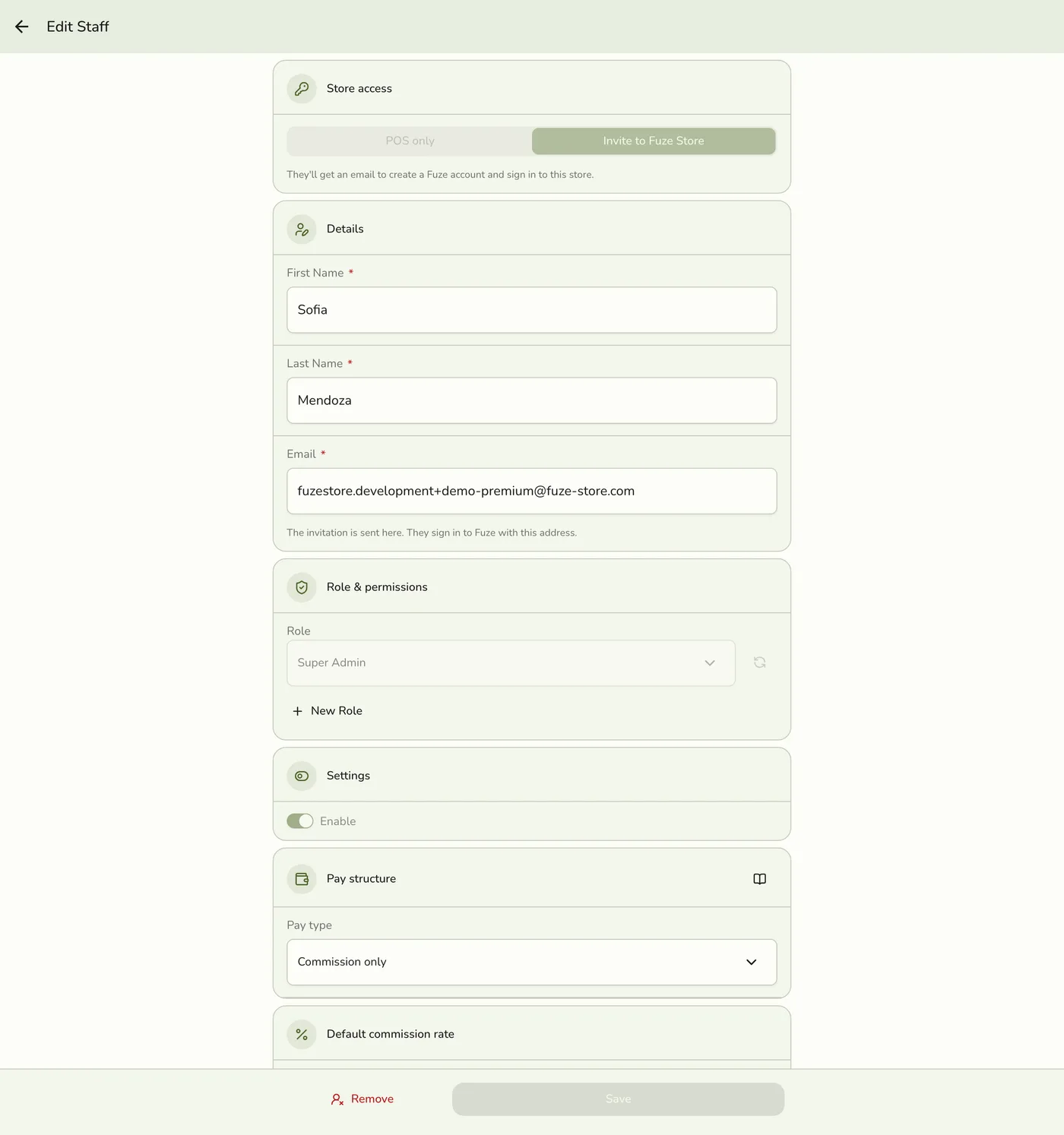
Open Staff, then New Staff (Settings step), or tap Edit on a person. You see the pay fields if you may manage commissions.
2
Pick the pay type
Commission only, Fixed only, Fixed plus commission, Greater of, or Other.
The Pay structure picker — screenshot coming soon
3
Set the base pay
For types with a base amount, enter the amount and whether it is per month, week or day. Tap Save.
Base pay amount and unit — screenshot coming soon
What happens next
- The pay statement uses it at the next payout.
Edge cases
- The five types. Commission only: just commission entries. Fixed only: just base pay, with no commission calculated. Fixed plus commission: both added. Greater of: whichever is larger for the period, not both. Other: not paid automatically, for family or volunteers, who can be tagged on jobs but earn nothing. Add something by hand as an addition on a payout.
- Base pay. Monthly is prorated by the days in the payout period, and exactly half for the 1st to 15th or the 16th to month end. Weekly is prorated by the days. Daily is multiplied by the days actually worked, from sessions.
- Minimum wage note. With a regional minimum set in Preferences, a pay statement under that floor shows an informational shortfall. Nothing is topped up. Add an addition yourself.
- Fixed only and Other show no commission however many jobs they are tagged on, and their Default commission rate section is hidden.
- Pay fields are ignored for anyone who may not manage commissions.
- Organization people. Pay comes from their pay profile, the pay fields are hidden here, and the page says so. See Pay Profiles.
Works with
| Add-on or plan | What changes on this page |
|---|---|
| Staff Pay add-on | Required. Free during the free trial. Without it the commission, payout and cash advance screens are hidden and no commission is recorded. |
| Staff Operations add-on | Optional. A PIN sign-in proves who tagged each line. |
| Staff Commissions preference | The switch inside Staff Pay that turns commissions on. See Turning On Commissions. |
| Organization add-on | The organization's people earn commission here but are paid by the organization's pay runs. See Organization Pay Runs. |