

Booking and Staff Availability
Applies toStarter plan and upNeeds Bookings · Modify; Bookings · ViewUsually owner, manager, cashier
There is no separate availability calendar. Open slots come from your event services, your staff's schedules, and the booking policies on each service.
Before you start
- At least one bookable service (Lite and up) for appointments.
Steps
1
Set up the services
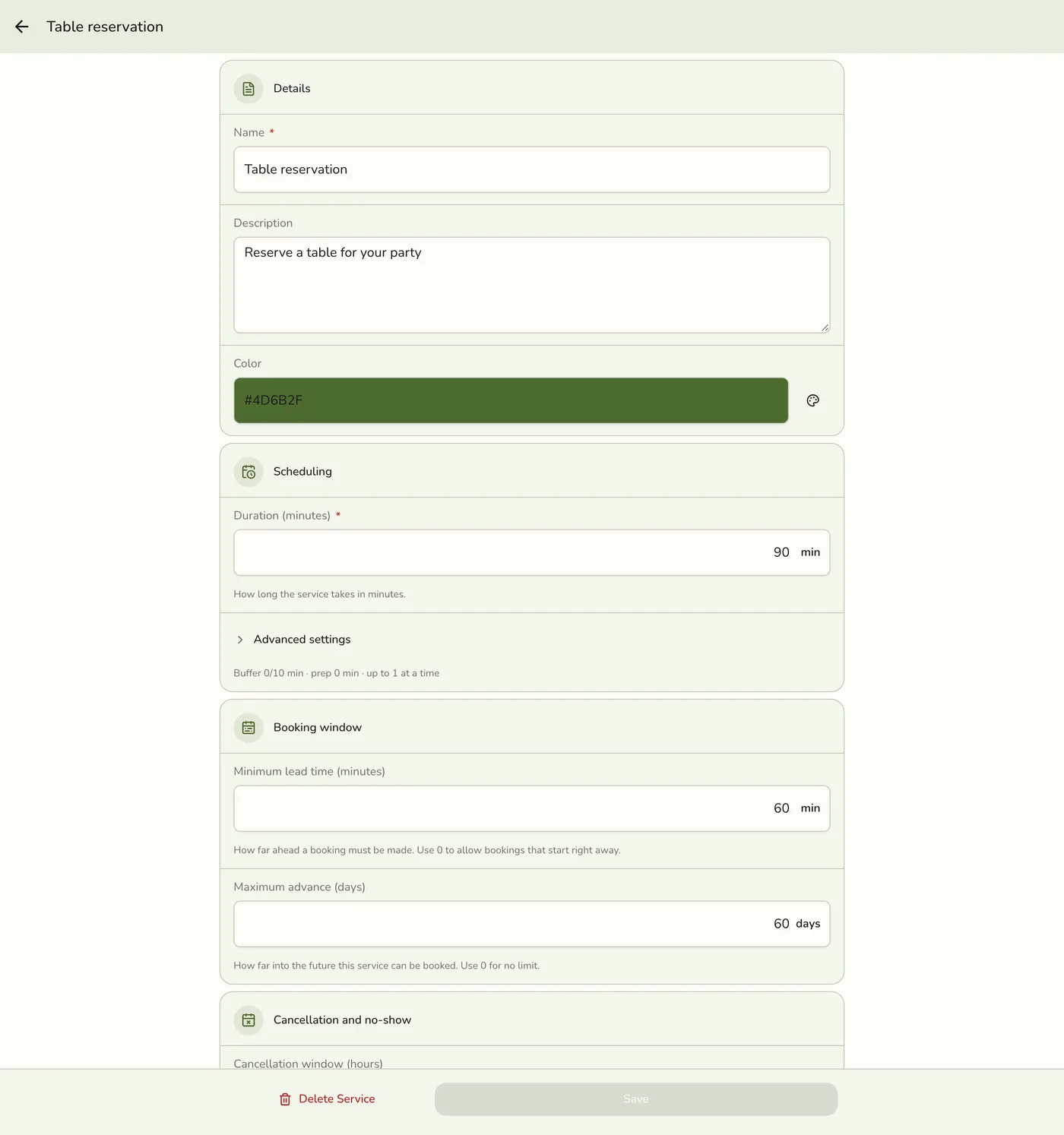
Open Event Services and set each service's length, buffers and Max concurrent. See Managing Event Services.

2
Say who performs each service
Open a service and tap Manage under Staff assignment. Tick the staff and save.
3
Set the staff's hours
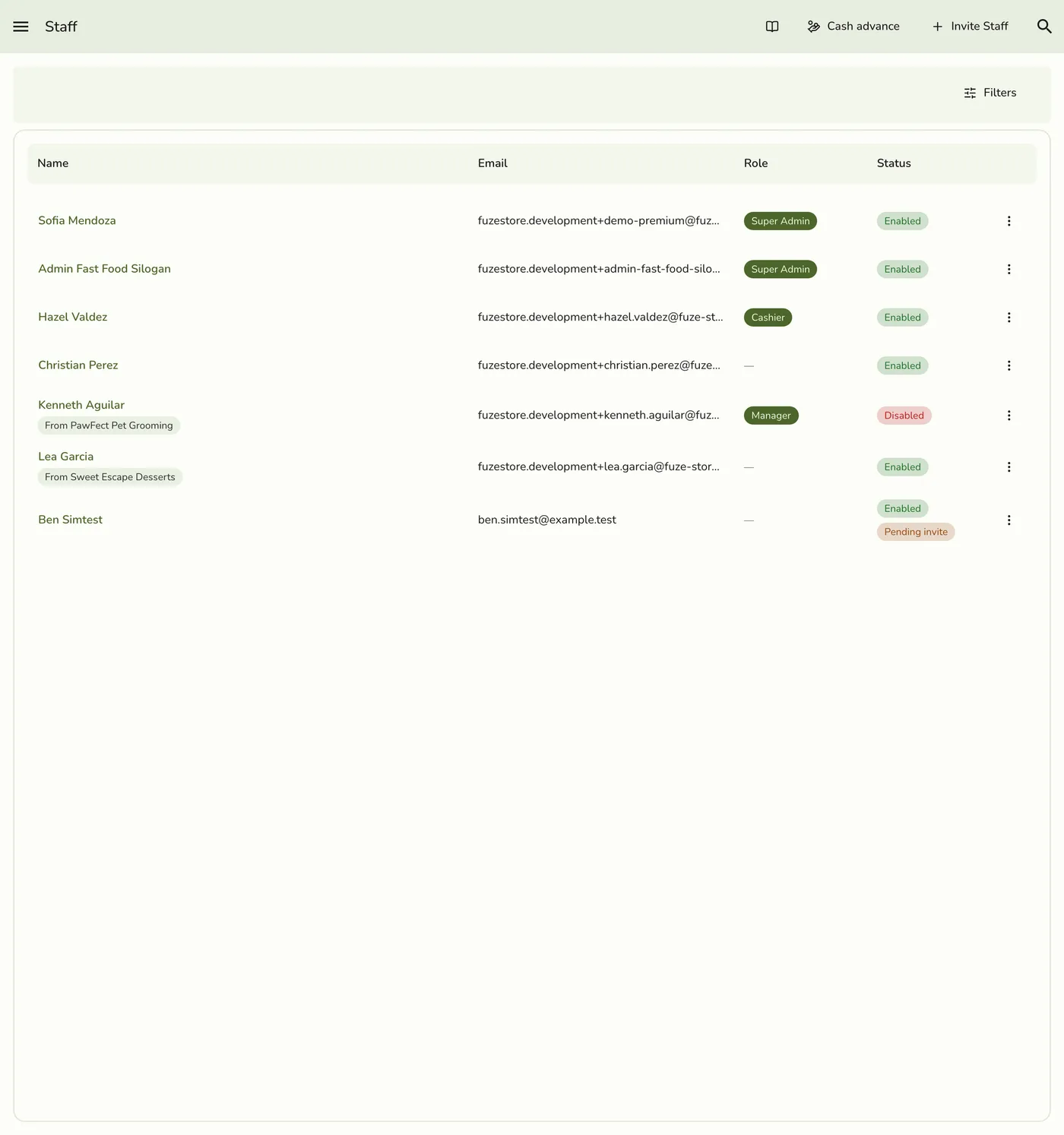
Give each person weekly hours and day overrides. See Managing a Staff Schedule.
4
Book
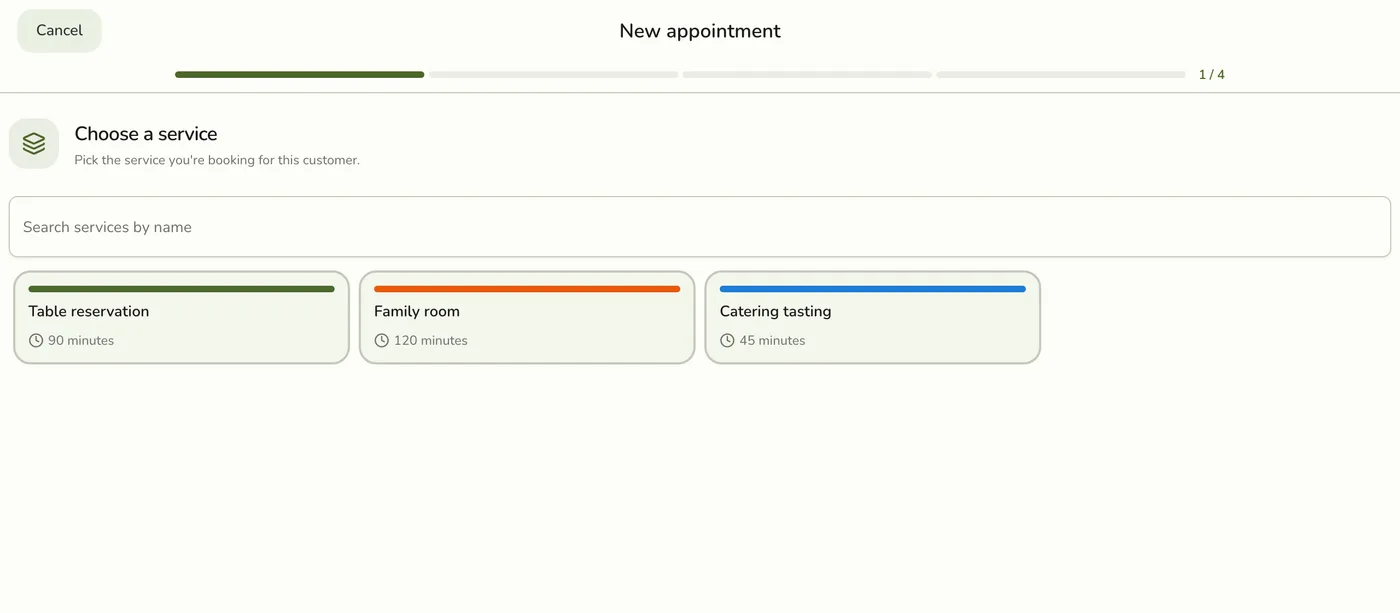
When you or a customer book, the slots offered and checked follow all three.
What happens next
- Bookings check the staff member is working when a booking is made or moved, and when slots are offered. The whole booking must fall inside that day's hours.
Edge cases
- Who is checked where. The online booking page offers only a service's assigned staff who are active and free. Bookings made by staff in the app do not check the assigned list, but they do check the person's schedule and existing bookings.
- Never scheduled means always free. A staff member with no weekly hours is treated as free. Once any day has hours, a day with none is a day off.
- Overrides win. An override for the date replaces the weekly hours, and one marked available with no hours means free all day.
- Tables. A reservation that names a table blocks overlapping reservations on that table. Leave it empty when seating is flexible.
- Any available staff. The booking then names no one, and only Max concurrent is checked, not who is free.
- Slots run every 15 minutes inside opening hours (9:00 to 21:00 when none are set), no sooner than the service's lead time, and up to 90 days ahead by default.
- Buffers matter. A 60-minute service with a 15-minute buffer after blocks 75 minutes of the person's day.
- Times are stored in UTC and shown in the store's timezone, so read "today" by the store clock.
- Plans. Event Services and the staff lookup for appointments need Lite and up. On Starter you can still take reservations.
Works with
| Add-on or plan | What changes on this page |
|---|---|
| Events (Starter and up) | Bookings, check-in and reminders. Not on the free Basic plan. |
| Lite and up | Event Services, the catalog of bookable services, and the staff lookup for appointments. On Starter you can take reservations; appointments need a bookable service. |
| SMS Notifications add-on | Texts for scheduled, rescheduled, checked in, in progress, completed and cancelled bookings, when each is turned on. |
| Live sync (Lite and up) | Other devices see the change at once. On lower plans they pick it up the next time they refresh. |