

Service Details by Store Template
When you create a store from a business-type template, Fuze Store can fill in starter fields for that trade. Templates are a head start. You can add, edit, reorder or remove fields any time.
Before you start
- A store created from a business-type template.
Steps
1
Create the store from a template
Pick your business type in the store setup wizard.
2
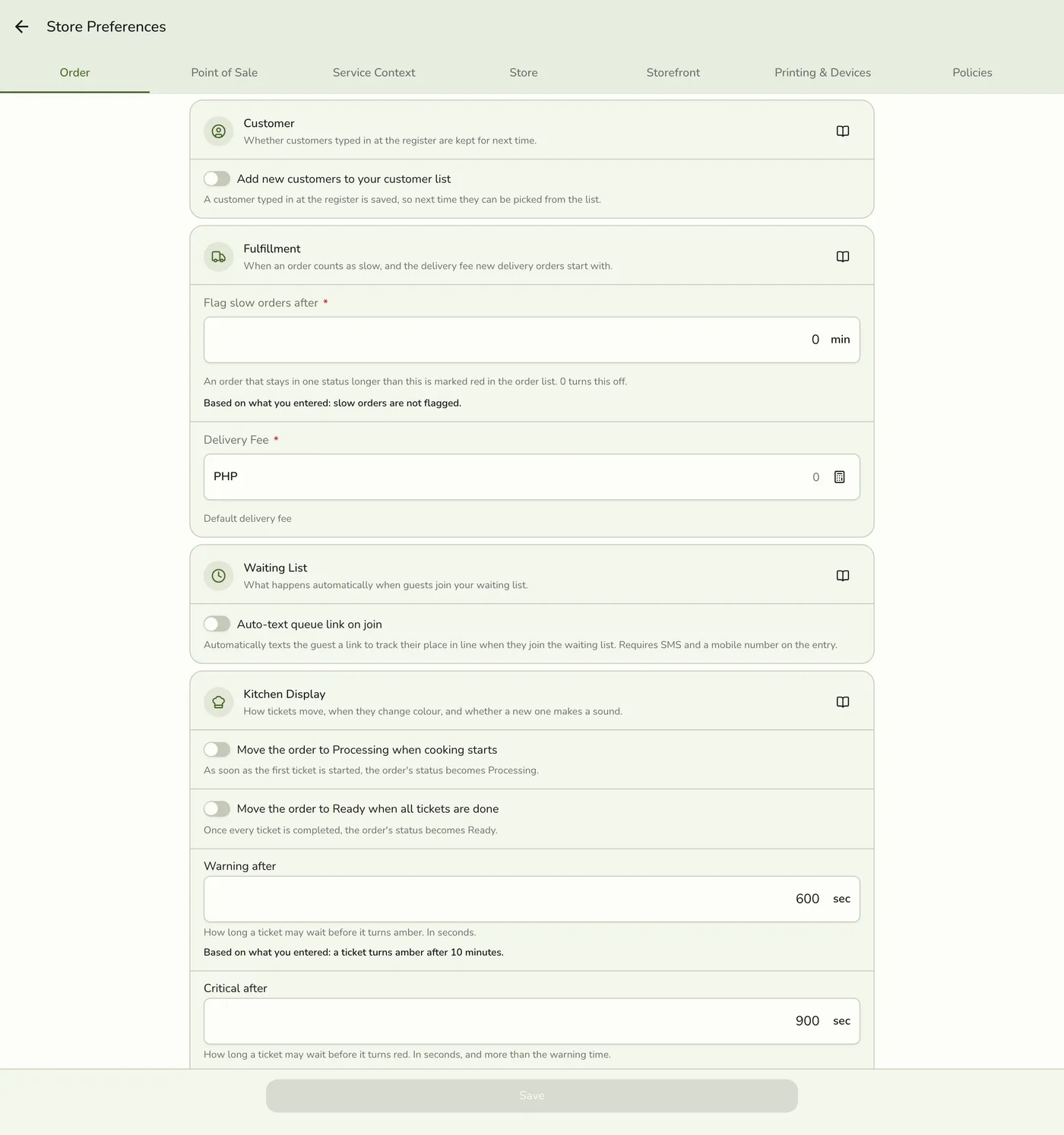
Open Service Context
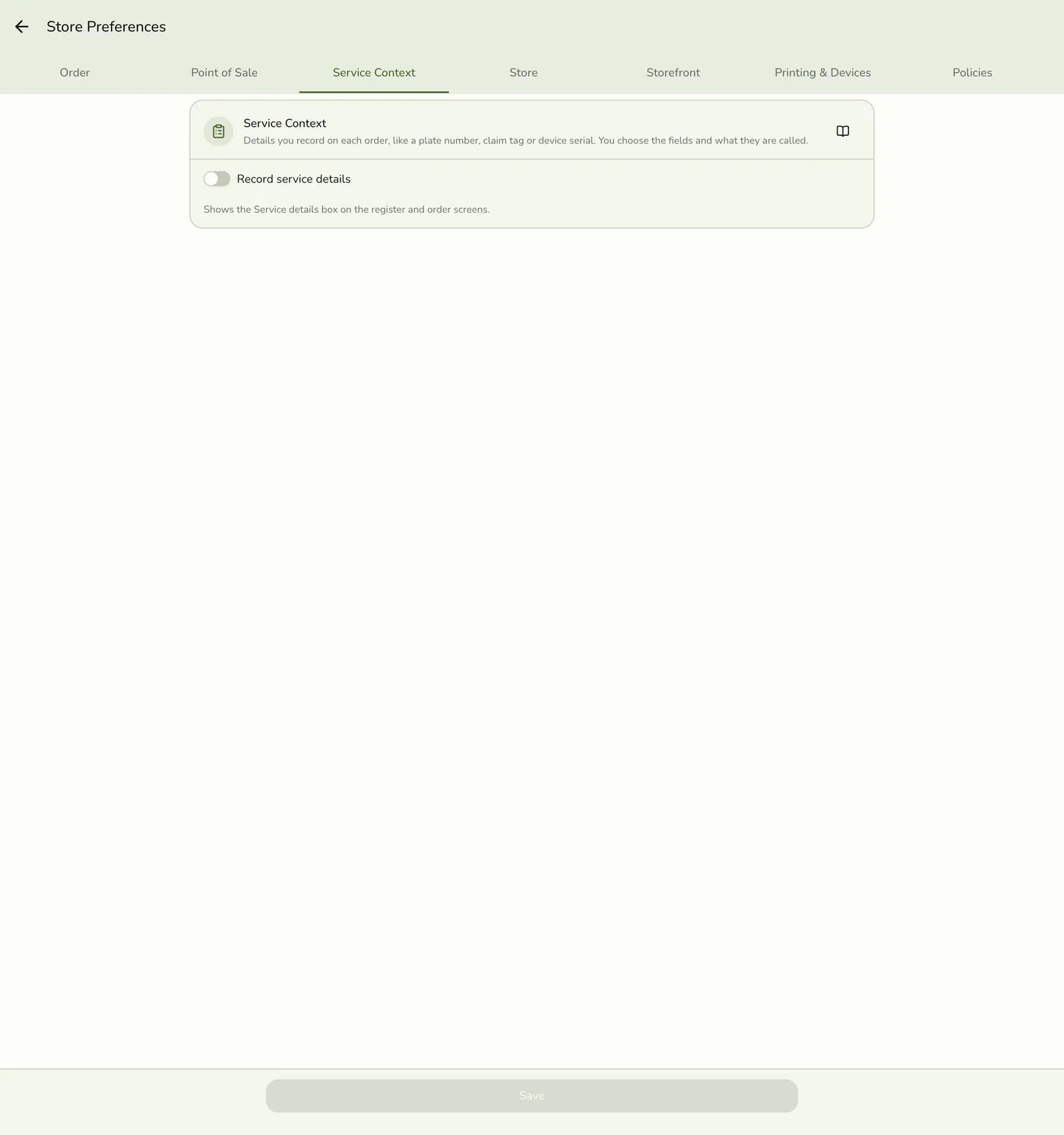
Open Configurations → Preferences → Service Context. Turn on Enable service details if it is not on yet. Fields are filled in even on Basic, but capture works only on Starter and up.
3
Adjust the fields
Rename labels to your shop's language, add fields the template missed, remove the ones you do not use, and set Show on per field. Tap Save.
Editing a seeded field — screenshot coming soon
What happens next
- Your team sees the fields at the register as soon as the plan allows capture.
Edge cases
- Fields by template. Restaurant: Number of guests, Allergy / notes. Cafe or milk tea: Name on cup. Eatery: Name for order. Bakery: Order name. Car wash: Plate number, Vehicle type, Color. Laundry: Claim tag #, Load / bag count, Service type. Repair: Device / item, Serial / IMEI, Reported issue. Water station: Container count, Container type. Pet grooming: Pet name, Pet type, Size. Vet: Pet name, Owner name, Species. Spa: Room #, Therapist preference. Salon: Client name, Stylist preference. Dental: Patient chart #, Treatment. Optical: Prescription ref #, Lens type. Medical: Patient name. Pharmacy: Prescription #, Patient name. Hardware: Job / delivery ref. Cellphone store: Device model, IMEI / serial. Motorcycle parts: Plate number, Motorcycle model. Mini grocery: Tab / suki name.
- Each one is called a Car (car wash, motorcycle), Bag (laundry), Device (repair), Pet (grooming, vet), Guest (spa, salon) or Patient (dental, optical, medical) when More than one per order is on. Other templates start with it off. See Several Cars, Bags or Guests on One Order.
- No fields seeded. General or manual setup, convenience store, vape shop, retail and warehouse.
- Dental and optical no longer mark the chart number or prescription reference for the receipt. They still show on the register and reports.
- Bakery pickup date is not a field. Use the Pick up service mode's own pickup date.
- Exact labels can differ by language. Preferences shows what is live for your store.
Works with
| Add-on or plan | What changes on this page |
|---|---|
| Plan | Service Details needs Starter and up, or the free trial. On Basic the tab and capture screens are hidden, but details already saved on past orders stay visible. |
| Waiting List add-on | The same fields appear when a customer joins the queue. |
| Daily Sheet report | A column per field, and a Serviced tile when several cars, bags or guests are on one order. |