

My Coupons
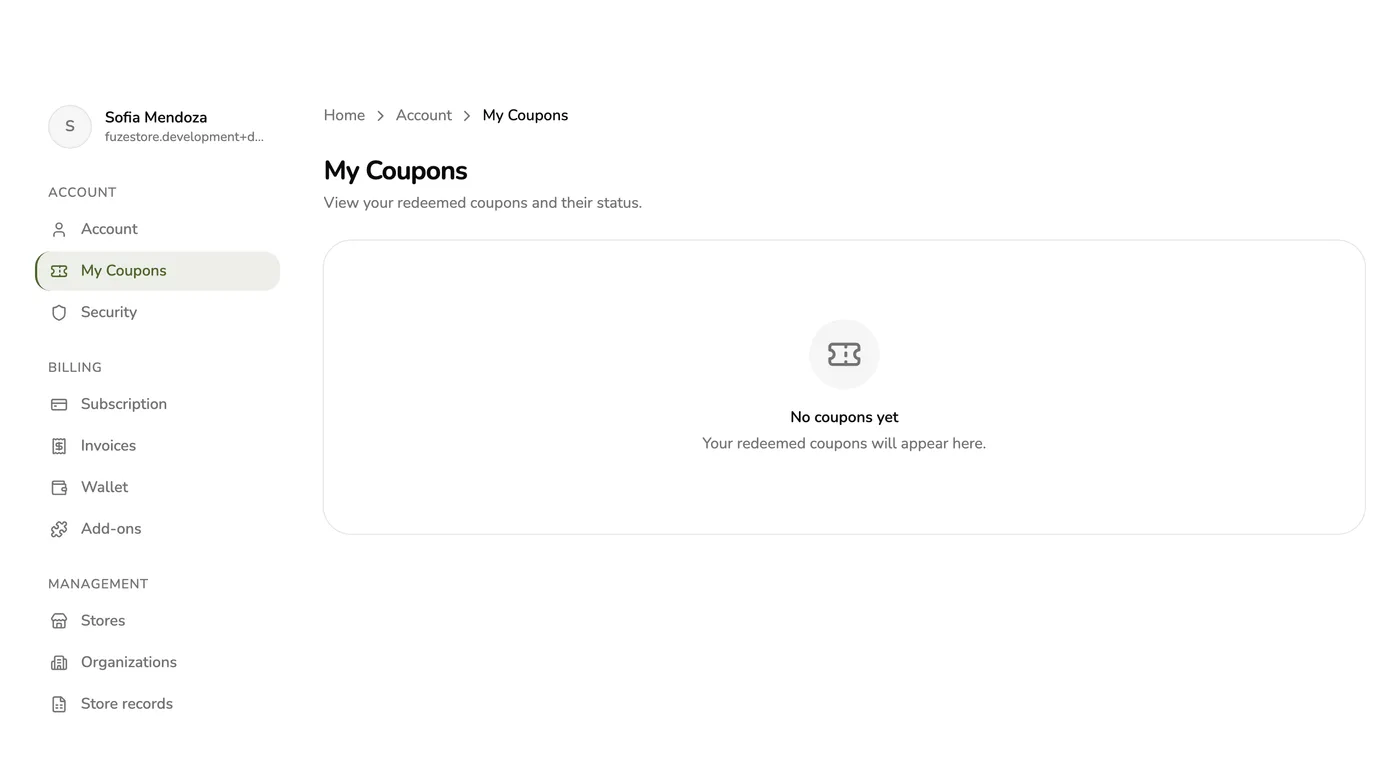
My Coupons lists every Fuze Store subscription coupon your account has used, newest first, with what each applies to and until when.
Steps
1
Open My Coupons
Open Account, then My Coupons.
2
Check what is active
Each coupon shows what it applies to and until when. Removed ones are marked.
An active coupon — screenshot coming soon
3
Remove one if you want to
Tap Remove on an active coupon and confirm.
Removing a coupon — screenshot coming soon
What happens next
- The coupon comes off for good and the next invoice is charged in full. The same code cannot be used again.
- Nothing already discounted is taken back.
Edge cases
- Only plain percentage or amount-off coupons can be removed. One that switched your plan or gave free months cannot (COUPON_NOT_REMOVABLE).
- These are subscription coupons, not a store's own discount codes for its customers.
- Early release: the coupon card on Subscription is hidden while payments are paused.
Works with
| Add-on or plan | What changes on this page |
|---|---|
| Store plans and add-ons | An account can hold one coupon that discounts the plan and one for add-ons at a time, plus free-months coupons. |