

Low-Stock Alerts and Auto-Reorder
Applies toEvery plan, including free BasicNeeds Inventory · Modify; Inventory · ViewUsually owner, manager
Fuze can flag products before they run out. Low-stock levels and email alerts work without the add-on. Drafting purchase orders automatically needs it.
Before you start
- Track stock on the product.
- For auto-reorder: the Advanced Inventory add-on.
Steps
1
Set the low-stock level
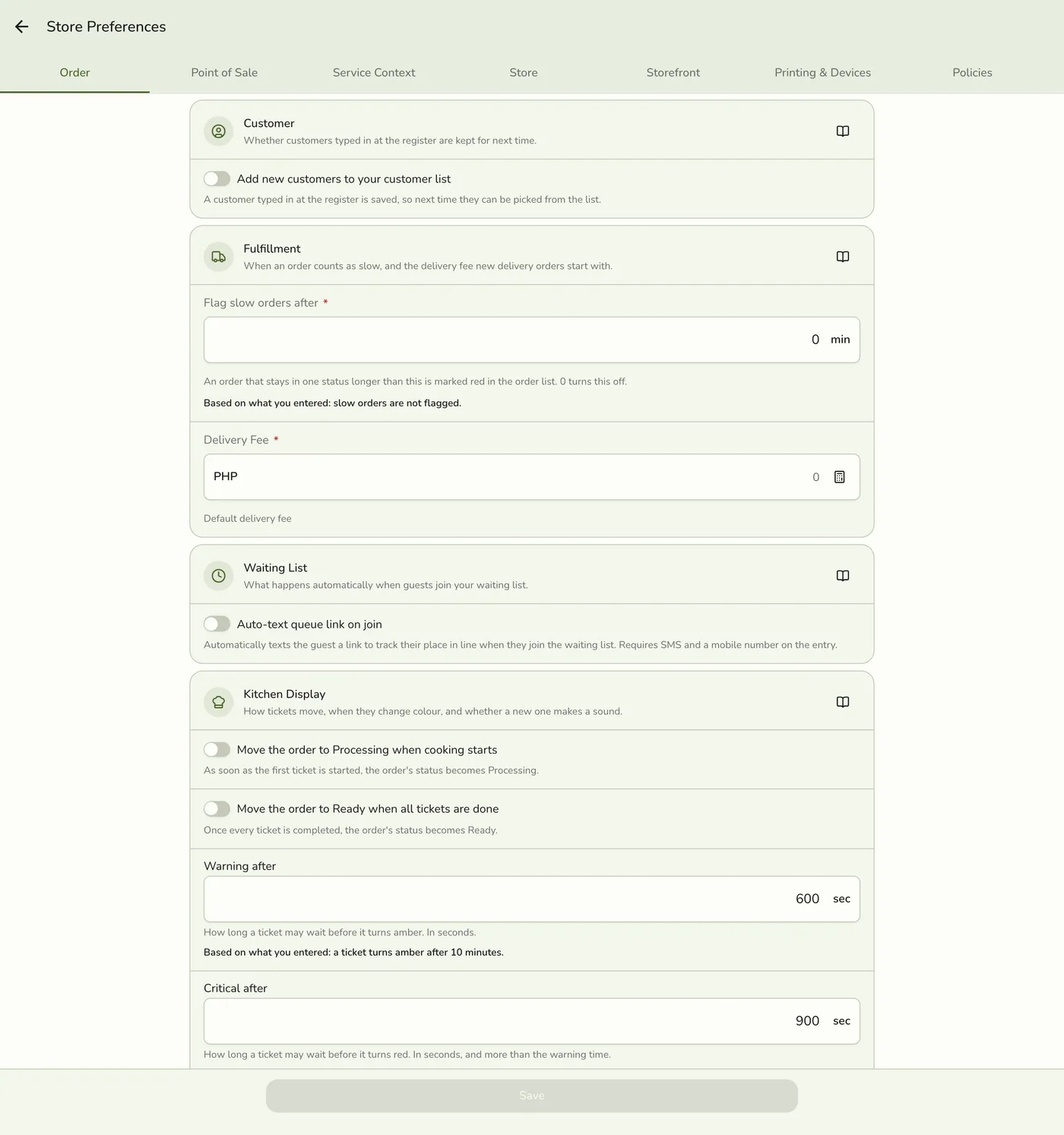
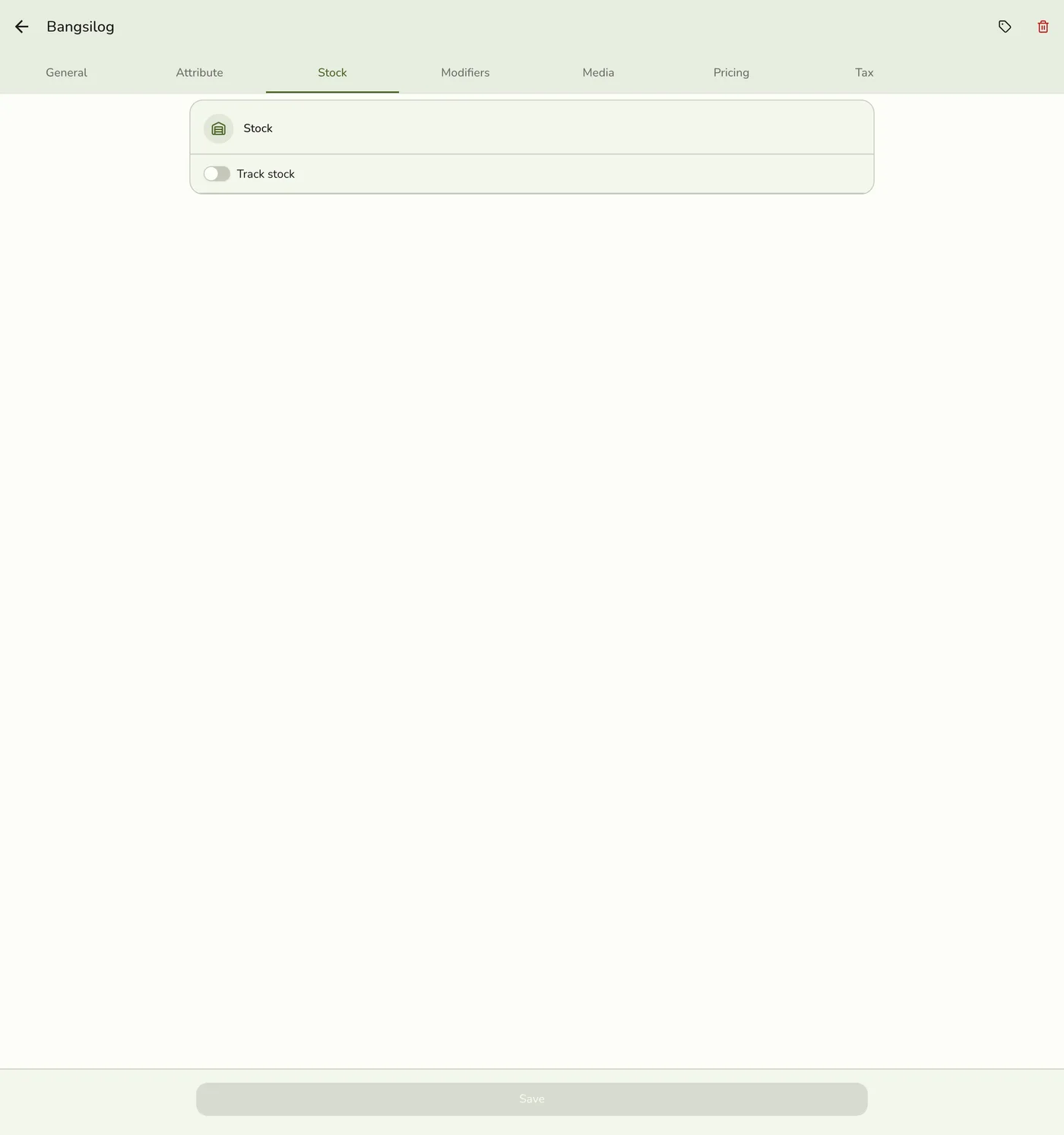
On the product's Stock tab, turn on Track stock and set the Low Stock level.

2
Turn on email alerts
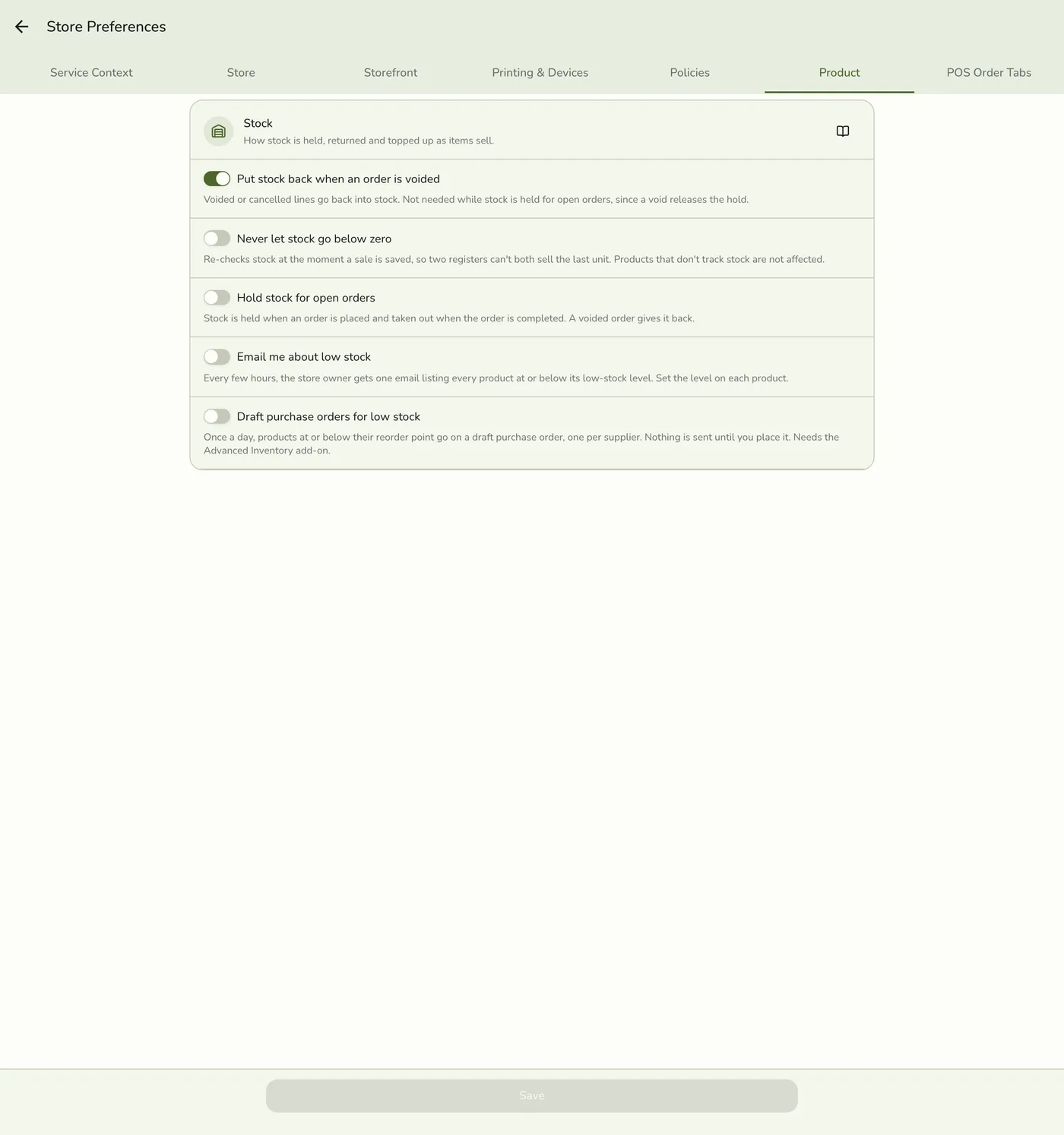
In Preferences → Product, turn on Low stock notifications. The owner gets one digest listing every low item.
3
Set reorder points (Advanced Inventory)
Open Advanced Inventory → Stock, open the item, and tap Reorder settings on a location's row. Enter the reorder point and reorder quantity. They are set per location.
4
Pick a preferred supplier
On the product's Stock tab, choose a Preferred supplier. Drafts carry that supplier. Without one you pick it before placing.
5
Turn on Auto reorder
In Preferences → Product, turn on Auto reorder, shown only with the add-on.
The Auto reorder switch — screenshot coming soon
What happens next
- Stock Levels flags rows as Low stock or Out of stock. The digest email goes out every four hours. Each day, low items are grouped by supplier into drafted purchase orders, noted "Auto-generated reorder", waiting in Purchase Orders.
Edge cases
- Auto-reorder only drafts. It never places an order. You review and place it yourself.
- The level is copied to the main location only. Stock at other locations keeps a level of zero, which never alerts.
- The digest lists items at or below a level above zero at any location, and does not repeat an item for four hours.
- A reorder point of 0 or no reorder quantity means the item is never drafted.
- The badge, the Stock status filter and the email use the same rule: stock on hand at or below a level above zero. Stock held for open orders does not make an item low. A level of 0 never flags an item as low; an item with nothing on hand shows Out of stock.
- No add-on, no drafts. Thresholds and email preferences are kept.
- What needs the add-on: reorder drafts, Purchase Orders and Suppliers. Levels, the list flag and the email do not.
Works with
| Add-on or plan | What changes on this page |
|---|---|
| Advanced Inventory add-on | Required for locations, purchase orders, suppliers, transfers and audited adjustments. It is the one add-on not unlocked during a free trial: activate it with a saved payment method on file. |