

SMS Suppression List
Applies toEvery plan, including free BasicSMS Notifications add-onNeeds SMS · ModifyUsually owner, manager
The suppression list holds phone numbers that should not receive your texts. While a number is on it, Fuze never messages it, automatically or by hand. The list is per store.
Before you start
- The SMS add-on is active.
- The SMS · Modify permission.
Steps
1
Open the suppression list
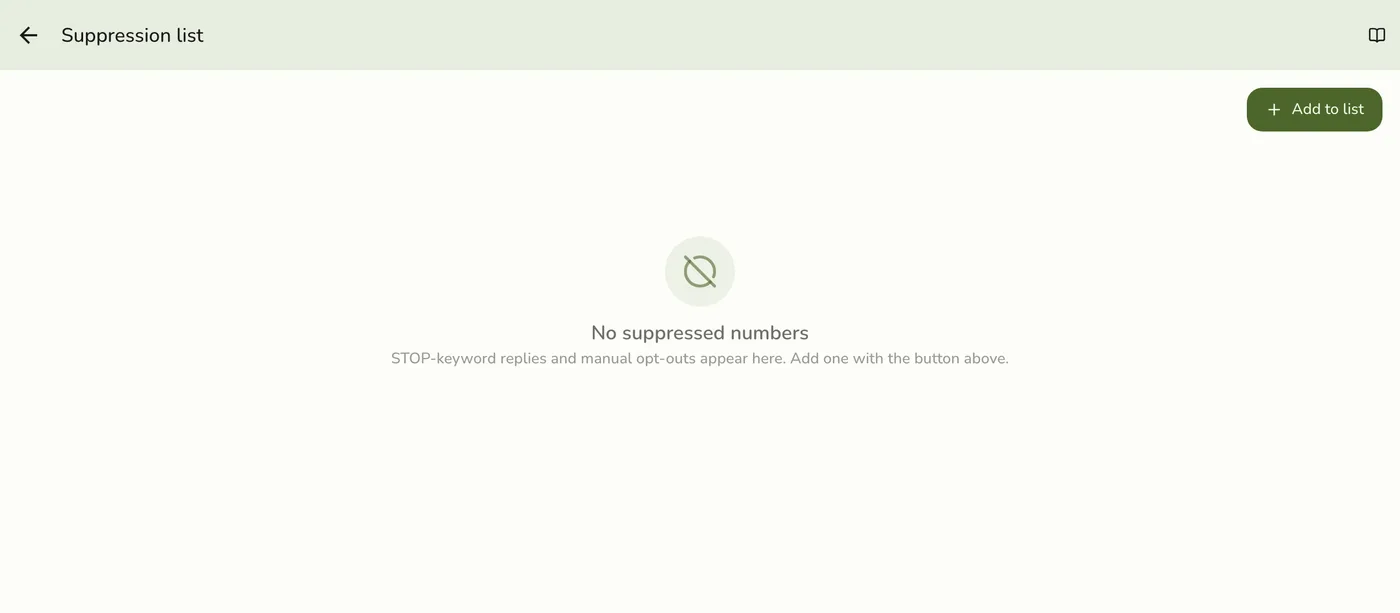
Go to Configurations → SMS → Suppression list. It shows each blocked number, newest first, with its reason and the date it was added.

2
Tap Add to list
Open the add form.

3
Enter the number, pick a reason, and save
Type the mobile number and choose a reason: Customer opt-out, STOP reply, Invalid number, or Hard bounce. Save. From then on the number is excluded from all your texts.
4
Remove a number when asked
Tap Remove on a number and confirm. It can receive texts again. Remove a number only if the customer asks to be re-subscribed.
The Remove confirmation on a suppressed number — screenshot coming soon
What happens next
- Every text to a listed number is refused as an opt-out, you are not charged, and no record is kept.
- A suppressed customer still gets email and printed receipts. Suppression affects SMS only.
Edge cases
- STOP replies are not added automatically yet. Fuze recognises STOP, UNSUBSCRIBE, CANCEL, QUIT, and END, but the SMS provider does not currently pass replies on. Add the number by hand as soon as a customer asks. The store a reply belongs to is guessed from the last four digits of a number, so an automatic match could land on another store's list.
- Bounces are not added automatically either. Add invalid or undeliverable numbers yourself so you stop paying to text them.
- The number must be valid. An invalid number is refused when you add it.
- Adding twice keeps the first reason.
- Do not work around it. Respecting opt-outs is required in most places. Add a customer who asks in person right away.
Works with
| Add-on or plan | What changes on this page |
|---|---|
| SMS Notifications add-on | Required to send texts and use the SMS screens. It is free and included in the free trial. Without it every SMS screen and call is refused. |