

Updating Unit Status
Unit status tells the floor which tables are free, busy, held or out of service. Making or completing an order also moves it, so use this when you need a manual correction.
Before you start
- The Point of Sale · Modify permission.
- A plan with units (Starter and up).
Steps
1
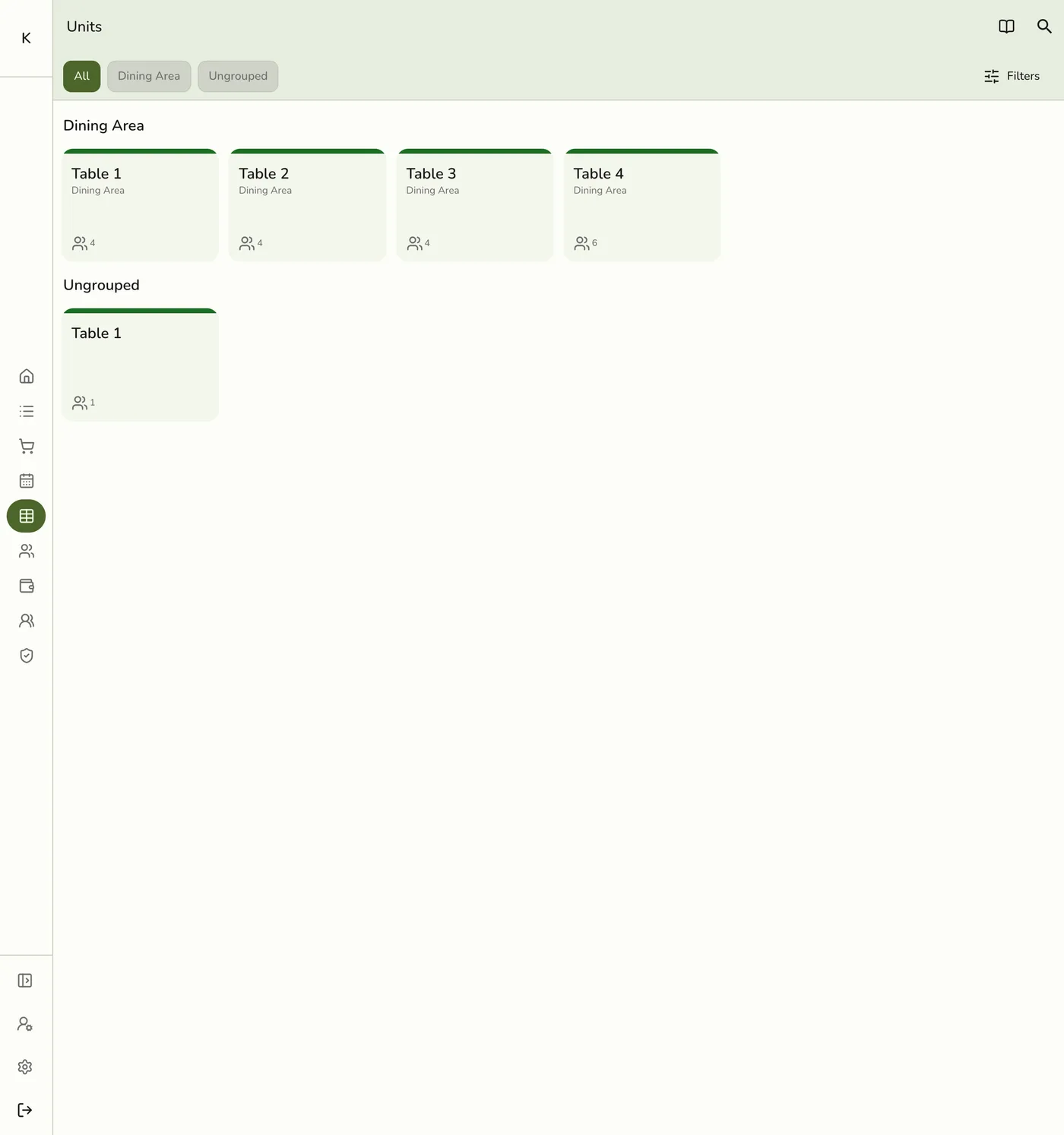
Open Units and tap the table
From the POS menu, tap Units, then the unit.
2
Choose a status
Available: ready for guests. Occupied: in use. Reserved: held for a booking or walk-in. Unavailable: cleaning, maintenance or out of use.

3
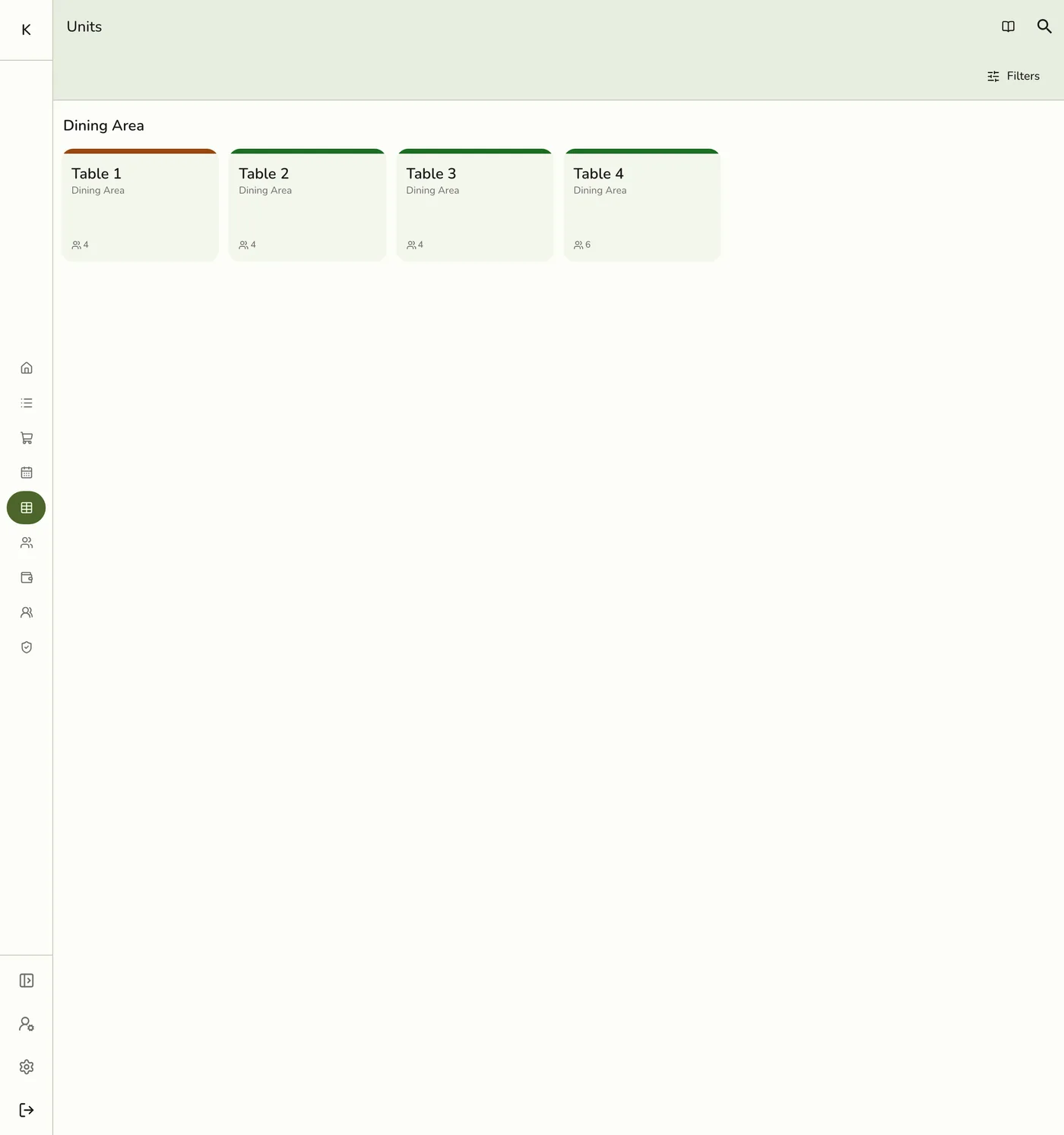
Check the grid
The tile changes colour for everyone on the store.
What happens next
- The tile shows the new status on every device. With live sync it is at once, otherwise at the next refresh.
Edge cases
- An open order on the table is untied from it when you set a status by hand. The order stays open without a table, so move it with Transfer first.
- Unavailable tables cannot receive an order and cannot be picked as a transfer destination.
- Keep statuses current to avoid double seating. Mark a table Unavailable before a transfer if it should not receive an order.
- Floor Plan. The same sheet opens from a table on the drawn floor, and any open order is untied the same way.
Works with
| Add-on or plan | What changes on this page |
|---|---|
| Plan | Units need Starter and up. On Basic the screen is hidden. |
| Floor Plan add-on | Shows the units as a drawn floor. A tap does the same as on the grid. See Live Floor on POS. |
| Live sync (Lite and up) | Other devices see the change at once. On lower plans they pick it up the next time they refresh. |