

Approving Expenses
Applies toEvery plan, including free BasicExpense Management add-onNeeds Expenses · ApproverUsually owner, manager
Every expense starts as Pending. A manager with approval permission reviews it and approves or rejects it. This gives you a simple audit trail of who authorized each cost.
Before you start
- The Expense Management add-on is active, and you have Expenses · Approver.
Steps
1
Find the pending expenses
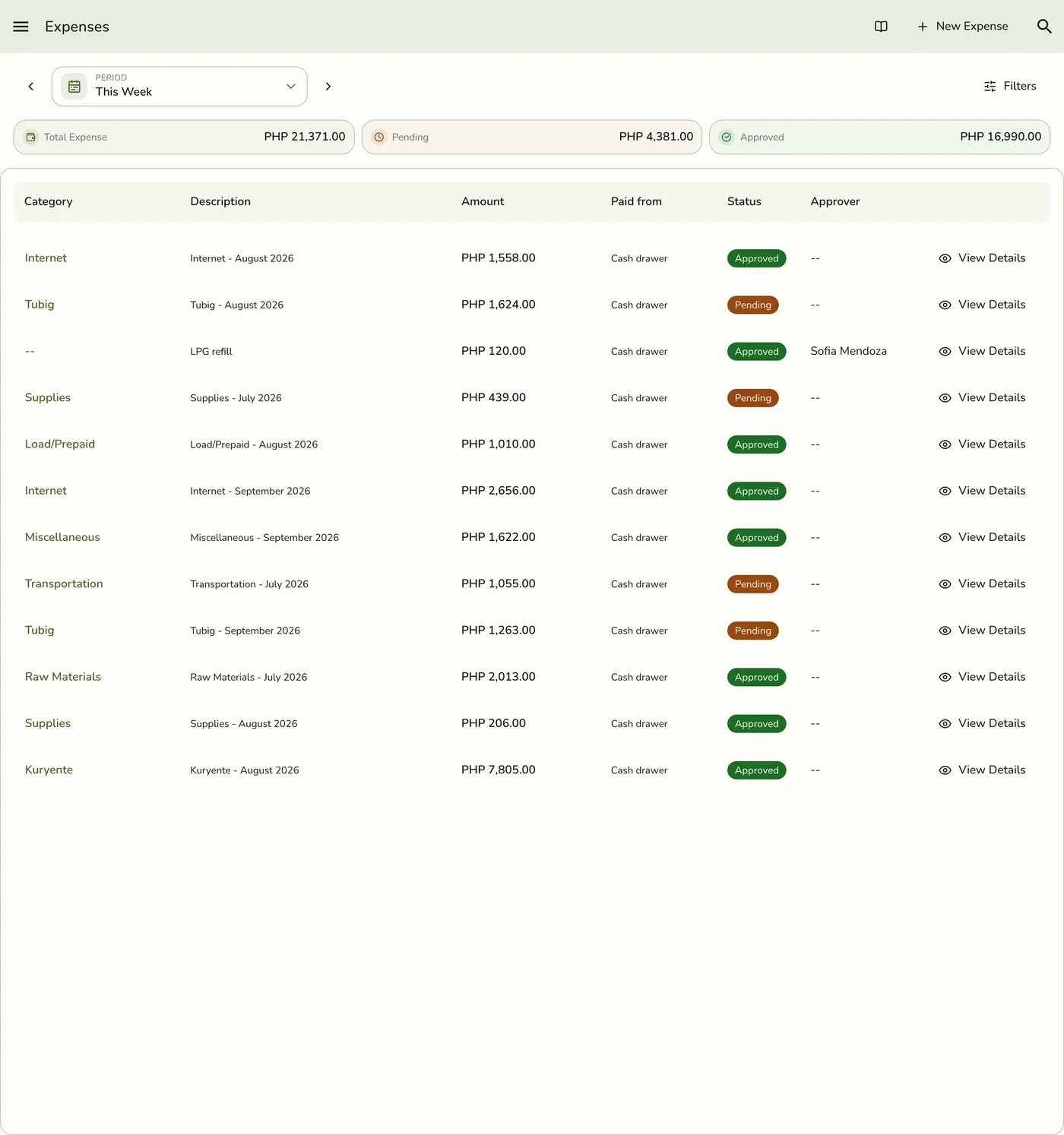
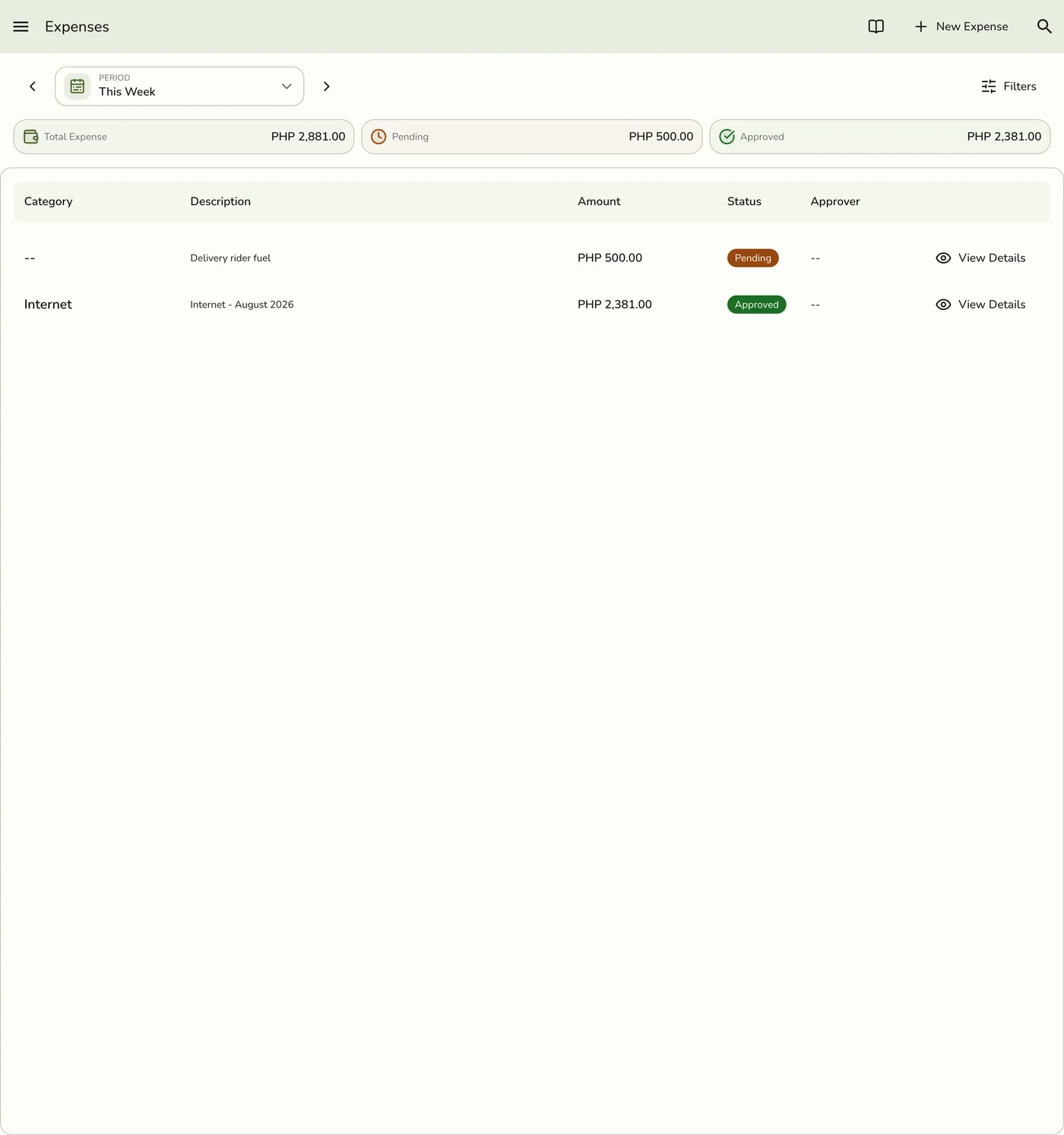
Open the sidebar menu and go to Expenses. Filter Status to Pending. The period starts on this week. Filters also narrow by category, amount range, and search, and the list loads 25 at a time as you scroll.
2
Open a pending expense
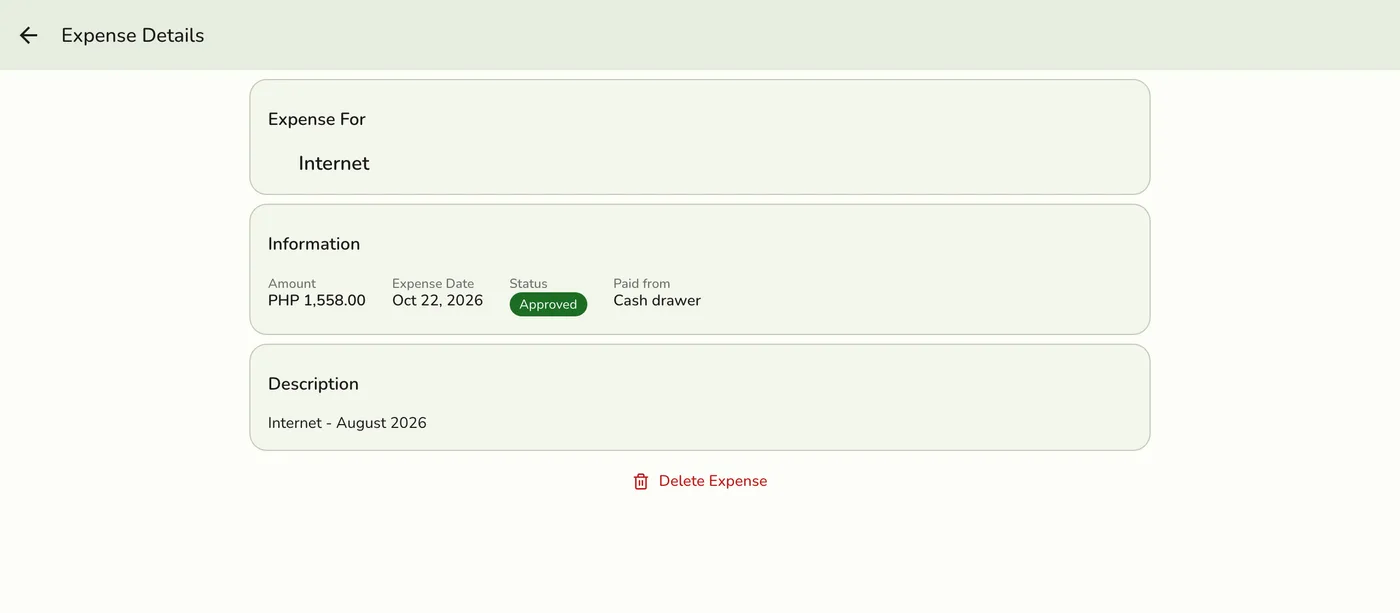
Press View Details, or tap its category name. Check the amount, category, date, description, and receipts.
3
Approve or reject
Press Approve Expense or Reject Expense. Confirm. The status updates and your name is recorded under Approved By or Rejected By. Rejecting does not ask for a reason.
The approval workflow
| Status | Meaning |
|---|---|
| Pending | Recorded, waiting for a manager to review. |
| Approved | Reviewed and authorized. It counts as a posted record. |
| Rejected | Reviewed and declined. |
What happens next
- An approved cash-drawer expense counts as cash out of its session. The open session's expected cash picks it up the next time its totals are worked out, within 30 seconds.
- A rejected expense can no longer be edited and is left out of every total.
- Other devices reload only on plans with live sync.
Edge cases
- An expense is decided once. If two managers open the same pending expense, the first decision is kept. The second sees This expense was already approved or rejected, with the expense refreshed to show what was decided. An approved expense cannot be rejected afterward.
- Who can approve. Anyone whose role has the approve permission can approve or reject, including an expense they recorded themselves. Give the permission only to the roles you trust.
- Only Pending expenses show Approve and Reject, together with Edit. Once decided, those buttons disappear.
- Undo an approval by voiding. Remove the expense with a reason. The reason and who removed it are kept. It is a reversal, not a silent delete.
- A closed session locks it. An approved expense that belongs to a closed session cannot be voided, because its amount is already in that session's totals.
- Expenses from an AI assistant arrive Pending and must be approved here. Imported expenses carry no receipt files.
- Prefer rejection to deletion. Rejecting keeps the record.
Works with
| Add-on or plan | What changes on this page |
|---|---|
| Expense Management add-on | Required. Without it the Expenses menu does not show and every expense call is refused. |
| Store Sessions add-on | Approving a cash-drawer expense lowers that session's expected cash. Voiding it after the session closes is refused. |
| AI Connections add-on | Imported expenses start Pending for you to approve. |
| Any plan | No plan limit applies. |