

Central Warehouse
Applies toEvery plan, including free BasicOrganization Management add-onAdvanced Inventory add-onUsually owner
A warehouse is a special kind of store that holds stock and supplies your other branches, rather than selling to customers. It's the hub in a hub-and-spoke setup: stock arrives at the warehouse, then flows out to your branches through cross-store transfers.
How a Warehouse Differs from a Regular Store
A warehouse store:
- Has no point-of-sale surfaces — the register, orders, and sales screens are hidden, because a warehouse doesn't sell to customers.
- Is hidden from the public store directory — customers won't find it when browsing stores.
- Keeps its full inventory tools — locations, stock, suppliers, purchase orders, and transfers all work as normal.
Everything else about a warehouse works like any other store in your organization.
Creating a Warehouse
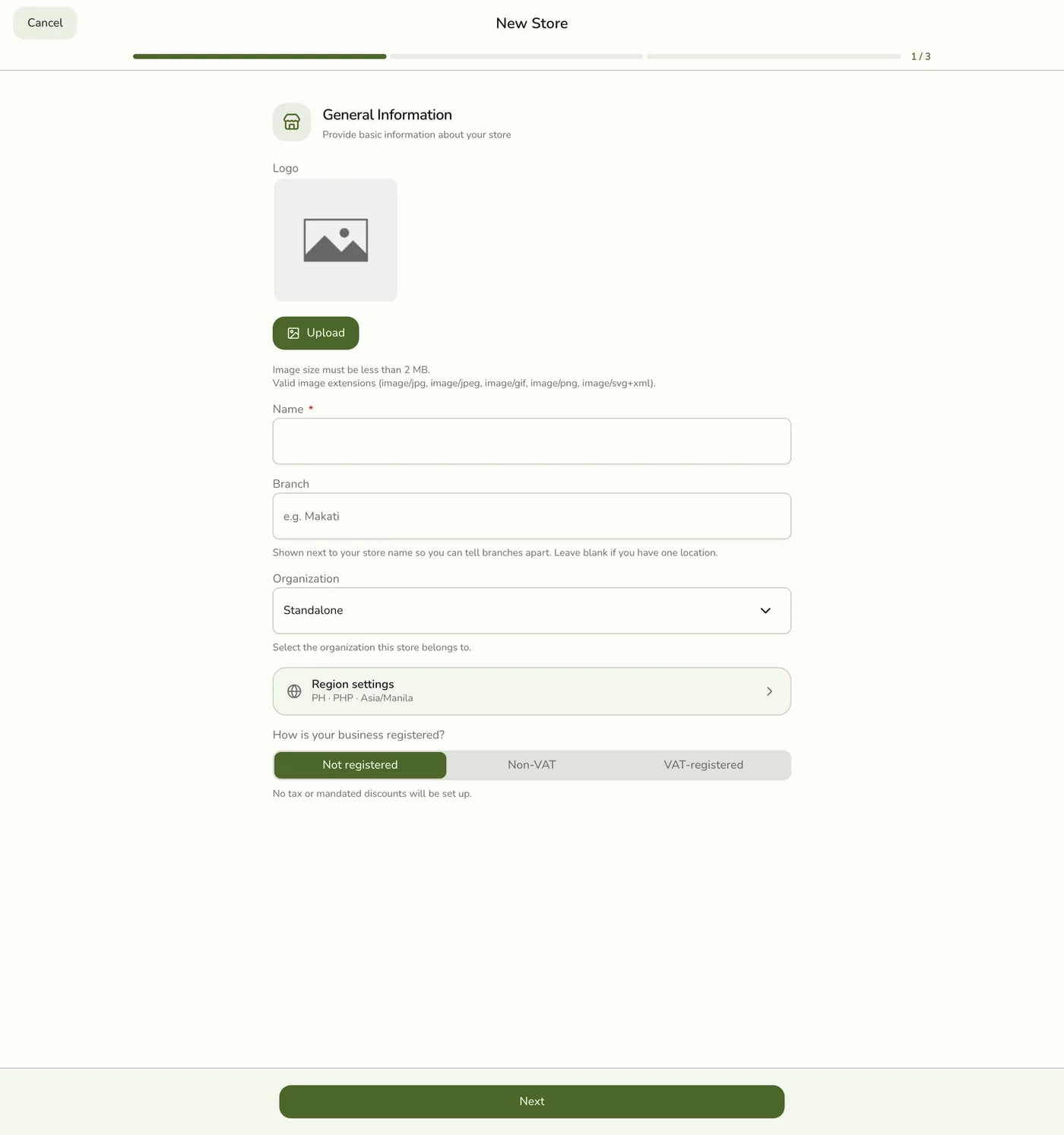
You create a warehouse the same way you create any store — by choosing the Warehouse business type during setup.
- Start creating a new store (from Stores → Add Store, or from your organization).
- On the business type step, choose Warehouse.
- Finish the setup. The new store is flagged as a warehouse and its POS surfaces stay hidden.
Add it to your organization
For the warehouse to supply your branches, it must belong to the same
organization as those branches, and each store needs the Advanced Inventory add-on.
See Linking & Unlinking Stores.
The Hub-and-Spoke Flow
A typical warehouse setup runs like this:
- Receive stock into the warehouse — record purchase orders or stock so the warehouse holds inventory.
- Link products across the warehouse and your branches so they're recognized as the same items. See Organization Inventory.
- Send stock to a branch — create a cross-store transfer from the warehouse, ship it, and the branch receives it. Or let a branch request stock, which the warehouse accepts and ships.
- Watch combined stock in the organization Stock Overview to know when to reorder at the warehouse.
Edge cases
- No selling: a warehouse has no register, so sales reports for it stay empty.
Works with
| Add-on or plan | What changes on this page |
|---|---|
| Organization Management add-on | Required for the organization to open and for anyone to link, invite or manage. If it lapses the organization pauses; see Paused Organization. |
| Advanced Inventory add-on | Required in the warehouse and every branch it supplies. |