

How to Update a Service
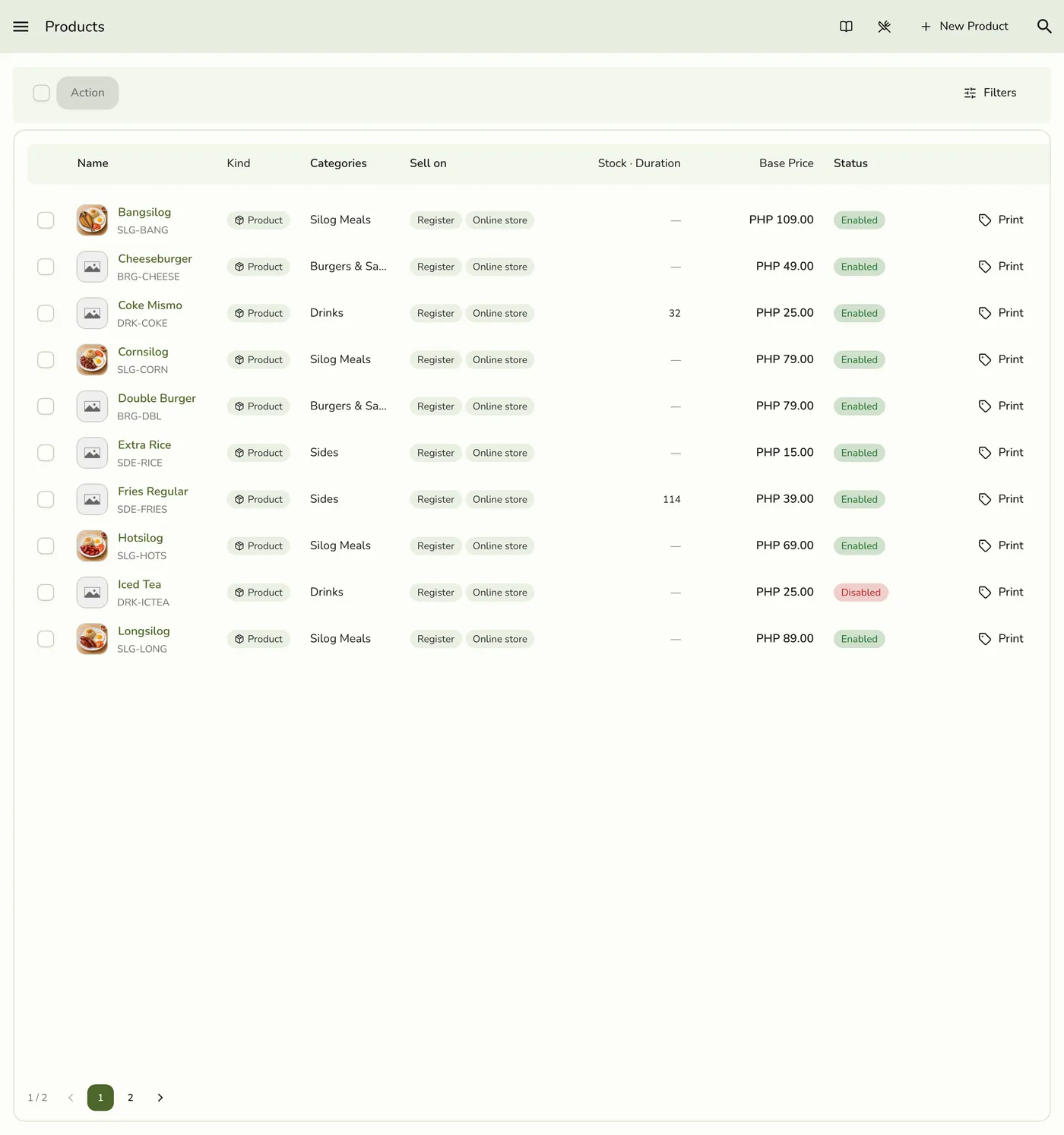
Edit a service the same way you edit a product, from Products.
Before you start
- The Products · Modify permission.
Steps
1
Go to Products
Open the sidebar menu and choose Products (under Catalog). There is no separate Services menu.

2
Find the service
Optionally filter Kind: Service so only services show. Then tap the service you want to edit.
3
Update the fields
Change any field. Keep This is a service on unless you are converting it to a regular product. Adjust the duration on the Attribute tab.
The Edit Product form for a service showing the Duration fields — screenshot coming soon
4
Save
Tap Save. Changes apply to new sales at once.
The Products list after saving the service — screenshot coming soon
What happens next
- The register and your public menu are refreshed. Past orders keep the prices and names that were on the sale at the time.
Edge cases
- Turning This is a service off converts the item to a normal product. The Stock tab appears so you can manage built-in stock, with no Advanced Inventory add-on needed.
- Without Products · Modify the form is read-only.
- Organization-managed services lock name and description. See Catalog Sync.
Works with
| Add-on or plan | What changes on this page |
|---|---|
| Any plan | Editing works on every plan. |