

How to Delete a Service
Remove a service from Products. It uses the same delete flow as products.
Before you start
- The Products · Delete permission.
Steps
1
Go to Products
Open the sidebar menu and choose Products (under Catalog). There is no separate Services menu.

2
Find the service
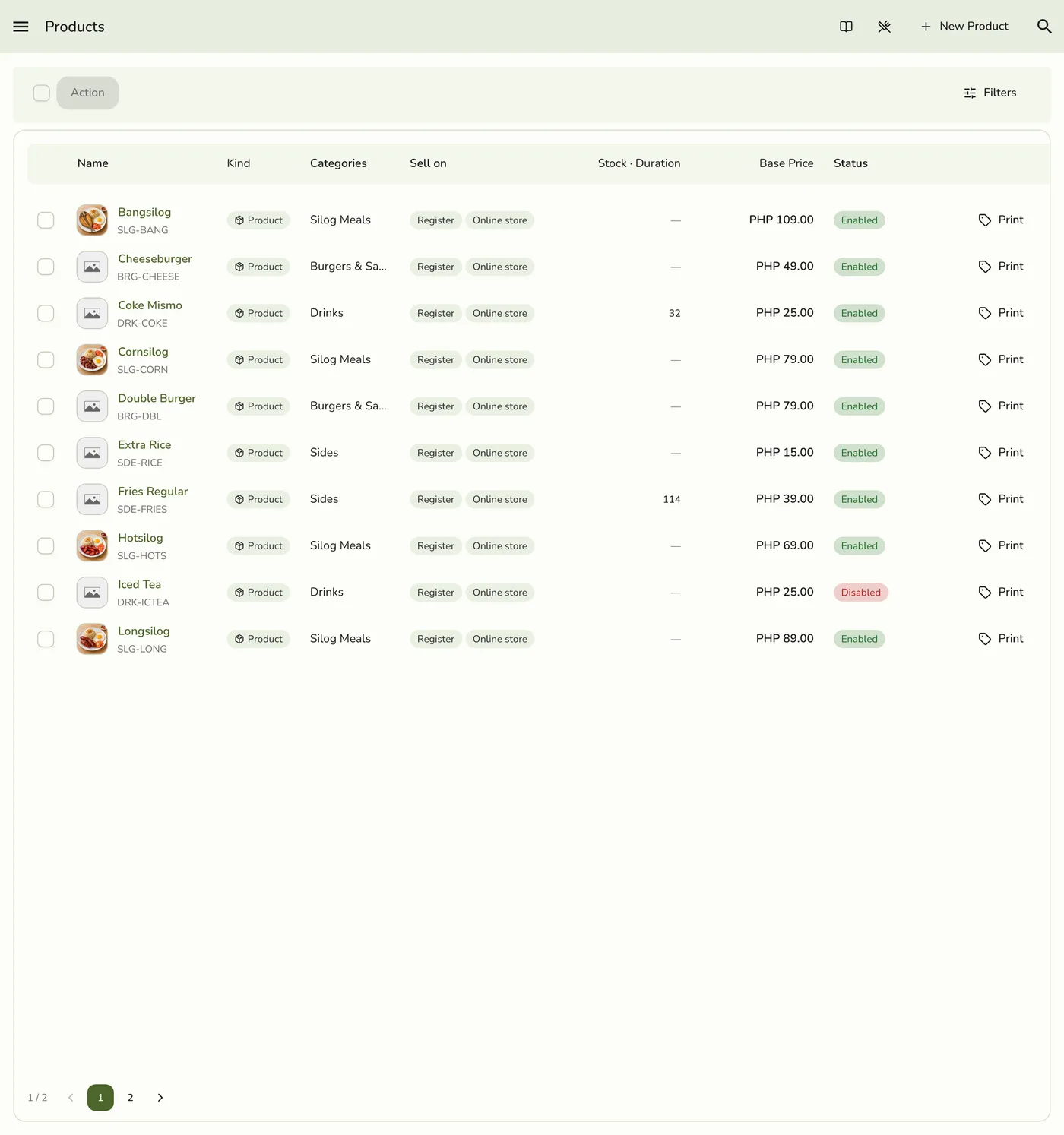
Optionally filter Kind: Service, then find the service.
3
Choose Delete
Open the row ⋯ menu and tap Delete, or open the service and tap the trash icon in the toolbar.
The Delete action in a service row menu — screenshot coming soon
4
Confirm
Confirm when prompted.
The confirmation dialog before a service is deleted — screenshot coming soon
What happens next
- The service leaves the catalog and register for new sales. Past orders that used it remain in history.
Edge cases
- A service with sales or history is retired, not erased, so receipts and reports stay intact. One never sold is removed.
- Refused if it is part of an event service, a bundle, or an organization link group. The message names the parent.
- To hide it for a while, turn Enable off instead.
Works with
| Add-on or plan | What changes on this page |
|---|---|
| Events plan | An event service that uses this service must be updated first. |
| Any plan | Deleting works on every plan. |