

Import/Export Quick Guide
Applies toStarter plan and upNeeds Store Settings · Import; Store Settings · ExportUsually owner, manager
Move catalog and configuration data in and out of Fuze Store in bulk.
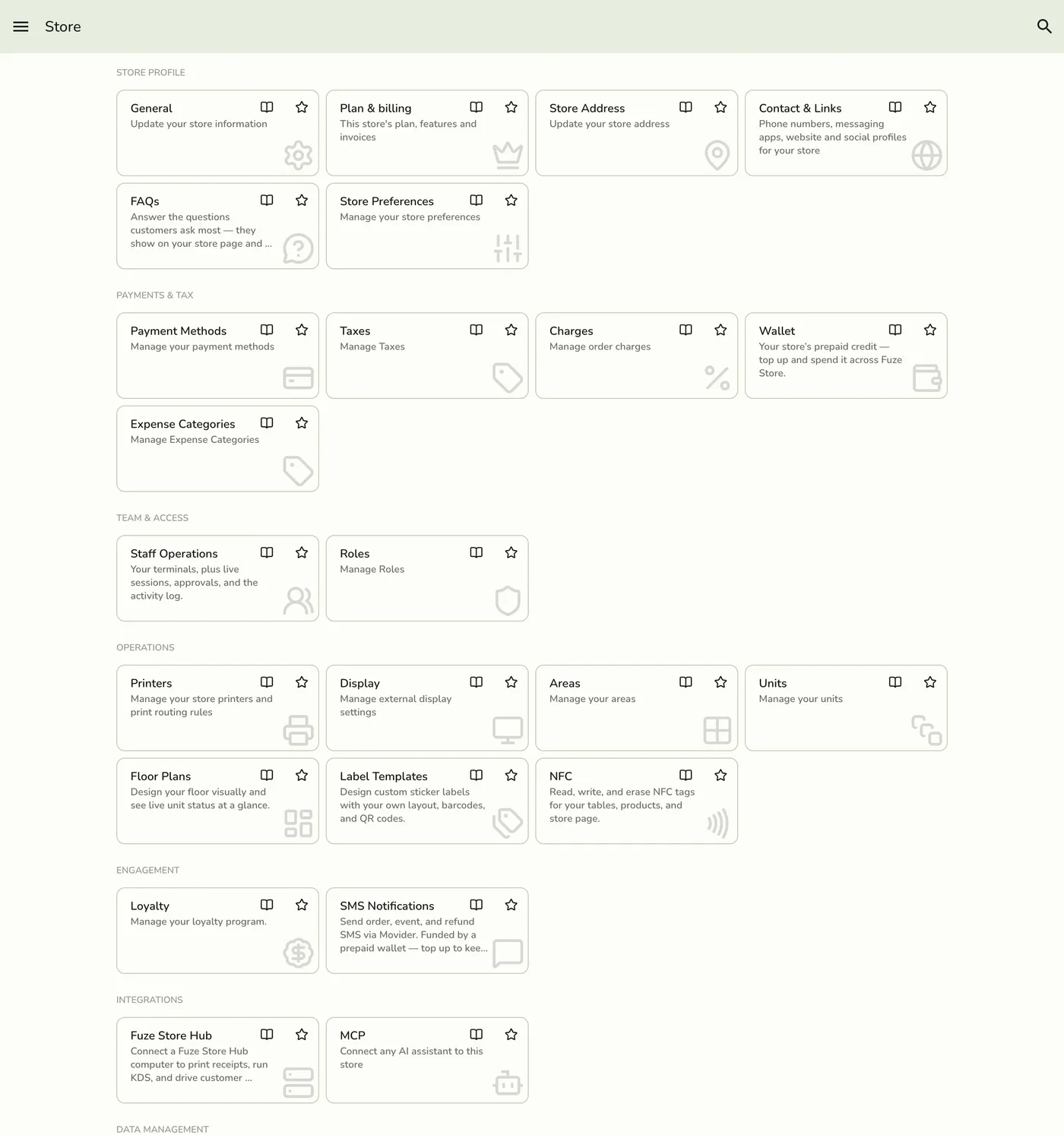
What this covers
Open them: app drawer, Configurations, then under Data Management tap Import or Export.
Import in brief
- Pick a type. Import foundations before products and staff when the store is empty.
- Tap Download template if you need the column names.
- Upload a CSV, XLS, or XLSX file, review, and tap Import.
Export in brief
- Pick a type.
- Pick CSV, XLS, or XLSX.
- Download.
Remember
- Import and export are Starter and up. The free Basic plan has neither.
- Roles and Gift cards need their add-ons, unlocked during the free trial. Event services need Events Advanced, which Lite and up include.
- There is no Customers or Product Stocks type.
- One bad row stops the whole import and nothing is saved.
Works with
| Add-on or plan | What changes |
|---|---|
| Basic plan | Import and export are locked. |
| Starter and up | Both are available. |
| Roles & Permissions, Gift Cards add-ons | Unlock the Roles and Gift cards types. |