

Restaurant & Carinderia POS
Restaurant POS Built for the Philippines
Seat the table, send the order to the kitchen, print the bill, take the payment, and know by closing which dishes carried the day. Built for full-service restaurants, carinderias, food stalls, and bars across the Philippines.
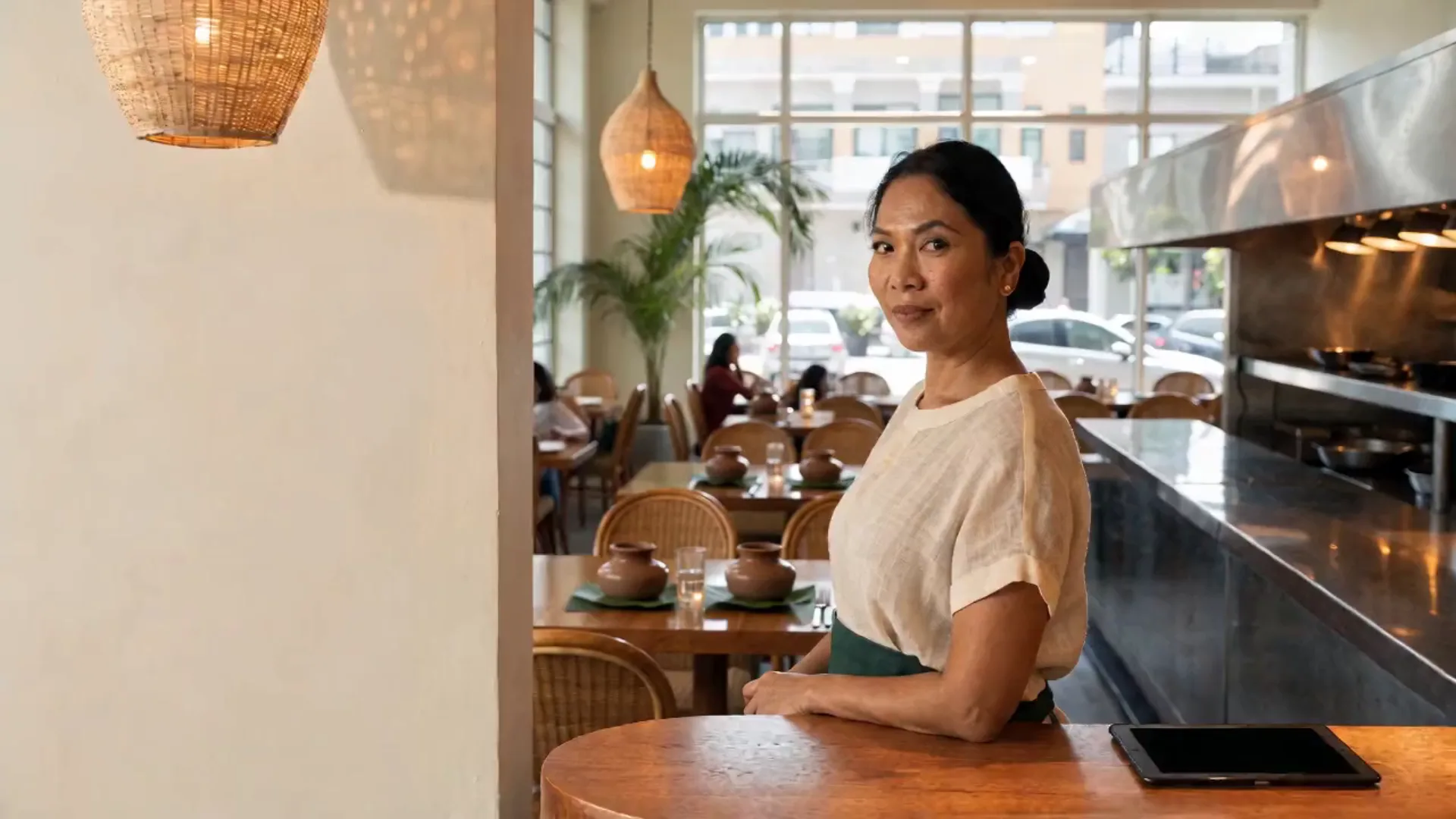
Built for businesses like yours
What kind of business do you run?
Pick your operating model to see how the day flows, where it breaks, and how Fuze Store fits.
Full-Service Restaurant
Tables, servers, a kitchen that needs the ticket right, and a bill that comes at the end of the meal.
Who walks in
Families, groups, dates. Walk in → seated at a table → the server takes the order with modifiers → the kitchen cooks → dishes are served → the bill is printed → the group pays and the table is cleared.
Where it breaks
- Verbal orders and handwritten tickets lead to wrong dishes
- Nobody knows which tables are free without walking the floor
- The 10% service charge is added by hand, differently each time
- The bill is re-added on a calculator while the group waits
What Fuze does for you
- Areas and tables with live status
- Dish modifiers and a note to the kitchen
- Kitchen tickets on a printer or a displayAdd-on
- Service charge applied automatically
- Visual floor plan of the dining roomAdd-on
A typical order
- Seat the group at a table
- Take the order with modifiers and notes
- The ticket prints or shows in the kitchen
- Serve, and add a second round from the same table
- Print the bill; take the payment
- Close the order and free the table
What changes
The kitchen cooks what was ordered, the floor is visible from the register, and the bill is right the first time.
Carinderia / Turo-Turo
Point at the ulam, pay at the counter, eat. High volume at lunch, small tickets, and a cash box that has to be right.
Who walks in
Workers on a lunch break, students, tricycle drivers. Point at two or three dishes → rice → pay at the counter → sit and eat → gone in twenty minutes.
Where it breaks
- At lunch peak, verbal orders and mental math short the change
- Cash goes in the box all day; at close you are guessing the take
- You cannot tell which ulam to cook more of and which to drop
- A second cashier means nobody knows who sold what
What Fuze does for you
- Pay-first counter register on a phone
- Ulam and rice as tap-to-sell items
- Cash counts per shiftAdd-on
- Best sellers by dish and by hour
- Kitchen display for a busy backAdd-on
A typical order
- Customer points at the dishes
- Tap them on the phone
- Take the cash; change is computed
- The sale is recorded
- Cook more of what the report says sells
What changes
The lunch rush is counted plate by plate, the drawer closes against a number, and tomorrow’s menu is planned from today’s sales.
Food Stall / Food Cart
No counter space, no budget for hardware, and a line that has to move. The phone is the whole register.
Who walks in
Passers-by and regulars from the office next door. Walk up → pick a combo → pay cash or scan → wait a minute → take it away.
Where it breaks
- No room for a terminal and no budget for one
- Slow order-taking at peak means customers walk
- Combos are priced from memory
- At the end of the day you are not sure how much came in
What Fuze does for you
- Runs entirely on your phone
- One-tap combos
- Cash and your own e-wallet QR recorded on the sale
- Shift cash countAdd-on
- Bluetooth receipt printer when you want one
A typical order
- Customer picks a combo
- One tap
- Customer pays
- The order is handed over
- The sale is recorded
What changes
A stall that sells fast and closes with an expected-versus-actual cash count instead of a shrug.
Bar & Grill
Food from the kitchen, drinks from the bar, tables that stay open for hours, and a tab that grows all night.
Who walks in
Groups after work and on weekends. Sit down → order drinks → order food → keep adding rounds → one bill at the end → tip and go.
Where it breaks
- Drinks and food go to different stations and one ticket confuses both
- A table that has been open for three hours has orders on four slips
- Bar staff pour with no record of what was poured
- Late-night closing means counting cash at 2 AM
What Fuze does for you
- Separate kitchen and bar tickets from one order
- Tables that stay open and take more rounds
- Bar display for the bartenderAdd-on
- Staff roles and manager approvals for voidsAdd-on
- Session close with cash varianceAdd-on
A typical order
- Open a table for the group
- Take drinks and food on one order
- The bar ticket and the kitchen ticket print separately
- Add rounds through the night
- Print the bill, take payment, close the table
What changes
Every round is on the tab, the bar and the kitchen each get their own ticket, and closing is a variance report instead of a guess.
Fast-Casual Counter
Order at the counter, pay first, wait for your number. Speed at the register and clarity in the kitchen are the business.
Who walks in
Lunch crowds and families. Queue → order → pay → take a number → the kitchen cooks → the number is called → eat in or take away.
Where it breaks
- The line stalls when the cashier writes orders by hand
- Customers hover at the counter waiting to be called
- The kitchen cannot see the queue of orders
- Take-away and eat-in get mixed up
What Fuze does for you
- Pay-first counter flow with In-store and Take-away
- Kitchen display for the order queueAdd-on
- Customer display showing the orderAdd-on
- Order-status QR on the receipt
- Sales by hour for staffing the rush
A typical order
- Customer orders at the counter
- Customer pays
- The order appears in the kitchen queue
- Kitchen bumps it when it is ready
- The customer collects; the sale is recorded
What changes
The line keeps moving, the kitchen works the queue in order, and the customer can check their order status from the receipt.
Also a fit for
- Restaurant
- Fast-casual dining
- Diner
- Family restaurant
- Bar & grill
- Food hall stall
- Buffet / eat-all-you-can
- Carinderia
- Turo-turo
- Silogan
- Lugawan
- Paresan
- Mami house
- Ihawan
- Barbecue stall
- Lechon manok stall
- Fried chicken stall
- Siomai stall
- Food cart
- Mobile food cart
- Street-food vendor
- Burger stand
- Shawarma stand
- Takoyaki stand
- Pizza kiosk
- Sandwich stall
- Fishball / kikiam / kwek-kwek vendor
Sound familiar?
The problems you actually deal with
Order mistakes
Verbal orders and handwritten tickets lead to wrong dishes, wasted food, and a table that waits twice.
What it costs: Remakes and comped meals
Slow table turnover
Without a live view of which tables are seated, ordered, or paid, servers waste time finding out what is free.
What it costs: Fewer covers per night
The bill is re-added by hand
Service charge, a discount for the senior, three rounds of drinks — added on a calculator while the group waits.
What it costs: Errors and awkward corrections
The kitchen cannot see the queue
Tickets pile up on a rail with no order, and the last table to sit gets served before the first.
What it costs: Cold food and long waits
You do not know what sells
Without numbers you keep dishes that nobody orders and run out of the one that everybody does.
What it costs: A menu built on guesses
Cash at close is a guess
A long night, several staff on the drawer, and no expected total to count against.
What it costs: Shrinkage you cannot trace
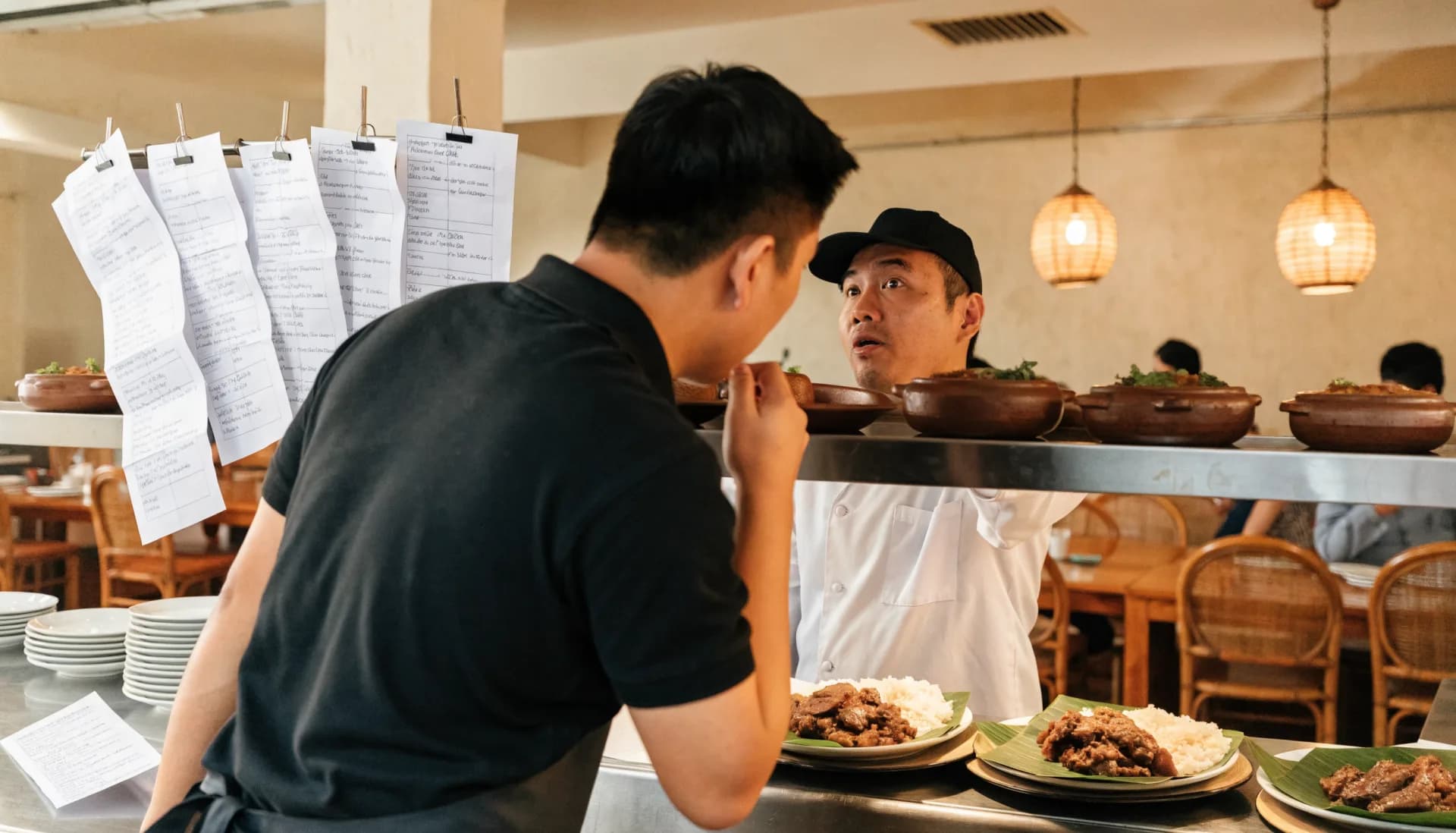
A day in the shop
From opening to closing
Morning9:00 AM
Prep and open
Without a system
Set up the tables, check the stock by eye, count the float, and hope last night’s slips add up.
With Fuze Store
Open a cashier session, set the tables to available, and glance at what ran out last night.
Peak hours12 – 2 PM
Lunch service
Without a system
Orders shouted to the kitchen, tickets lost on the rail, bills re-added while the table waits.
With Fuze Store
Orders go straight from the table to the kitchen display, the bill prints itself, and payment is recorded per table.
End of day10:00 PM
Closing
Without a system
Count the drawer, add up the slips, and write the total in a notebook.
With Fuze Store
Close the session against the expected total, read the best sellers, and see which hour needs another server.
How it works
One order, start to finish
- 1
Seat and order
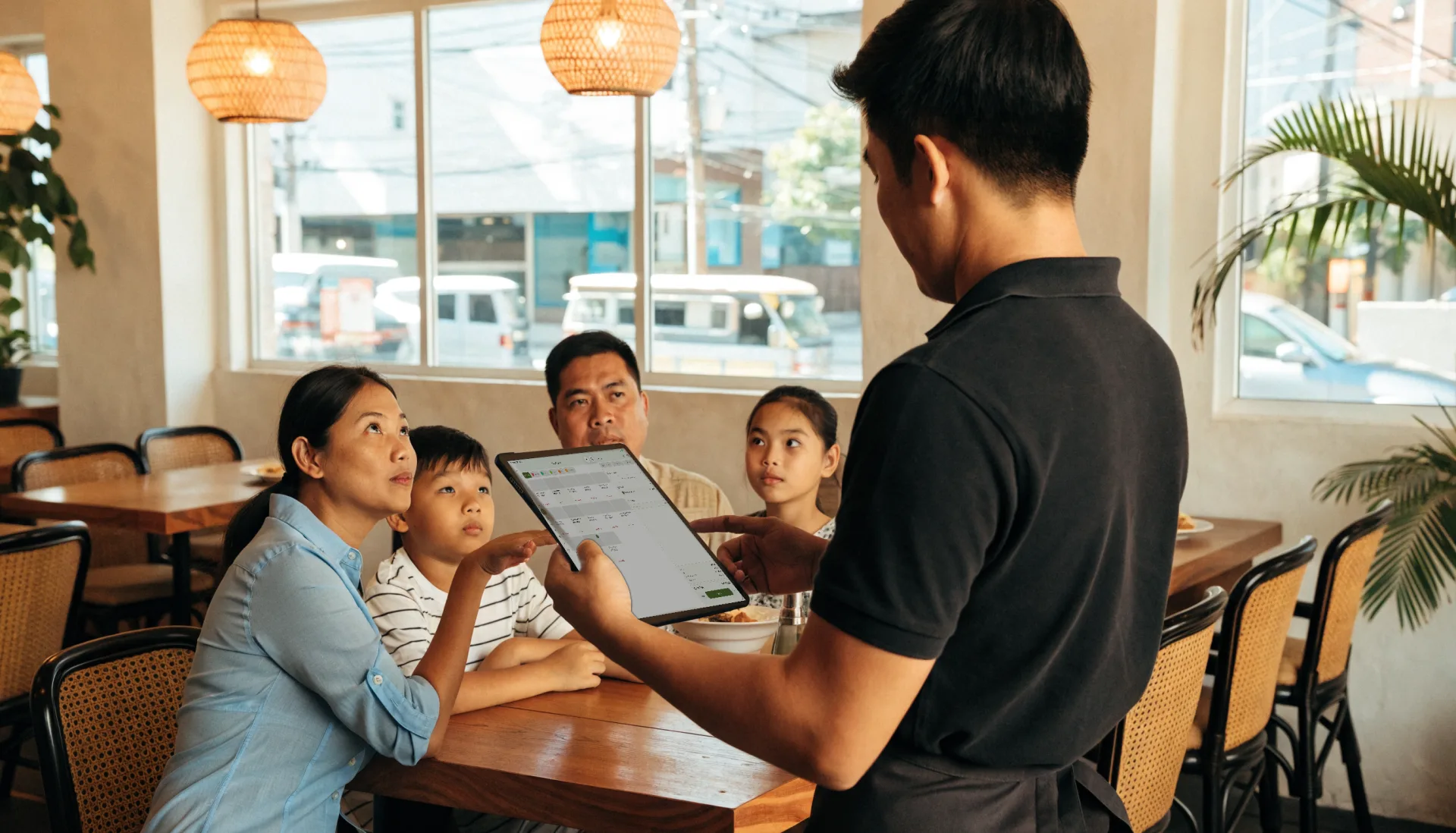
Assign the group to a table, take the order with modifiers and a note for the kitchen, from a phone or a tablet at the table.
- 2
Send to the kitchen and the bar
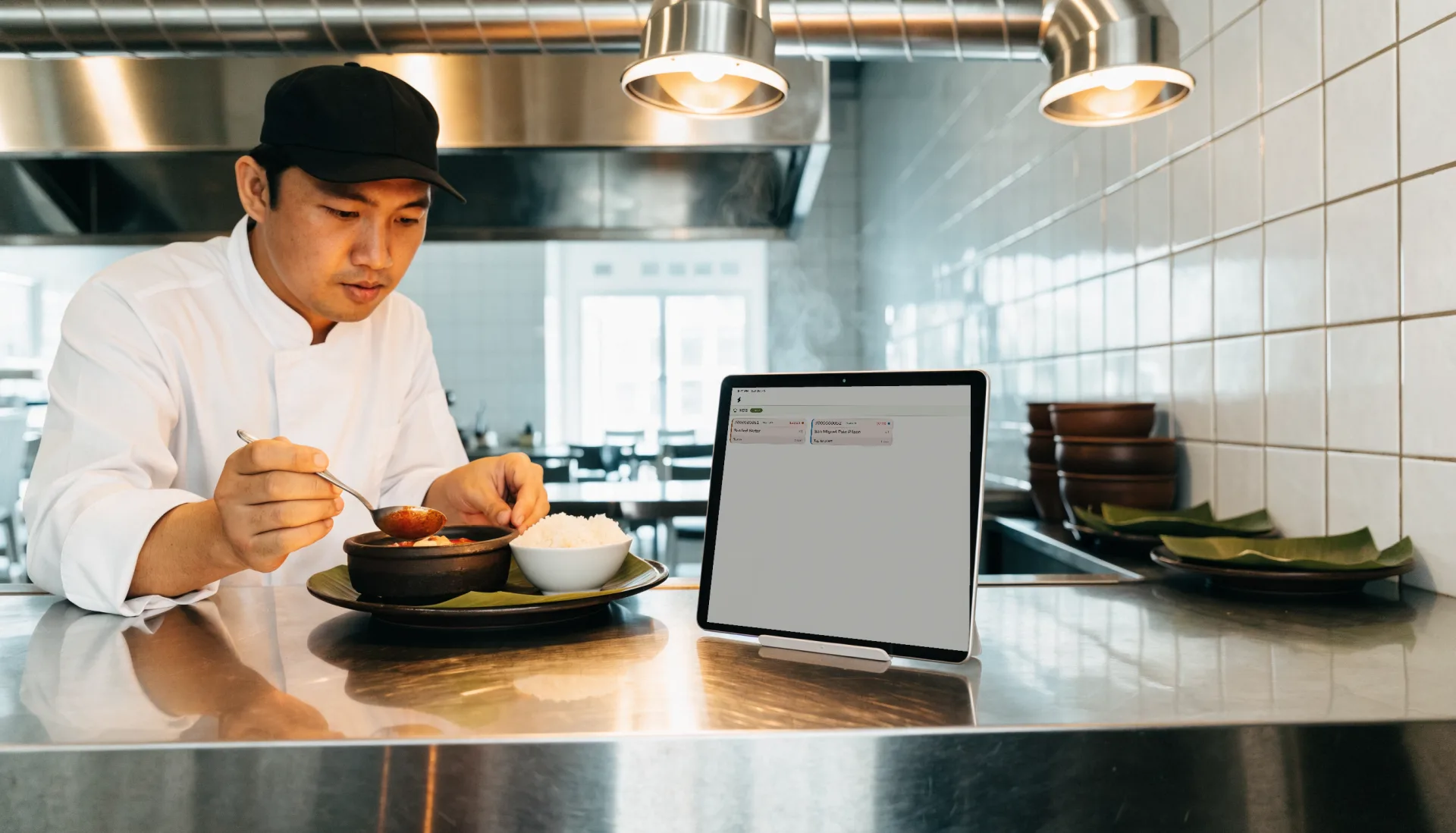
Food prints in the kitchen and drinks at the bar, or both show on the Kitchen Display where cooks bump each item as it is ready.
- 3
Serve and add rounds
The table stays open. More orders join the same bill; the status shows on the floor.
- 4
Print the bill
A customer bill with the service charge and any discount, printed before payment.
- 5
Take payment and close
Cash, your own e-wallet QR, or your own card terminal. Fuze records it, closes the order, and frees the table.
- 6
Read the service
Sales by dish, by hour and by server, on your phone before the kitchen is wiped down.
The Fuze moment
One sale. Everything connected.
Table 4 orders sinigang, two rice, and a round of drinks. One order — and six things update without anyone re-writing it.
A slip on a rail records the order. The POS connects it to the table, the kitchen, the bill, and the numbers you run the place on.
Built for the way you work
The features that matter here
Areas and tables
Define indoor, outdoor, bar and private areas with their tables. See which are available, occupied, or reserved, and move a group between tables.
- Live table status
- Table transfer
- Reservations on a table
Dish modifiers
Size, doneness, add-ons, and no-onions — modifier groups with prices, required where the kitchen needs an answer.
Service charge and bills
The Restaurant template seeds a 10% service charge that applies itself. Print a customer bill before payment; the receipt follows it.
Sales reports
Best-selling dishes, sales by hour and by server, and order types, so you staff the floor and trim the menu from real numbers.
Before and after
What changes when it is all in one place
| Task | Before Fuze | With Fuze Store |
|---|---|---|
| Taking an order | Before FuzeA slip, shouted to the kitchen | With Fuze StoreA ticket with every modifier, at the station |
| Which tables are free | Before FuzeWalk the floor | With Fuze StoreLive status on the register |
| The bill | Before FuzeRe-added on a calculator | With Fuze StorePrinted, service charge included |
| Walk-ins when full | Before FuzeA name on a clipboard | With Fuze StoreA waiting list that texts them |
| What sells | Before FuzeA hunch | With Fuze StoreBest sellers by dish and hour |
| Closing | Before FuzeCount the drawer and hope | With Fuze StoreA session close with a variance report |
The owner’s view
Finally see what is happening in your business
Kusina ni Tita — Demo Restaurant
Illustrative dataToday's sales
₱41,750
as of 9:30 PM
Orders
128
52 at lunch, 61 at dinner
Average order
₱326
per table
Top dish
Sinigang na Baboy
38 sold
Top sellers today
- Sinigang na Baboy38
- Crispy Pata27
- Garlic Rice24
- Halo-Halo21
- Iced Tea Pitcher16
What changes
Dinner outsells lunch by a third and the sinigang runs out at 8 — prep one more batch and put a second server on the evening floor.
Numbers shown are demo data for illustration, not a real store.
Start small, grow
Fuze grows with the business
- 1
Start simple
One register on a phone or tablet, your menu with modifiers, and receipts. A carinderia or a stall needs nothing more.
- Menu with modifiers
- Counter or table register
- Receipts and customer bills
- Daily sales dashboard
- 2
Get organised
Give the kitchen a display, the floor a plan, the door a waiting list, and the drawer a close.
- Kitchen display
- Visual floor plan
- Waiting list
- Cashier sessions
- 3
Grow
A second branch, staff with roles and approvals, and reports that compare the two.
- Multiple branches under one organization
- Staff roles and manager approvals
- Reports across branches
- Ask your store questions in plain English
Setup
What Fuze Sets Up For You
Pick Restaurant when you create your store.
Pick one of the 5 business models above during setup and Fuze presets the rest.
Also covers Eatery (Karinderya).
Frequently Asked Questions
Run the floor, the kitchen, and the drawer from one register.
Fuze Store is free during Early Release — no credit card required.
More industries