

Bakery, Catering & Home Kitchen POS
POS for Home-Based Food, Baking & Catering
Take the pre-order with a pickup date and a deposit, print the order tag, text the customer when it is ready, and see whether the month made money. Built for home bakers, caterers, kakanin and merienda sellers, and small bakeshops across the Philippines.

Built for businesses like yours
What kind of business do you run?
Pick your operating model to see how the day flows, where it breaks, and how Fuze Store fits.
Home Baker
Cakes and cookies to order, days ahead, with a deposit and a pickup date that has to be right.
Who walks in
Birthday and office orders by message. Message a request → agree the design and price → deposit → pickup on the day → balance.
Where it breaks
- Custom orders with a deposit and a date live in a chat thread
- Two cakes due the same morning and no calendar
- The balance is forgotten at pickup
- Ingredient costs are never set against the month
What Fuze does for you
- Pickup orders with a date and an order name
- Deposit now, balance at pickup
- Order-status QR the customer can check
- Ingredient costs as expensesAdd-on
- "Ready for pickup" textAdd-on
A typical order
- Enter the order with the pickup date and design note
- Record the deposit
- Bake; mark ready; text the customer
- Customer collects; collect the balance
- The month’s sales and costs are a report
What changes
Every cake has a date, a deposit and a balance on record, and you can see whether the month actually made money.
Catering & Party Trays
Bilao, party trays, and packed meals for an office or a fiesta — big orders, booked ahead, delivered on the day.
Who walks in
Offices, families with a celebration, a barangay event. Request a quote → agree the menu and headcount → deposit → cooked and delivered on the day → balance.
Where it breaks
- A tray order for forty is a chat thread and a notebook page
- Deposits and balances are screenshots
- Two events on the same Saturday and no calendar
- Delivery addresses are copied by hand
What Fuze does for you
- Delivery orders with an address and a date
- Deposit now, balance on delivery
- Customer records for repeat events
- Staff assigned to the delivery
- Costs logged against the eventAdd-on
A typical order
- Enter the order with the date and the address
- Record the deposit
- Cook; pack; assign the delivery
- Deliver; collect the balance
- Log the costs; read the margin on the month
What changes
Every event is an order with a date, an address and a balance, and the office that orders monthly is a customer record.
Merienda & Kakanin
Puto, bibingka, kutsinta, turon — sold by the piece and the box, from a table out front and by pre-order.
Who walks in
Afternoon walk-ups and regulars who order boxes for the office. Walk up → pick by the piece or the box → pay → go, or order ahead by message.
Where it breaks
- Dozens of small sales with no total at the end of the day
- You do not know which items to cook more of tomorrow
- Pre-orders and walk-ups are two different notebooks
- Unsold trays are thrown out uncounted
What Fuze does for you
- Items by piece and by box
- Runs on a phone at the table
- Best sellers by item and by day
- Pre-orders with a pickup date
- Shift cash countAdd-on
A typical order
- Customer picks the pieces
- Tap them on the phone
- Customer pays
- The sale is recorded
- Cook tomorrow’s batch from today’s report
What changes
Every piece is counted, tomorrow’s batch is planned from what sold, and pre-orders sit in the same register as walk-ups.
Packed Meals & Meal Prep
Weekly meal plans and daily packed lunches, ordered ahead, delivered to offices and homes on a schedule.
Who walks in
Office workers on a weekly plan and families buying dinner. Order the week → pay ahead → meals delivered daily → reorder next week.
Where it breaks
- A week of deliveries per customer is a spreadsheet
- Who paid ahead and who owes is unclear
- Riders deliver from a list copied by hand
- Regulars who lapse are not noticed
What Fuze does for you
- Delivery orders with an address and a rider
- Paid ahead or balance due, on the order
- Customer history for weekly plans
- Delivery textsAdd-on
- Labels per packed mealAdd-on
A typical order
- Enter the week’s orders per customer
- Record what is paid ahead
- Cook; pack; label
- Assign the rider; deliver
- See who is due to reorder
What changes
Every meal has a customer, an address and a payment status, and the weekly regulars are a list, not a memory.
Small Bakeshop
A counter with pandesal in the morning, cakes in the case, and pre-orders for pickup — three kinds of sale under one roof.
Who walks in
Morning walk-ins and afternoon pickups. Walk in → choose from the case → pay → take away, or order ahead → pick up on the day.
Where it breaks
- Pickup orders live in a notebook and a Messenger thread
- A whole cake and a slice share a name but not a price
- Trays sell out at 10 AM or go stale at 6 PM
- Flour and sugar run out mid-batch
What Fuze does for you
- Pay-first counter register with Pickup
- One catalog for bread, slices and whole cakes
- Printed order tags and bag tags
- Stock counts for flour, sugar and packagingAdd-on
- Best sellers by hour, so you bake the right amount
A typical order
- Customer orders at the counter or ahead for pickup
- Ring up the bread and the coffee together
- Pickup date goes on the order
- Customer pays now, or a deposit
- The order is prepared and tagged
What changes
Pre-orders stop getting lost, the case is restocked from what sold, and one register handles the bread and the cake.
Also a fit for
- Home-based food seller
- Packed-meal seller
- Meal-prep business
- Catering microbusiness
- Bilao / party tray seller
- Merienda seller
- Kakanin seller
- Bibingka / puto seller
- Home-based baker
- Cake seller
- Cookie seller
- Ice cream seller
- Halo-halo shop
- Dessert stall
Sound familiar?
The problems you actually deal with
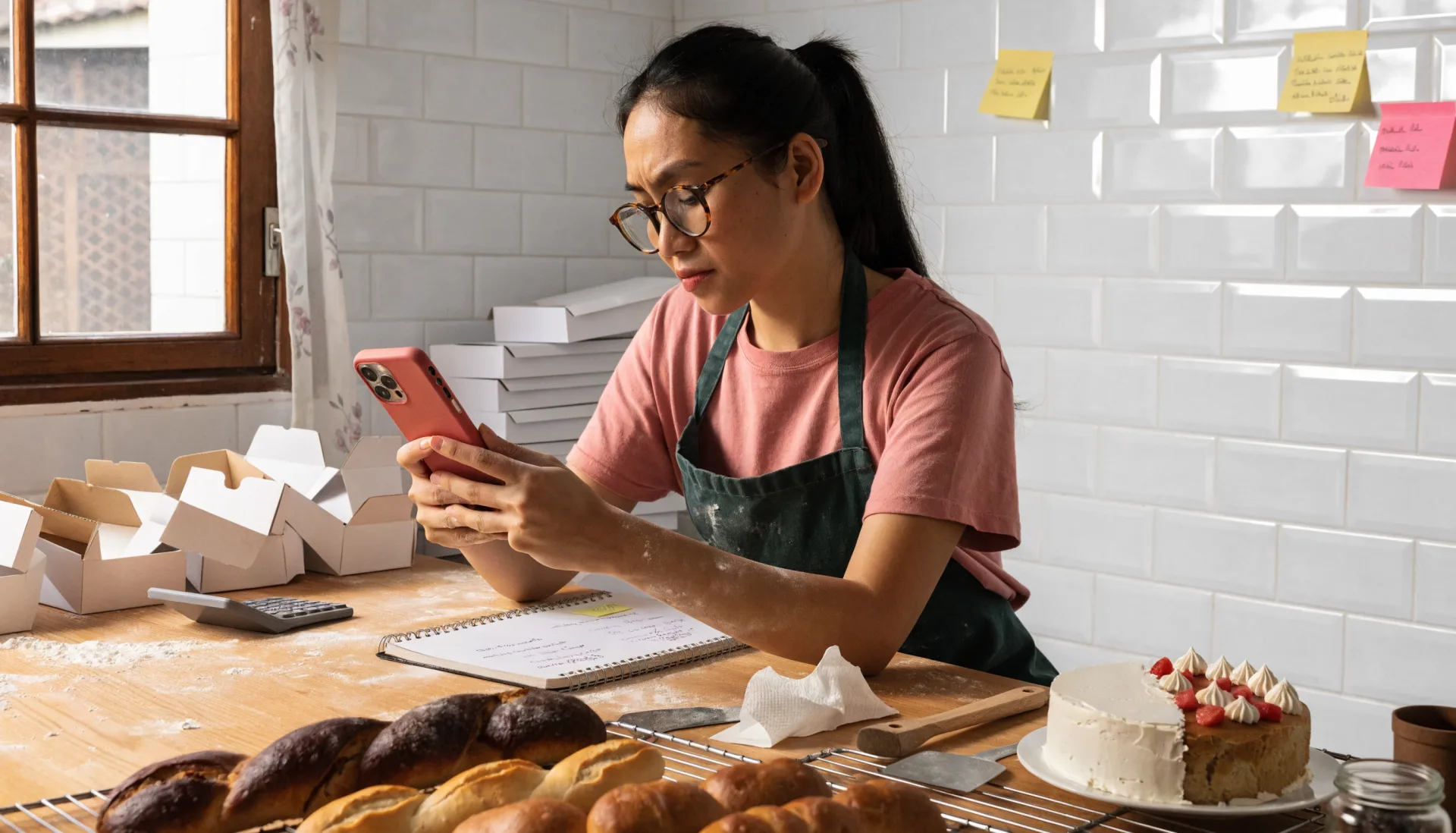
Pre-orders scattered across chats
Orders come from Messenger, texts and comments — easy to miss one or mix up a date.
What it costs: A missed order is a missed birthday
Deposits and balances as screenshots
Half now, half at pickup — and the half at pickup is forgotten when the customer is in a hurry.
What it costs: Balances never collected
Two orders due the same morning
Without a calendar of pickup dates, Saturday is overbooked and Sunday is empty.
What it costs: Late orders and lost sleep
You do not know your real profit
Sales in one place, ingredient receipts in a drawer, and no report that puts them together.
What it costs: Working for free without knowing
Manual follow-ups
Texting each customer when an order is ready or due eats up prep time.
What it costs: An hour a day
Supplies run out mid-batch
Flour, sugar, boxes and ribbon are bought on a guess and run out on a Saturday.
What it costs: A late-night sari-sari run
A day in the shop
From opening to closing
Morning5:00 AM
The first batch
Without a system
Check the notebook for today’s orders, count the flour by eye, and start baking.
With Fuze Store
Today’s pickups and deliveries are on the dashboard with their names and times; the low-stock list says what to buy.
Peak hours3 – 6 PM
Pickups and handovers
Without a system
Match a face to a chat, check a screenshot for the deposit, and hand over the box.
With Fuze Store
Open the order, collect the balance, mark it handed over. The tag on the box matches the order.
End of day9:00 PM
Closing the kitchen
Without a system
Add up screenshots and cash, and re-read tomorrow’s chats.
With Fuze Store
The day’s sales and tomorrow’s orders are on the dashboard; ingredient receipts are logged against the month.
How it works
One order, start to finish
- 1
Take the pre-order
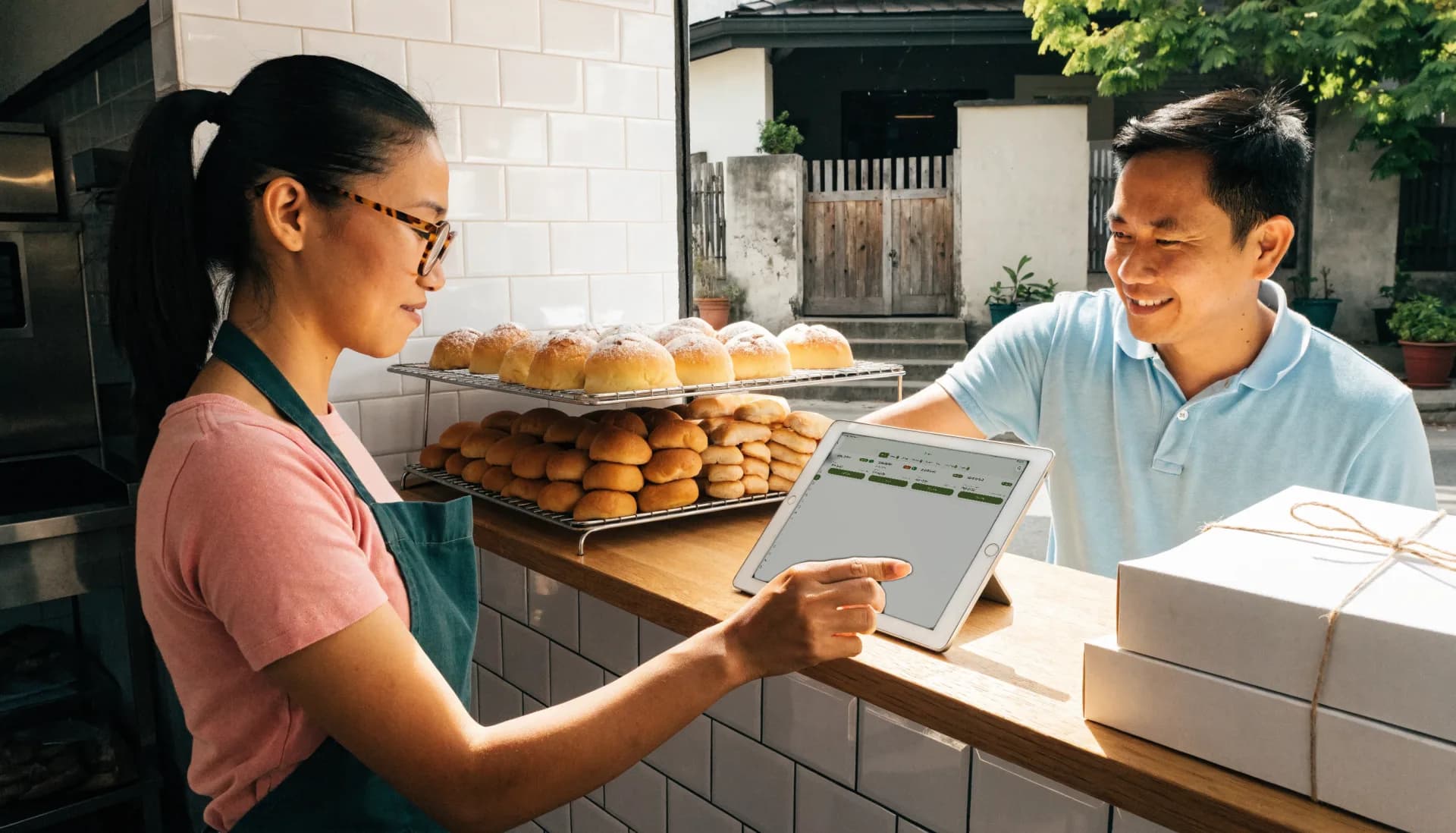
Enter the order with the customer, the order name, the pickup or delivery date, and a note for the design or the headcount.
- 2
Record the deposit
Half now, the balance at handover — on the order, not in a screenshot.
- 3
Bake and pack
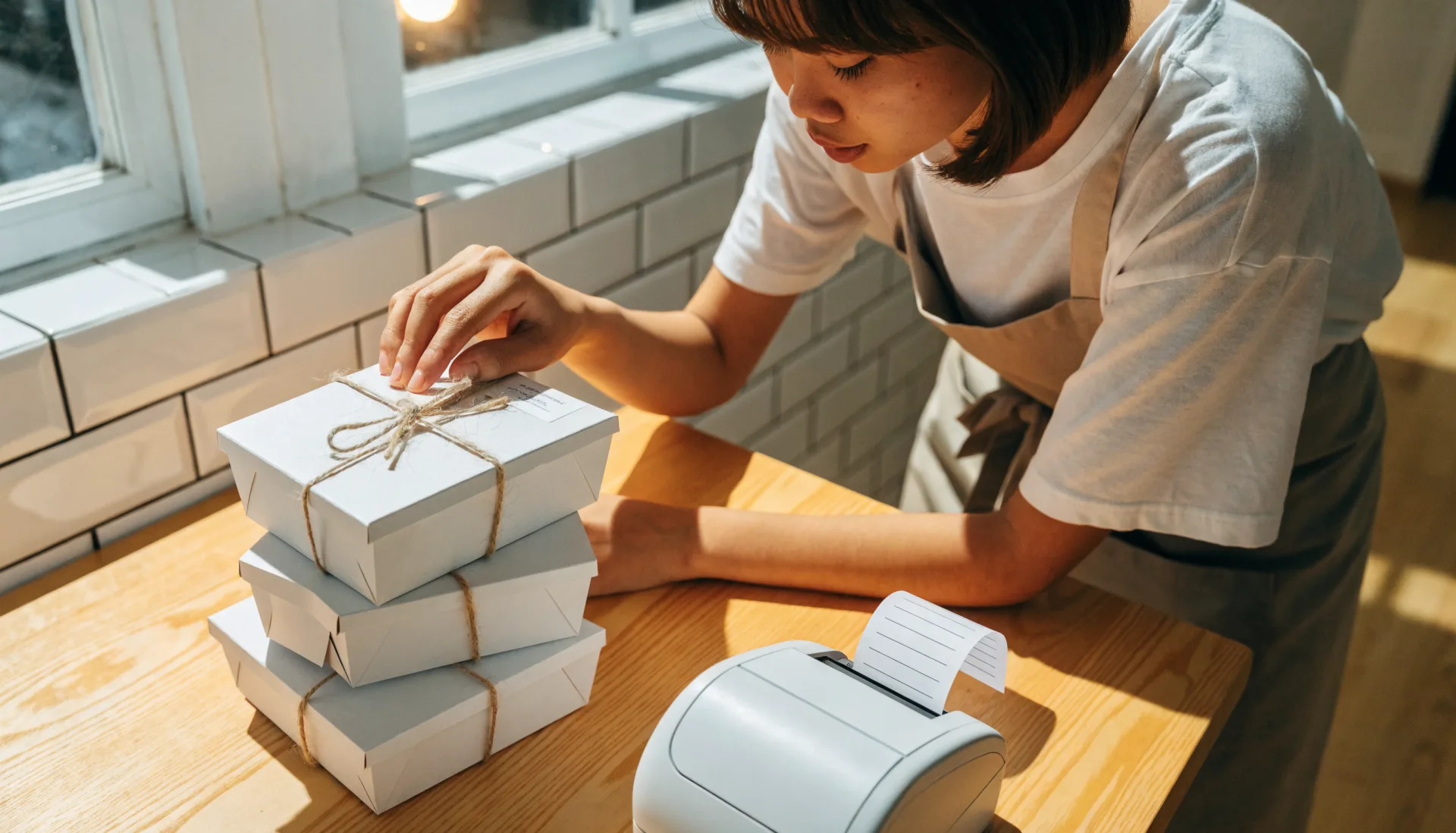
Work from the day’s list. Print an order tag or a "Bag 1 of 3" label so nothing leaves incomplete.
- 4
Text the customer
One tap sends "ready for pickup" or "on the way", with the balance due if there is one.
- 5
Hand over and collect
Cash or your own e-wallet QR at the gate or the counter. Fuze records it against the order.
- 6
Read the month
Sales by item, costs logged as expenses, and the customers who order every month.
The Fuze moment
One sale. Everything connected.
An office orders three bilao for Friday, half paid now. One pre-order — and six things update from it.
A chat records that an office wants bilao. The POS connects it to the date, the deposit, the delivery, and the month you are actually running.
Built for the way you work
The features that matter here
Pre-orders with a pickup date
The Bakery template ships with Pickup and an order-name field; the Home-based template adds Delivery. Every pre-order has a date the dashboard shows.
- Pickup or delivery date
- Order name on the tag
- Today’s orders on the dashboard
Deposits and balances
Take a deposit when the order is placed; the balance due stays on the order until handover.
Your store link
A page customers open in their browser to see what you make and, when you switch it on, place an order you scan into the register.
Customer records
Every customer with their order history, so the office that orders monthly is a name, not a scroll.
Before and after
What changes when it is all in one place
| Task | Before Fuze | With Fuze Store |
|---|---|---|
| Taking a pre-order | Before FuzeA chat thread | With Fuze StoreAn order with a date and a name |
| The deposit | Before FuzeA screenshot | With Fuze StoreA balance on the order |
| Saturday | Before FuzeOverbooked by accident | With Fuze StoreA dashboard of the day’s orders |
| Telling the customer | Before FuzeText each one | With Fuze StoreOne tap |
| Profit | Before FuzeA feeling | With Fuze StoreSales against logged costs |
| Supplies | Before FuzeRun out mid-batch | With Fuze StoreA low-stock alert |
The owner’s view
Finally see what is happening in your business
Tita Marie's Kitchen — Demo Bakeshop
Illustrative dataThis week's sales
₱27,650
Mon – Sat
Orders
58
39 pickup, 19 delivery
Due Saturday
11
pre-orders
Expenses logged
₱9,120
ingredients and boxes
Top items this week
- Pancit bilao21
- Ube cake (8")13
- Puto (box of 20)12
- Cookie box8
- Packed lunch7
What changes
Saturday carries eleven orders and the ube cake is a third of the week’s revenue — bake two extra on Friday night and the week is covered.
Numbers shown are demo data for illustration, not a real store.
Start small, grow
Fuze grows with the business
- 1
Start simple
You, your phone, your items with prices, and pre-orders with a date instead of a notebook page.
- Catalog by piece, box and tray
- Pickup and delivery orders
- Deposits and balances
- Daily sales dashboard
- 2
Get organised
Texts that go out on their own, costs against the month, labels on every box, and supplies that are counted.
- Ready and delivery texts
- Expenses
- Order labels
- Supply stock counts
- 3
Grow
A helper with their own login, a shop counter with the same register, and points for the customers who order monthly.
- Staff roles for a helper
- A counter register on the same catalog
- Loyalty for regulars
Setup
What Fuze Sets Up For You
Pick Home-based seller when you create your store.
Pick one of the 5 business models above during setup and Fuze presets the rest.
Also covers Bakery.
Frequently Asked Questions
Every pre-order on a date, every deposit on record.
Fuze Store is free during Early Release — no credit card required.
More industries