

Grocery & Fresh Food POS
Grocery & Fresh Food POS for the Philippines
Scan the shelf goods, price the fish by the kilo, keep the suki’s tab on an order instead of a notebook, and see what spoils before it sells. Built for mini groceries, convenience stores, wet-market stalls, bigasan, and farm-supply stores across the Philippines.
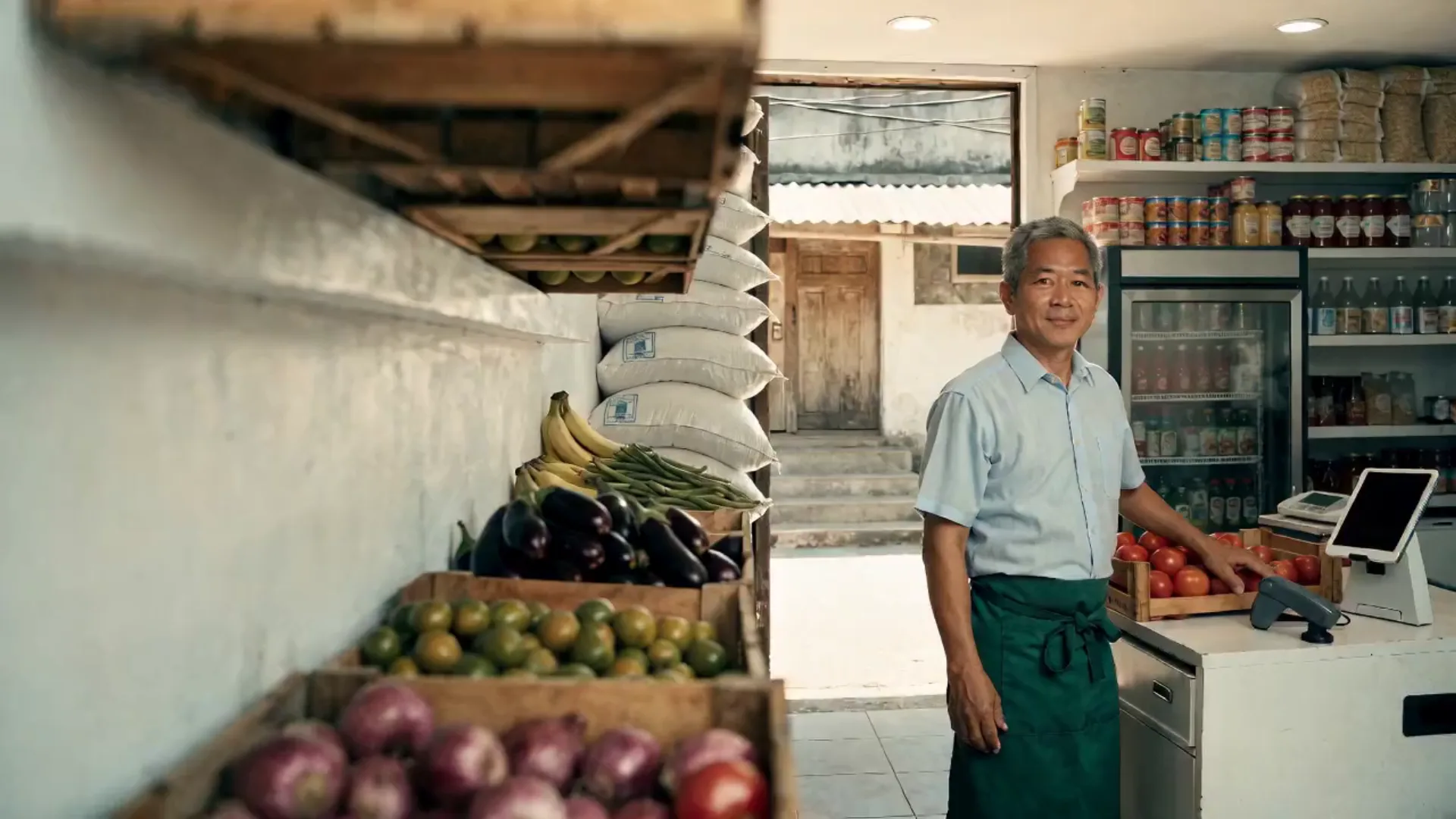
Built for businesses like yours
What kind of business do you run?
Pick your operating model to see how the day flows, where it breaks, and how Fuze Store fits.
Mini Grocery
A few hundred shelf items, a chiller, a freezer, and suki who buy on a tab until payday.
Who walks in
Households doing the week’s shopping and neighbours buying one thing at a time. Fill a basket → items scanned → pay cash or e-wallet, or "isulat mo muna" → out.
Where it breaks
- Prices are looked up by hand on a shelf tag
- The suki’s tab is a notebook that goes missing
- Frozen and chilled stock spoils before it sells
- Reordering from three suppliers is a phone call each
What Fuze does for you
- Barcode scanning at the counter
- Suki name on the order; balance due until paid
- Stock counts and low-stock alertsAdd-on
- Suppliers and purchase ordersAdd-on
- VAT on the receipt, seeded by the template
A typical order
- Scan each item in the basket
- Attach the suki; pay now or leave a balance
- Print the receipt
- Stock comes off the count
- Reorder from the low-stock list
What changes
Every basket is scanned, every tab is an open order you can read, and the freezer is stocked from what sells.
Convenience Store
Open long hours, staffed in shifts, high volume of small tickets — and a drawer that changes hands three times a day.
Who walks in
Commuters, night-shift workers, students. Grab a drink and a snack → scan → pay → thirty seconds.
Where it breaks
- Three shifts, one drawer, and nobody accountable for a shortfall
- Hundreds of tiny sales a day with no record of what sold
- Staff give discounts and voids with no approval
- The night shift closes on trust
What Fuze does for you
- Cashier sessions per shift with a variance reportAdd-on
- Manager PIN approval for voids and discountsAdd-on
- Barcode scanning on a phone or tablet
- Sales by hour for staffing
- Stock counts and low-stock alertsAdd-on
A typical order
- Open the shift with a float
- Scan and sell all shift
- A void needs a manager’s PIN
- Close the shift against the expected total
- The next cashier opens a fresh session
What changes
Every shift closes against a number, every void has an approver, and the night shift is as accountable as the day.
Meat & Fish Stall
Weighed goods, prices that change with the morning’s delivery, and a queue that moves fast before the ice melts.
Who walks in
Market-goers early in the morning. Point at the fish → it is weighed → priced by the kilo → pay cash → wrapped and gone.
Where it breaks
- Per-kilo prices and odd weights are computed by hand
- The morning’s price change is not on the tag
- Stock spoils before it sells and the loss is invisible
- Cash all day for small amounts you cannot reconcile
What Fuze does for you
- Per-kilo items for whole kilos, custom lines for odd weights
- Change today’s price in seconds
- Runs on a phone at the stall
- Daily count of what came in and what soldAdd-on
- Shift cash countAdd-on
A typical order
- Weigh the fish
- Tap the per-kilo item, or punch the amount
- Customer pays
- The sale is recorded
- Count what is left at close
What changes
Every kilo sold is counted, today’s price is the one charged, and spoilage shows up as a number instead of a smell.
Bigasan / Rice Dealer
Rice by the sack and by the kilo, several varieties, deliveries to carinderias, and trade customers on account.
Who walks in
Households buying five kilos and eateries buying sacks. Pick the variety → by the kilo or the sack → pay, or on account → carried or delivered.
Where it breaks
- Sack and kilo prices for the same variety get mixed up
- Eateries run a tab tracked in a ledger
- Sacks in the back are counted from memory
- Deliveries are a note on a receipt
What Fuze does for you
- Per-sack and per-kilo items for each variety
- Customer records with a balance due
- Stock counts by varietyAdd-on
- Delivery orders with an address
- Top customers on the report
A typical order
- Customer picks a variety and a quantity
- Tap sack or kilo
- Pay now, or leave a balance on the account
- Deliver or hand over
- Sacks come off the count
What changes
Every sack is on an order, every eatery tab is a balance you can read, and the back room is a count.
Fruit & Vegetable Stand
Fast-moving produce, prices by the kilo or the bundle, and a day that ends when the good stuff is gone.
Who walks in
Morning shoppers and afternoon bargain hunters. Pick → weigh or count → pay → bag.
Where it breaks
- Bundle and kilo prices change daily and are quoted from memory
- Unsold produce is thrown out with no record of the loss
- Small cash sales all day with no total
- You cannot tell which items to buy more of at the wholesaler
What Fuze does for you
- Per-kilo, per-bundle and per-piece items
- Prices updated in seconds
- Best sellers by item
- Runs on a phone
- What came in versus what soldAdd-on
A typical order
- Customer picks the produce
- Tap the item and the quantity
- Customer pays
- The sale is recorded
- Buy tomorrow’s stock from today’s report
What changes
The wholesaler run is planned from what sold, and the loss on unsold produce is a number you can shrink.
Farm Supply Store
Feed by the sack, seed by the pack, vet products by the bottle — sold to farmers who buy on a cycle and often on credit.
Who walks in
Backyard raisers and small farms. Ask for feed and seed → loaded → pay, or on account until harvest → carried or delivered.
Where it breaks
- Mixed units — sack, kilo, pack, bottle — are error-prone to price
- Feed and seed stock is a guess
- Farmers on account are tracked in a ledger
- Suppliers and reorders are managed by phone
What Fuze does for you
- Items priced per sack, pack, bottle or piece
- Customer accounts with a balance due
- Low-stock alerts and purchase ordersAdd-on
- Delivery orders to the farm
- Barcode scanning for packaged goods
A typical order
- Customer lists what they need
- Tap or scan each item
- Pay, or record a balance on the account
- Deliver or hand over
- Reorder with a purchase order
What changes
Mixed units are priced once, farmer accounts are balances on orders, and feed is reordered from a count.
Also a fit for
- Bigasan / rice retailer
- Egg retailer
- Frozen goods store
- Meat shop
- Fish / seafood stall
- Fruit stand
- Vegetable stand
- Dried fish seller
- Mini grocery
- Convenience store
- Farm produce stand
- Seedling seller
- Plant nursery
- Ornamental plant seller
- Animal feed retailer
- Poultry supply store
- Agricultural supply store
- Egg producer / seller
- Backyard poultry
- Small piggery
- Fish farming
- Mushroom growing
- Honey / beekeeping products
- Coconut products
Sound familiar?
The problems you actually deal with
Pricing by weight is slow
Computing per-kilo prices and change by hand at a busy stall costs time and mistakes.
What it costs: A slower line and wrong change
Stock spoils before it sells
Perishables move fast and go bad faster. Without a count you over-order and throw money in the bin.
What it costs: Spoilage you never measure
The suki’s tab is a notebook
Who owes what, since when — in a notebook that gets wet, lost, or argued over on payday.
What it costs: Balances never collected
The cash never quite adds up
Cash comes in all day for small amounts; at close you cannot tell what you actually earned.
What it costs: An unexplained shortfall
Reordering by phone from memory
Three suppliers, three phone calls, and an order based on what you think ran out.
What it costs: Cash tied up in the wrong stock
Shifts that close on trust
Several people on the drawer across the day and no expected total to count against.
What it costs: Shrinkage you cannot trace
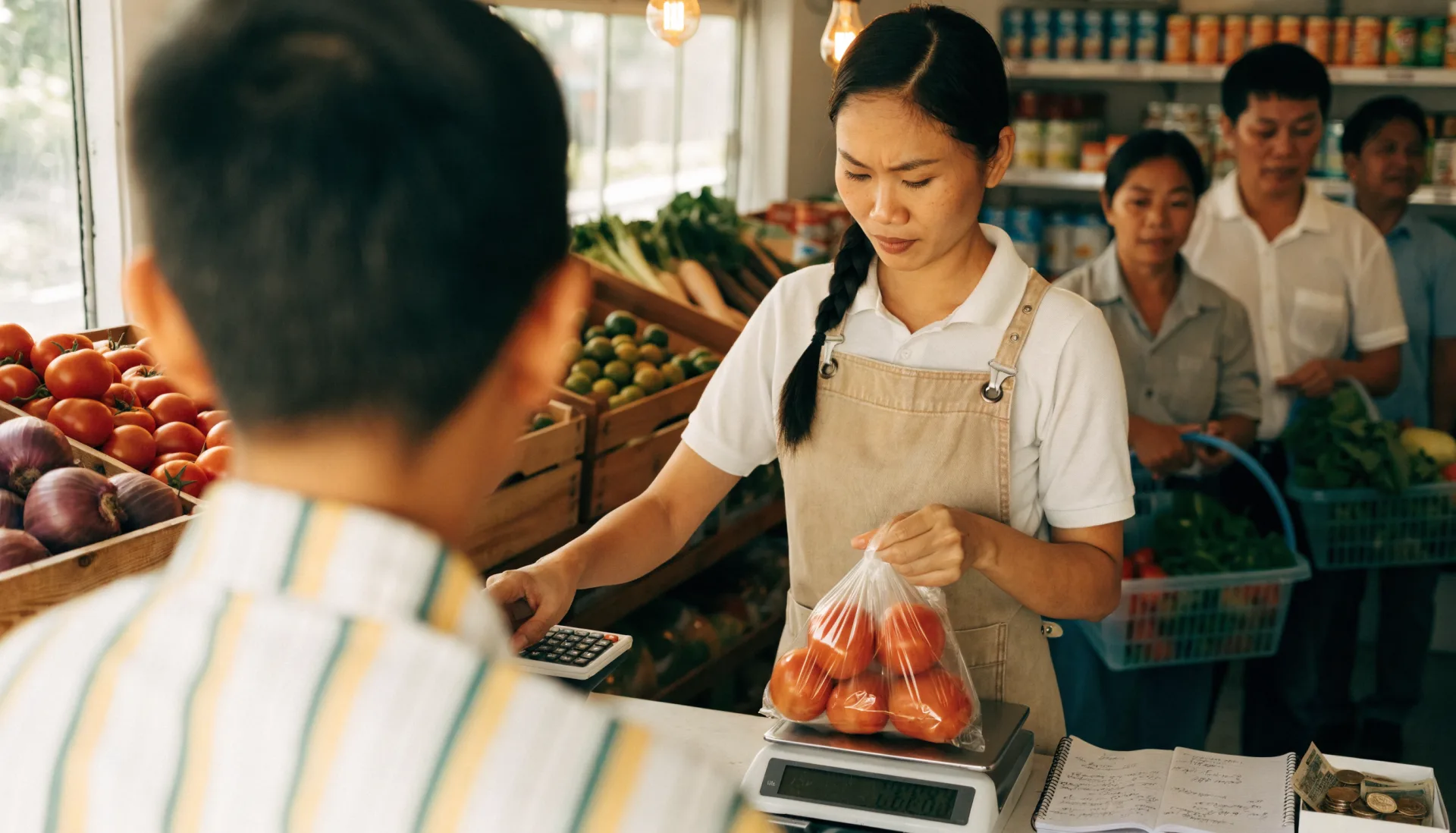
A day in the shop
From opening to closing
Morning5:00 AM
The delivery and the open
Without a system
Take the delivery, guess the new prices, write them on tags, and count the float.
With Fuze Store
Receive the delivery against the purchase order, update today’s prices in seconds, and open the cashier session.
Peak hours7 – 10 AM
The market rush
Without a system
Weigh, compute, take cash, count change — and write "isulat mo" in the notebook for the suki.
With Fuze Store
Scan or tap, punch the weight, take payment or leave the balance on the suki’s order. Next.
End of day7:00 PM
Closing
Without a system
Count the drawer, throw out what did not sell, and write tomorrow’s order from memory.
With Fuze Store
Close the session against the expected total, count what is left, and send the purchase order for what ran low.
How it works
One order, start to finish
- 1
Stock the store
Import shelf goods with barcodes from a spreadsheet; add weighed goods as per-kilo, per-sack or per-bundle items.
- 2
Scan and weigh
Scan the packaged goods. For weighed goods, tap the per-kilo item for whole kilos or punch the exact amount as a custom line.
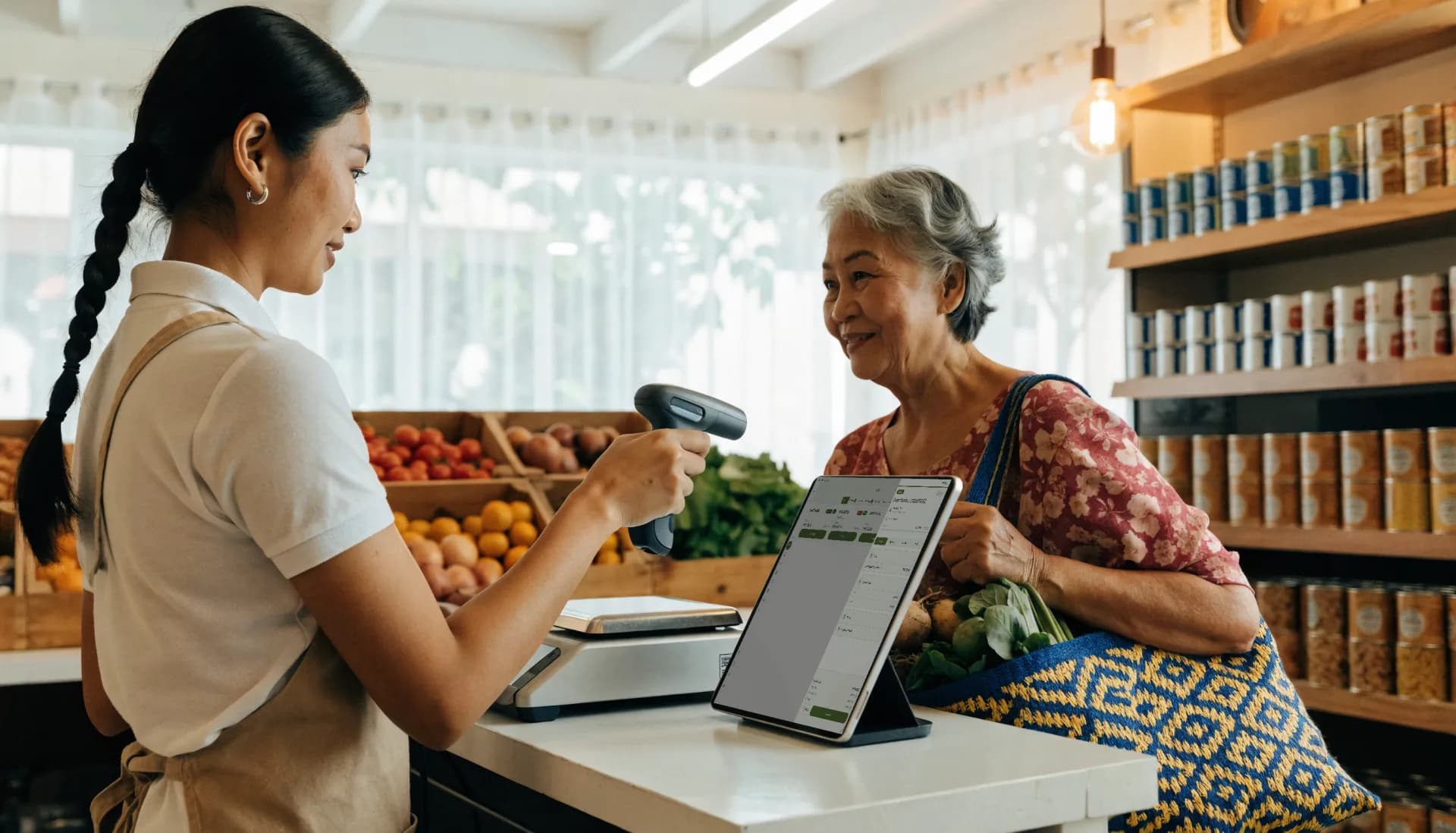
- 3
Attach the suki
Put the customer on the order. Pay now, or leave the balance due — the tab lives on the order, not in a notebook.
- 4
Take payment
Cash, your own e-wallet QR, or a balance to collect on payday. Fuze records which.

- 5
Stock updates
Every item sold comes off the count. Low-stock alerts feed a purchase order to the supplier.
- 6
Read the day
Best sellers, what is left, balances outstanding, and the shift’s variance, on your phone.
The Fuze moment
One sale. Everything connected.
Aling Baby buys rice, two kilos of bangus and a bottle of oil — half now, the rest on Friday. One sale — and six things update from it.
A notebook records "isulat mo". The POS records the sale, the balance, the stock, and the Friday you will actually collect.
Built for the way you work
The features that matter here
Barcode scanning
Scan packaged goods with the phone camera or a Bluetooth scanner. Import your shelf list from a spreadsheet.
Sell by kilo, sack, pack or piece
Weighed goods as per-kilo items for whole kilos, sacks and bundles as their own items, and a custom-amount line for the odd weight.
- Per-kilo and per-sack items
- Custom amount for odd weights
- Prices changed in seconds
Suki tabs on the order
Put the customer on the order and leave the balance due until payday. The Mini Grocery template adds a searchable suki name field.
Sales reports
Best sellers, sales by hour and by category, and balances outstanding, so you buy and staff from numbers.
Before and after
What changes when it is all in one place
| Task | Before Fuze | With Fuze Store |
|---|---|---|
| Pricing a kilo of fish | Before FuzeA calculator | With Fuze StoreTap or punch the amount |
| The suki’s tab | Before FuzeA notebook | With Fuze StoreA balance on the order |
| Spoilage | Before FuzeThrown out, uncounted | With Fuze StoreA number on the count |
| Reordering | Before FuzeThree phone calls | With Fuze StoreA purchase order from the low-stock list |
| Shift change | Before FuzeTrust | With Fuze StoreA session close with a variance |
| Prices | Before FuzeHand-written tags | With Fuze StoreUpdated in seconds, printed labels |
The owner’s view
Finally see what is happening in your business
Sari-Sari Mart ni Kuya — Demo Store
Illustrative dataToday's sales
₱38,900
as of 6:30 PM
Transactions
286
busiest 7 – 9 AM
Tabs outstanding
₱6,450
23 suki
Items low on stock
11
reorder list ready
Top sellers today
- Rice (per kilo)184 kg
- Eggs (tray)31
- Cooking oil 1L24
- Bangus (per kilo)38 kg
- Instant coffee67
What changes
Rice and eggs carry the morning and tabs are a sixth of the day’s sales — Friday’s collection is a list of 23 names, not a notebook.
Numbers shown are demo data for illustration, not a real store.
Start small, grow
Fuze grows with the business
- 1
Start simple
One store, the phone you own, your shelf list imported, weighed goods priced, and a suki name on every open order.
- Catalog with barcodes and per-kilo items
- Pay-first counter register
- Suki tabs as balances
- Daily sales dashboard
- 2
Get organised
Stock that counts itself, shifts that reconcile, approvals for voids, and labels for the shelf.
- Stock counts and purchase orders
- Cashier sessions
- Manager approvals
- Price and barcode labels
- 3
Grow
A second branch, stock moving between them, staff with roles, and reports across both.
- Multiple branches under one organization
- Stock transfers between branches
- Staff roles
- Reports across branches
Setup
What Fuze Sets Up For You
Pick Retail Store when you create your store.
Pick one of the 6 business models above during setup and Fuze presets the rest.
Also covers Mini Grocery, Convenience Store.
Frequently Asked Questions
From the morning delivery to Friday’s collection, on record.
Fuze Store is free during Early Release — no credit card required.
More industries