

Salon, Spa & Appointment POS
Salon, Spa & Barbershop POS for the Philippines
Book the client with the right stylist, remind them the day before, sell the product on the way out, and see which services and which staff carried the week. Built for salons, barbershops, spas, nail and lash studios, and every business that runs on appointments.
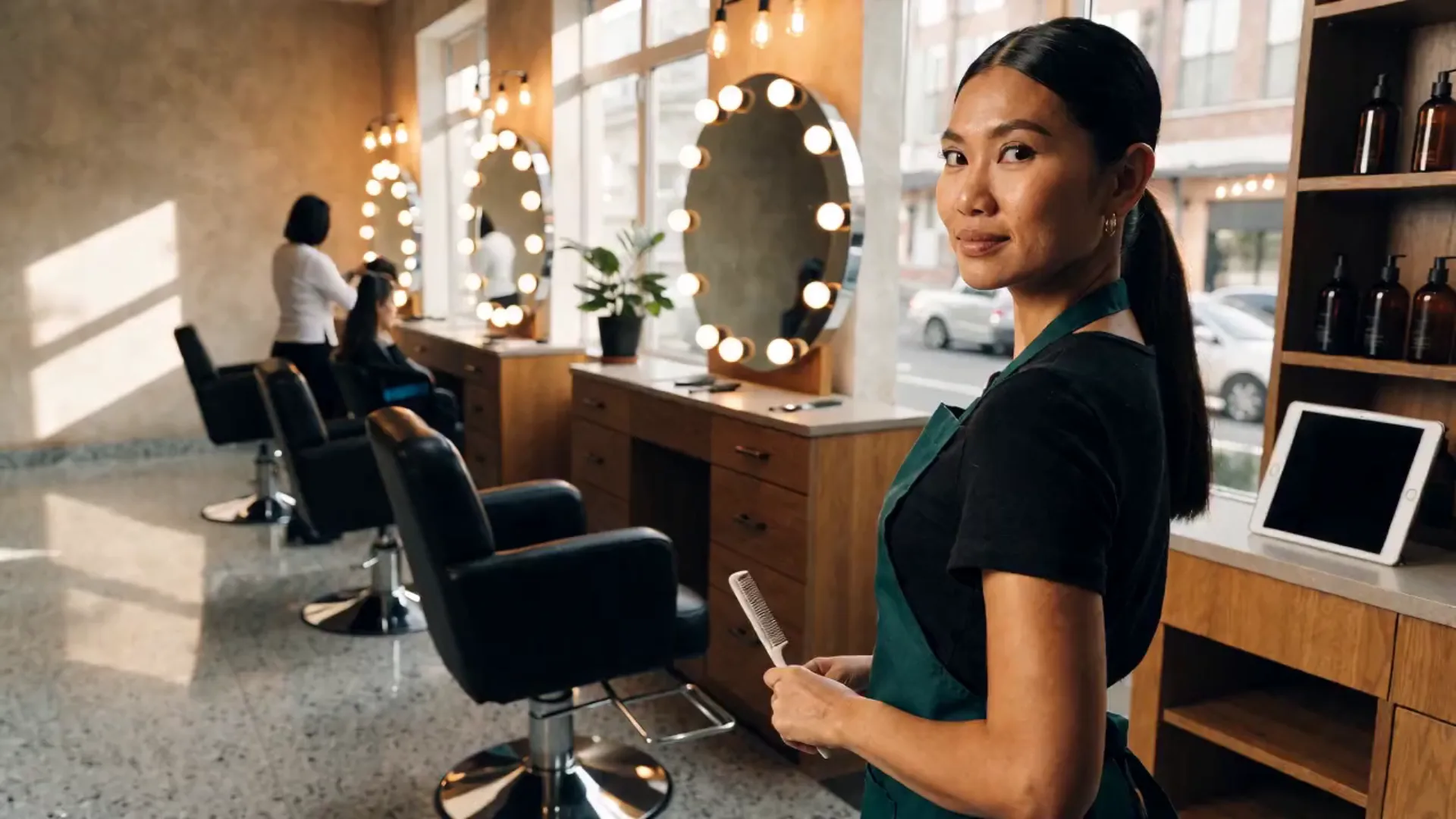
Built for businesses like yours
What kind of business do you run?
Pick your operating model to see how the day flows, where it breaks, and how Fuze Store fits.
Hair Salon
Appointments and walk-ins on the same floor, clients with a preferred stylist, and a retail shelf by the door.
Who walks in
Regulars who book their stylist weeks ahead, and walk-ins who take whoever is free. Book → arrive → the service → pay at the counter → buy the shampoo → rebook.
Where it breaks
- Two clients booked with the same stylist at the same time
- A regular’s preferred stylist and last service live in the stylist’s head
- Retail products sell from a separate notebook
- You cannot tell which stylist brings in the revenue
What Fuze does for you
- Appointments per stylist, no double-booking
- Client records with visit history
- Services and retail products on one register
- Reminder texts the day beforeAdd-on
- Sales per staff member on the report
A typical order
- Client books with a stylist
- A reminder text goes out the day before
- The client checks in; the service starts
- Add a product from the shelf
- Pay; points added; rebook
What changes
No double-bookings, every regular’s history at the counter, and the week’s revenue by stylist without a spreadsheet.
Barbershop
Fast turnover, mostly walk-ins, a queue on Saturdays, and barbers who each have their regulars.
Who walks in
Walk-ins after work and on weekends. Walk in → wait for a chair → the cut → pay cash or scan → out in thirty minutes.
Where it breaks
- Saturday’s queue is a bench and a guess
- Who is next, and for which barber, is argued at the door
- Cash goes in one box for several barbers
- Regulars want their barber and nobody tracks who that is
What Fuze does for you
- Waiting list by barberAdd-on
- Walk-ins and appointments on the same board
- Per-barber sales on the report
- Cash counts per shiftAdd-on
- Loyalty for the every-two-weeks regularAdd-on
A typical order
- Walk-in joins the queue for a barber
- A text says the chair is ready
- The cut
- Pay; the sale is recorded to the barber
- Close the day per barber
What changes
The Saturday queue runs itself, each barber’s take is a report, and regulars get their barber every time.
Nail & Lash Studio
Long appointments, a small team, and clients who book their refill before they leave.
Who walks in
Clients who book two to three weeks ahead, often online. Book online → arrive → a ninety-minute service → pay → rebook the refill on the spot.
Where it breaks
- Booking by DM means a full inbox and a double-booked chair
- No-shows leave a ninety-minute hole in the day
- Refill cycles are forgotten and clients drift
- Products used per service are never counted
What Fuze does for you
- Online booking requests from your store link
- Reminder texts to cut no-showsAdd-on
- Client history and rebooking
- Stock counts for gels and lashesAdd-on
- Points toward a free serviceAdd-on
A typical order
- Client requests a slot online; you confirm
- A reminder text goes out
- The service
- Pay and rebook the refill
- Stock used comes off the count
What changes
Bookings arrive as requests you confirm instead of DMs you chase, no-shows drop, and refills are rebooked before the client leaves.
Spa & Massage
Rooms, therapists, and clients with a preference — booked by the hour, with packages sold ahead.
Who walks in
Walk-ins after a long day and regulars who book their therapist. Book a room and a therapist → arrive → the treatment → pay → book the next one.
Where it breaks
- Rooms and therapists are booked on two different sheets
- A client’s therapist preference is remembered, or not
- Packages are sold and their sessions tracked by hand
- Late-night closing with several therapists on one drawer
What Fuze does for you
- Room number and therapist preference on the order
- Appointments per therapist
- Packages as bundled services
- Roles for reception and therapistsAdd-on
- Session close with cash varianceAdd-on
A typical order
- Book the therapist; note the room
- Client checks in
- The treatment
- Pay; record the package used
- Close the shift
What changes
Rooms and therapists are booked from one board, preferences are on the record, and packages are tracked instead of remembered.
Freelance & Home Service
A makeup artist, a home-service barber, a photographer — bookings by message, paid by e-wallet, run from a phone.
Who walks in
Clients booking for an event or a date. Message → agree a date and a price → a deposit → the service at their place → the balance.
Where it breaks
- Bookings are a calendar and a chat history
- Deposits and balances are screenshots
- No receipt, no record, no way to look up last year
- You cannot see which months and which services pay
What Fuze does for you
- Appointments with a date, a client and a note
- Deposit now, balance due later
- E-wallet and cash recorded on the booking’s sale
- Receipts from your phone
- Revenue by month and by service
A typical order
- Book the date with a deposit
- A reminder text before the day
- The service, on location
- Collect the balance; send the receipt
- The month’s report writes itself
What changes
Every booking is a record with a deposit and a balance, and the year is a report instead of a chat archive.
Gym & Fitness Studio
Memberships, day passes and class slots at the front desk, with supplements sold from the counter.
Who walks in
Members tapping in, walk-ins buying a day pass, and class-goers who booked a slot. Arrive → check in or buy a pass → train → grab a shake or a supplement on the way out.
Where it breaks
- Day passes and memberships are logged in a notebook
- Class bookings live in a group chat
- Supplement sales are mixed into the same cash box
What Fuze does for you
- Day passes and memberships sold as services
- Class and trainer bookings, with booking requests from your store page
- Retail items (supplements, gear) on the same register
A typical order
- Member arrives or books a class
- Front desk records the pass, membership or booking
- Retail add-ons ring up on the same order
- Payment recorded, receipt printed
What changes
One register for passes, classes and the supplement shelf, with every member on record.
Also a fit for
- Beauty salon
- Barbershop
- Nail salon
- Home-service barber
- Home-based hairstylist
- Home-based nail technician
- Lash technician
- Brow technician
- Makeup artist
- Massage service
- Small spa
- Skincare / facial service
- Tattoo artist
- Piercing studio
- Freelance graphic designer
- Photographer
- Videographer
- Social media manager
- Web developer
- Virtual assistant
- Bookkeeper
- Computer technician
- Tutorial center
- Home-based tutor
- Music / art / dance lessons
- Gym / fitness studio
- Yoga / pilates studio
Sound familiar?
The problems you actually deal with
Double-booked chairs
Without real-time availability, two clients get the same stylist at the same time — and one of them leaves.
What it costs: A client lost per clash
No-shows
A forgotten appointment is an empty chair for an hour. Reminding clients by hand takes the time you were saving.
What it costs: Empty chairs you paid for
Preferences that live in staff heads
A regular’s stylist, last service, and colour formula are remembered, until the staff member leaves.
What it costs: Regulars who follow the stylist out
Who earned what
Several staff, one drawer, and no record of which service was done by whom.
What it costs: Arguments at payday
Retail sold from a notebook
The shampoo and the serum on the shelf are sold separately from the service and never counted.
What it costs: Retail revenue you cannot see
No view of the week
Which services, which days, which staff bring the revenue — none of it is written where you can read it.
What it costs: Staffing on a guess

A day in the shop
From opening to closing
Morning9:00 AM
Opening the book
Without a system
Check the appointment notebook, call the first clients to confirm, and count the float.
With Fuze Store
The day’s appointments are on the board, reminders went out last night, and the session opens with the starting cash.
Peak hours2 – 6 PM
The afternoon
Without a system
Walk-ins and bookings collide, a client waits for a stylist who was double-booked, and products are sold on a slip.
With Fuze Store
Walk-ins join the waiting list, the board shows who is free, and services and products go on one sale per client.
End of day8:00 PM
Closing
Without a system
Count the drawer, work out each staff member’s services from memory, and rebook tomorrow by text.
With Fuze Store
Close the session against the expected total, read sales per staff, and tomorrow’s reminders are already scheduled.
How it works
One order, start to finish
- 1
Book the appointment
Pick the service, the staff member, and the slot. A slot that is already taken cannot be booked twice — the guard is in the system, not on a whiteboard.
- 2
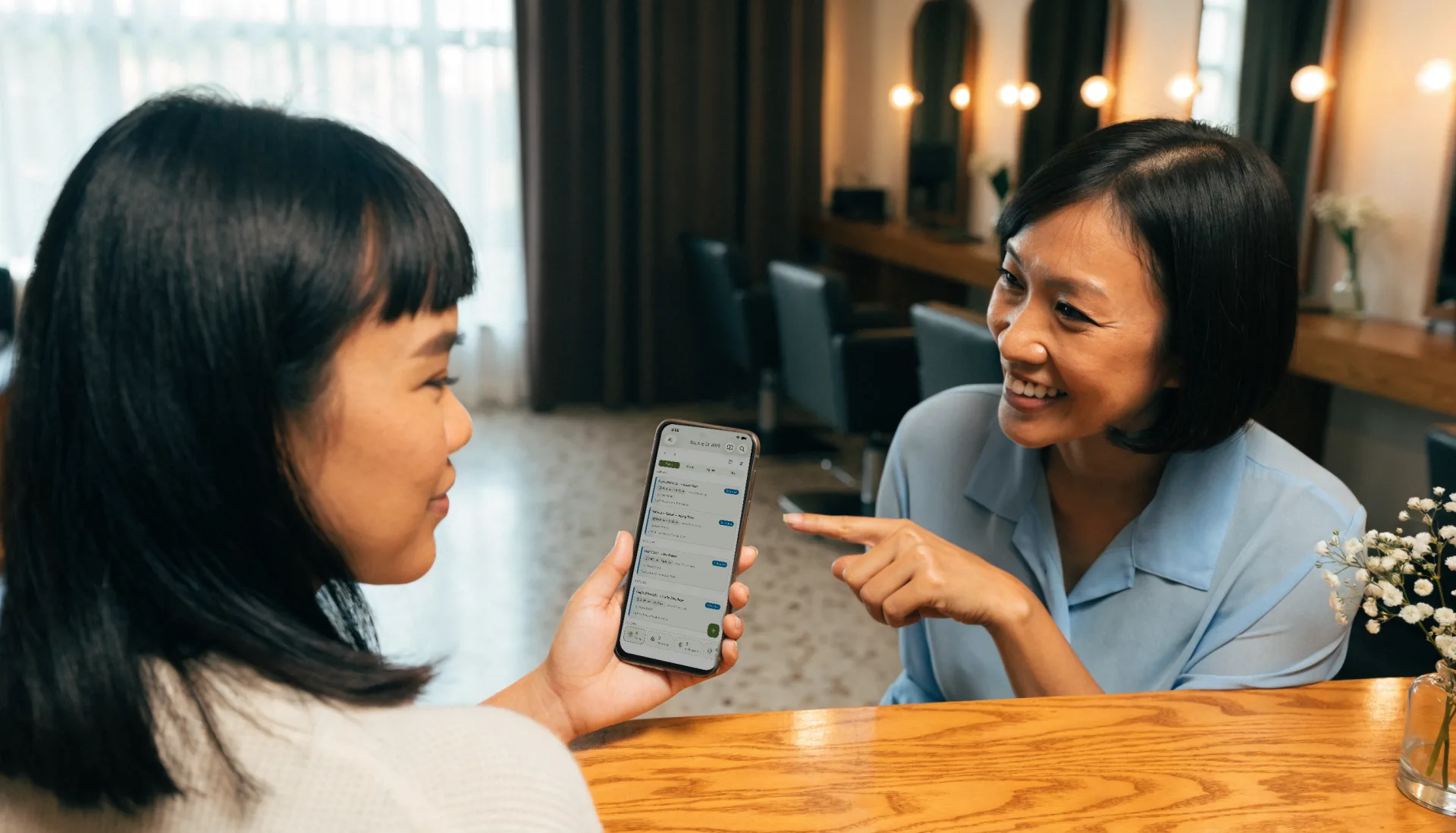
Remind the client
A text goes out at the offsets you set — the day before, two hours before — from a template you write once.
- 3
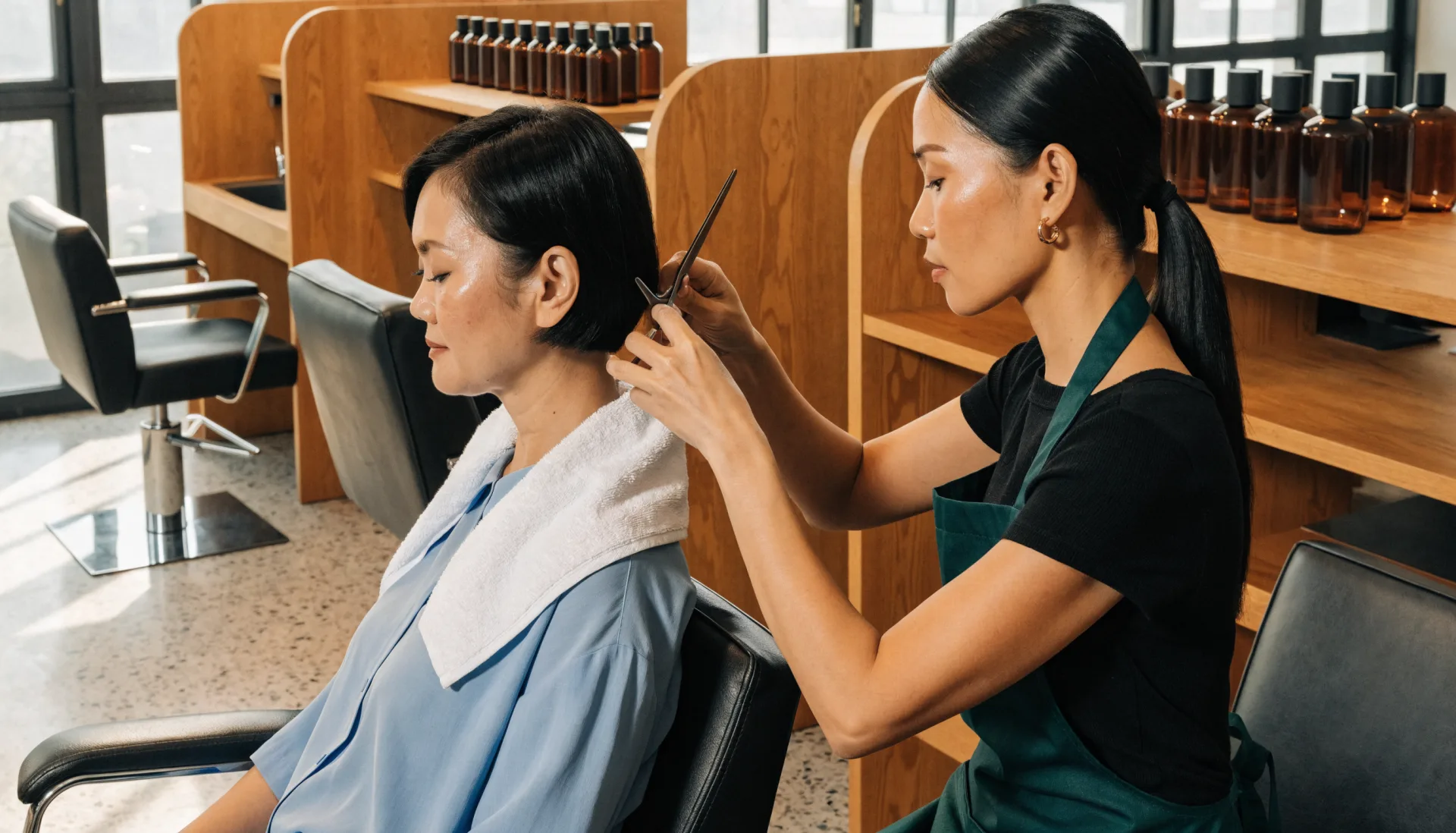
Check in and serve
Confirm the arrival, start the service, and record what was done. Add a product from the shelf on the same sale.
- 4
Take payment
Cash, your own e-wallet QR, or your own card terminal. Fuze records it and adds loyalty points.
- 5
Rebook
Book the next visit before the client leaves; their history and preference are on the profile.
- 6
Read the week
Services, retail, and sales per staff member, by day, on your phone.
The Fuze moment
One sale. Everything connected.
One client, a colour and a cut with Bea, and a bottle of serum. One appointment — and six things update from it.
A notebook holds the appointment. The POS connects it to the reminder, the sale, the client, and the numbers you pay staff from.
Built for the way you work
The features that matter here
Appointments per staff member
A calendar per stylist, therapist, or barber, with a guard against double-booking built into the system rather than the whiteboard.
- Per-staff schedule
- Walk-ins and bookings together
- Reschedule and no-show tracking
Online booking requests
Turn on booking on your store link and clients request a slot with a service and a staff member. You confirm; nothing is booked behind your back.
Services and retail on one register
The shampoo goes on the same sale as the cut. Stock counts for products and supplies with the Advanced Inventory add-on.
Staff performance
Sales and services per staff member on the report, so payday starts from numbers.
Before and after
What changes when it is all in one place
| Task | Before Fuze | With Fuze Store |
|---|---|---|
| Booking | Before FuzeA notebook or a DM thread | With Fuze StoreA per-staff calendar that refuses a clash |
| Reminders | Before FuzeCall each client | With Fuze StoreAutomatic texts |
| A regular’s preference | Before FuzeIn the stylist’s head | With Fuze StoreOn the client’s profile |
| Retail | Before FuzeA separate slip | With Fuze StoreOn the same sale |
| Who earned what | Before FuzeWorked out at payday | With Fuze StoreSales per staff on the report |
| Walk-ins when full | Before FuzeA bench and a guess | With Fuze StoreA waiting list that texts them |
The owner’s view
Finally see what is happening in your business
Studio Bea — Demo Salon
Illustrative dataToday's sales
₱17,300
services ₱14,100 · retail ₱3,200
Appointments
29
3 walk-ins, 1 no-show
Average ticket
₱597
up with retail add-ons
Top service
Colour & Cut
11 today
Sales by staff today
- Bea₱6.4k
- Marco₱4.6k
- Jen₱3.5k
- Retail shelf₱3.2k
What changes
Retail is a fifth of the day when the stylist offers it — Bea’s clients buy the serum, Marco’s do not. Worth a word at the next huddle.
Numbers shown are demo data for illustration, not a real store.
Start small, grow
Fuze grows with the business
- 1
Start simple
One salon, one phone or tablet, your services and staff set up, and appointments on a calendar instead of a notebook.
- Services and prices
- Appointments per staff member
- Client records
- Receipts and daily sales
- 2
Get organised
Reminders that go out on their own, a waiting list at the door, points that bring clients back, and a drawer that reconciles.
- Reminder and confirmation texts
- Waiting list
- Loyalty
- Cashier sessions
- 3
Grow
A second branch, roles for reception and staff, and reports across both.
- Multiple branches under one organization
- Roles and manager approvals
- Reports across branches
Setup
What Fuze Sets Up For You
Pick Salon / Barbershop when you create your store.
Pick one of the 6 business models above during setup and Fuze presets the rest.
Also covers Spa / Massage, Gym & Fitness, Start Blank.
Frequently Asked Questions
Book it right, remind them, and know who carried the week.
Fuze Store is free during Early Release — no credit card required.
More industries