

Clinic POS & Appointment System
Clinic POS & Appointment System for the Philippines
Book the patient with the right doctor and room, remind them the day before, bill the consultation and the supplies on one receipt, and see which services fill the week. Built for dental, optical, medical, aesthetic and therapy clinics across the Philippines.
Built for businesses like yours
What kind of business do you run?
Pick your operating model to see how the day flows, where it breaks, and how Fuze Store fits.
Dental Clinic
Chairs, dentists, and treatments that span several visits — with a chart number that follows the patient.
Who walks in
Patients booking a cleaning or a multi-visit treatment. Book → arrive → the chair → bill the treatment and any supplies → pay or leave a balance → book the next visit.
Where it breaks
- Two patients booked on the same chair at the same time
- A multi-visit treatment plan is billed from memory
- Patients forget and a chair sits empty for an hour
- The chart number and the sale are two separate pieces of paper
What Fuze does for you
- Appointments per dentist and per chair
- Patient chart number and treatment on the sale
- Reminder texts the day beforeAdd-on
- Deposit now, balance across visits
- Treatment packages as bundles
A typical order
- Book the dentist and the chair
- A reminder text goes out
- Patient checks in; treatment recorded
- Bill; pay or leave a balance
- Book the next visit
What changes
No double-booked chairs, fewer empty hours, and a treatment plan whose payments are on record visit by visit.
Optical Clinic
An eye exam at the back, frames and lenses at the front — a service and a retail sale on the same visit.
Who walks in
Patients for a check-up who leave with glasses. Book the exam → the exam → choose frames and lenses → pay a deposit → collect the glasses in a week.
Where it breaks
- The prescription reference and the frame sale are on different papers
- Frames in stock are counted by walking the shelf
- Deposits on glasses are tracked in a notebook
- Nobody texts the patient when the glasses are ready
What Fuze does for you
- Prescription reference and lens type on the sale
- Exam services and frames on one receipt
- Frame and lens stock countsAdd-on
- Deposit now, balance at collection
- "Your glasses are ready" textAdd-on
A typical order
- Book and perform the exam
- Record the prescription reference
- Sell the frames and lenses; take a deposit
- Mark ready; text the patient
- Collect the balance
What changes
The exam and the glasses are one record, frames are counted, and the patient gets a text instead of a phone call.
General Medical Clinic
Consultations by appointment and walk-in, several doctors on rotation, and a receipt patients need for reimbursement.
Who walks in
Families and workers with a company HMO. Book or walk in → wait → the consultation → pay → receipt with the patient’s name.
Where it breaks
- Walk-ins and bookings collide for the same doctor
- Which doctor is in, and when, is a whiteboard
- Receipts with the patient’s name are hand-written
- Reception, cashier and doctors all see everything
What Fuze does for you
- Appointments per doctor, walk-ins on the same board
- Waiting list for walk-insAdd-on
- Patient name on the receipt
- Roles for reception, cashier and doctorsAdd-on
- Consultations per doctor on the report
A typical order
- Book, or add a walk-in to the queue
- The patient is called
- Consultation; services billed
- Pay; receipt with the patient’s name
- The day’s consultations per doctor
What changes
Walk-ins and bookings share one board, the receipt works for a claim, and each role sees only what it should.
Aesthetic & Derma Clinic
Treatment packages sold ahead, sessions redeemed over months, retail skincare at the counter, and clients who book online.
Who walks in
Clients on a package of sessions. Buy the package → book each session online or at the desk → the treatment → buy the serum → book the next.
Where it breaks
- Packages and their remaining sessions are tracked by hand
- Booking by DM fills the inbox and double-books the room
- Retail skincare sells from a separate list
- No-shows leave a room and a therapist idle
What Fuze does for you
- Online booking requests from your store link
- Packages as bundles; sessions as services
- Retail and services on one register
- Reminder texts to cut no-showsAdd-on
- Loyalty points on treatments and productsAdd-on
A typical order
- Sell the package
- Client requests each session online; you confirm
- Reminder text goes out
- The treatment; add a product
- Pay; points added; rebook
What changes
Packages are tracked instead of remembered, bookings arrive as requests you confirm, and retail rides the same sale.
Physical Therapy Clinic
A course of sessions, several therapists, several rooms, and a schedule that repeats weekly.
Who walks in
Patients on a treatment course, two or three times a week. Book the course → each session with a therapist and a room → pay per session or per course.
Where it breaks
- Repeating sessions across weeks are booked one at a time
- Rooms and therapists are on two different sheets
- Per-session and per-course payments are mixed up
- Nobody can see which therapist is fully booked
What Fuze does for you
- Appointments per therapist and per room
- Reschedule with a tap
- Course packages as bundles
- Deposit and balance across the course
- Sessions per therapist on the report
A typical order
- Book the course with a therapist and a room
- Reminder before each session
- The session; record it
- Pay per session or against the course
- See each therapist’s load
What changes
Rooms and therapists are booked from one board, the course is paid against on record, and load per therapist is a report.
Diagnostic Center
Lab tests and imaging, walk-ins by the dozen, receipts for every test, and results to be collected.
Who walks in
Patients with a doctor’s request form. Walk in → tests ordered → pay → tests done → results collected later.
Where it breaks
- Dozens of tests a day, priced from a laminated list
- Walk-ins queue with no order
- Patients call to ask if results are ready
- Test volumes per day are never counted
What Fuze does for you
- Tests as services, priced once
- Waiting list for walk-insAdd-on
- "Results ready" textAdd-on
- Receipt with the patient’s name
- Tests per day on the report
A typical order
- Enter the tests from the request form
- Patient pays; receipt printed
- Patient joins the queue
- Tests done; mark ready; text
- Results collected
What changes
Every test is on a receipt, the queue is a list, and patients get a text instead of calling reception.
Also a fit for
- Medical clinic
- Dental clinic
- Optical clinic
- Skin & aesthetic clinic
- Physical therapy clinic
- Diagnostic center
- Wellness clinic
Sound familiar?
The problems you actually deal with
Appointment no-shows
Patients forget their appointments, leaving a chair, a room and a doctor idle for an hour.
What it costs: Revenue left on the table
Room and doctor conflicts
Without one view of rooms and doctors, double-bookings create chaos at the desk.
What it costs: Patients who wait, then leave
Complex billing
Consultations, supplies, packages, and a balance from the last visit make manual billing error-prone.
What it costs: Errors and awkward corrections
Receipts patients cannot use
A hand-written receipt without the patient’s name and the itemised services does not work for a claim.
What it costs: Patients back at the desk
Walk-ins with no queue
Walk-ins and bookings collide, and who is next is argued at reception.
What it costs: A crowded waiting room
No view of the week
Which services, which doctors, which days fill up — none of it is written where you can read it.
What it costs: Staffing on a guess

A day in the shop
From opening to closing
Morning8:00 AM
Opening the desk
Without a system
Check the appointment book, call the first patients to confirm, and count the float.
With Fuze Store
The day’s appointments are on the board per doctor and room, reminders went out last night, and the session opens with the starting cash.
Peak hours10 AM – 1 PM
The morning clinic
Without a system
Walk-ins and bookings collide, a patient is billed from a laminated list, and the receipt is hand-written.
With Fuze Store
Walk-ins join the queue, each consultation is billed from the service list, and the receipt prints with the patient’s name.
End of day6:00 PM
Closing
Without a system
Count the drawer, tally each doctor’s consultations by hand, and book tomorrow by phone.
With Fuze Store
Close the session against the expected total, read consultations per doctor, and tomorrow’s reminders are already scheduled.
How it works
One order, start to finish
- 1
Book the appointment
Pick the service, the doctor, the room and the slot. A slot already taken cannot be booked twice.
- 2
Remind the patient
A text goes out at the offsets you set — the day before, two hours before — from a template you write once.
- 3
Check in
Confirm the arrival. Walk-ins join a waiting list and are called in order.

- 4
Bill the visit
Consultation, treatment, supplies and any package session on one sale, with the chart or prescription reference the template set up.
- 5
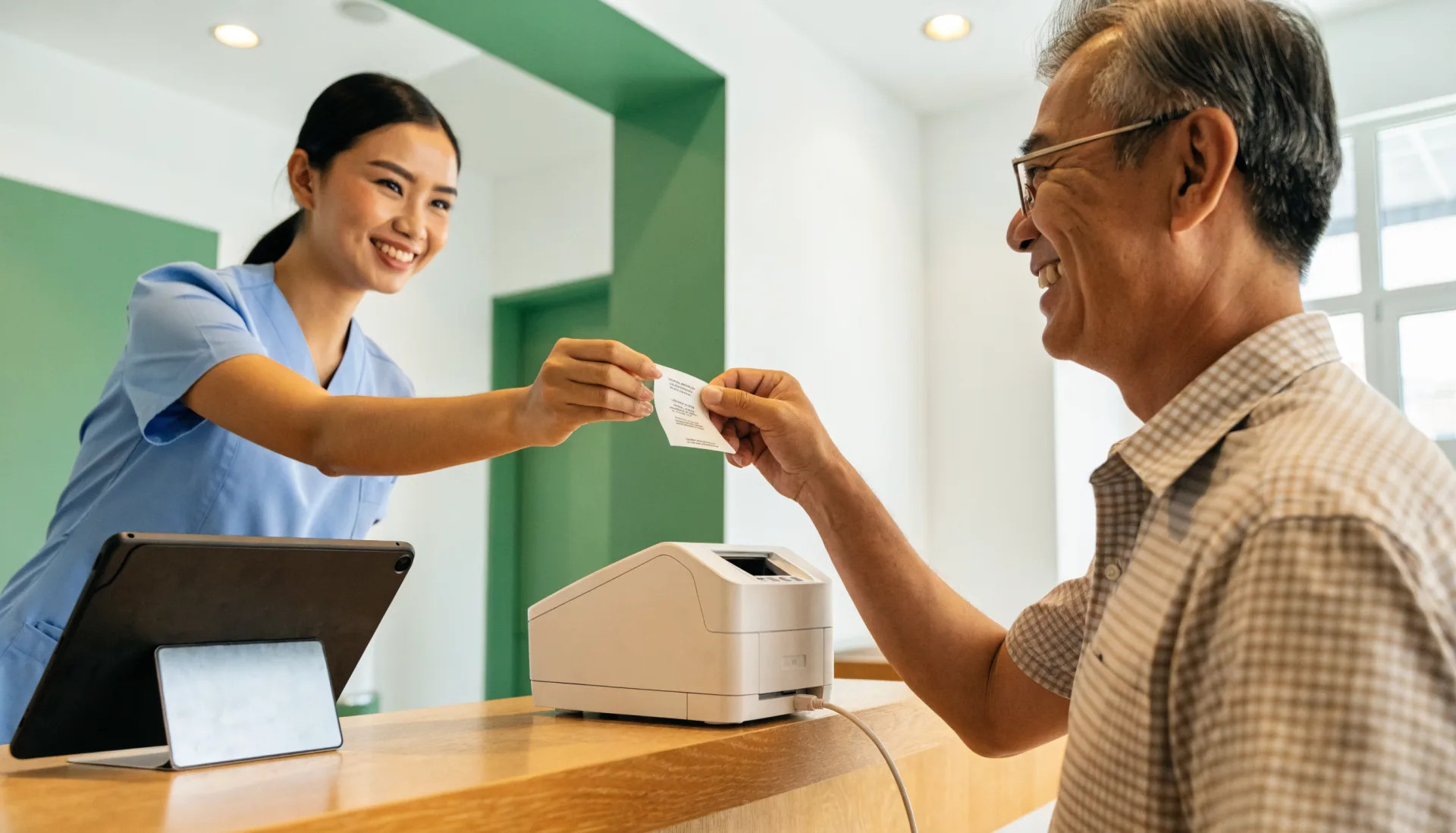
Take payment
Cash, your own e-wallet QR, or your own card terminal — or a deposit with the balance due next visit. Fuze records it.
- 6
Read the week
Services, consultations per doctor, and the busiest days, on your phone.
The Fuze moment
One sale. Everything connected.
A patient books a cleaning with Dr. Cruz on Thursday. One appointment — and six things update from it.
An appointment book records a time. The POS connects it to the reminder, the room, the bill, the receipt, and the numbers you run the clinic on.
Built for the way you work
The features that matter here
Appointments per doctor and room
A schedule per practitioner with rooms and chairs as units, and a guard against double-booking built into the system.
- Per-doctor calendar
- Rooms and chairs
- Reschedule and no-show tracking
Online booking requests
Turn on booking on your store link and patients request a slot with a service and a doctor. You confirm; nothing is booked behind your back.
Chart and prescription references
The Dental template adds a patient chart number and treatment; the Optical template adds a prescription reference and lens type — on the sale and the receipt.
Packages as bundles
Sell a course of sessions or a treatment plan as one bundled item with its own price.
Before and after
What changes when it is all in one place
| Task | Before Fuze | With Fuze Store |
|---|---|---|
| Booking | Before FuzeAn appointment book | With Fuze StoreA per-doctor calendar that refuses a clash |
| Reminders | Before FuzeCall each patient | With Fuze StoreAutomatic texts |
| Walk-ins | Before FuzeA crowded waiting room | With Fuze StoreA queue that texts them |
| Billing | Before FuzeA laminated price list | With Fuze StoreServices and supplies on one sale |
| The receipt | Before FuzeHand-written | With Fuze StoreItemised, with the patient’s name |
| The week | Before FuzeUnknown | With Fuze StoreConsultations per doctor on a report |
The owner’s view
Finally see what is happening in your business
SmileCare Dental — Demo Clinic
Illustrative dataToday's sales
₱46,500
as of 5:30 PM
Appointments
34
4 walk-ins, 2 no-shows
Average visit
₱1,368
incl. supplies
Top service
Cleaning
14 today
Consultations per doctor today
- Dr. Cruz14
- Dr. Santos11
- Dr. Lim9
What changes
Two no-shows cost an hour of chair time each; the reminder text went out to the twelve who came and not to the two who booked by phone — put every booking on the board.
Numbers shown are demo data for illustration, not a real store.
Start small, grow
Fuze grows with the business
- 1
Start simple
One clinic, one tablet at reception, your services priced, doctors and rooms set up, and appointments on a calendar instead of a book.
- Services and prices
- Appointments per doctor and room
- Patient references on the sale
- Itemised receipts
- 2
Get organised
Reminders that go out on their own, a queue at the door, roles for each desk, and a drawer that reconciles.
- Reminder texts
- Waiting list
- Roles for reception, cashier and doctors
- Cashier sessions
- 3
Grow
A second branch, supplies counted across both, and reports that compare them.
- Multiple branches under one organization
- Supply stock and purchase orders
- Reports across branches
Setup
What Fuze Sets Up For You
Pick Dental Clinic when you create your store.
Pick one of the 6 business models above during setup and Fuze presets the rest.
Also covers Optical Clinic, Medical Clinic.
Frequently Asked Questions
Book it right, remind them, and bill it once.
Fuze Store is free during Early Release — no credit card required.

More industries